
Counter-Strike 2 Hub - Live Player Count, Guides, Tools, Maps & Commands
Who is playing CS2 right now, counted every 10 minutes, and everything I keep on the game: settings and performance guides, binds and scripts, callouts for the competitive maps, weapon stats, ranks, skins, and browser tools that run without installation.
The live numbers did not load. The full pages still work: CS2 Player Count, CS2 Community Servers.
CS2 right now
Busiest map, country and mode at the last check, the week in your own time, and the fullest community servers by mode
When CS2 community servers are played
-is the busiest hour in your time, - most of all. Average real players over the last 30 days, brighter is more. The gold square is right now.






-
IEM Beijing 2026 Playoffs · Quarterfinal 1
-
IEM Beijing 2026 Playoffs · Quarterfinal 2
-
IEM Beijing 2026 Playoffs · Semifinal 1
-
IEM Beijing 2026 Playoffs · Semifinal 2
-
BLAST Rivals Fall 2026 Group Amoved

Latest results
-
IEM Beijing 2026 Group A · Lower Bracket Final
-
IEM Beijing 2026 Group A · Upper Bracket Final
-
IEM Beijing 2026 Group B · Lower Bracket Final


CS2 tools, by what you need done
Everything runs in the browser. Nothing to install, no sign-up.
Check a player or a server
Who is behind a SteamID, what an inventory is worth, who is really on a server
CS2 Player Count
Steam's own number every 5 minutes. Peaks, record, busy hours, months and days, CS2 against CS 1.6.
peak 24 h -open → -real players on CS2 community servers nowCS2 Community Servers
Every community server in the Steam list, asked one by one. Fakes and bots out. Server, map, mode and country pages with history.
every 10 minopen →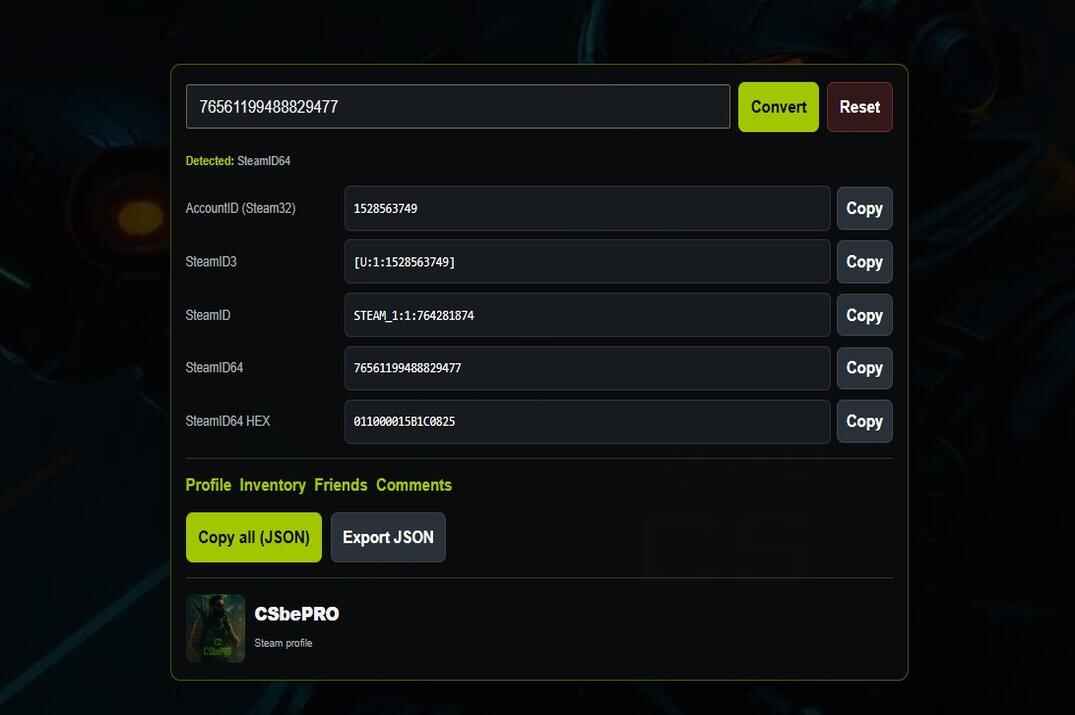
SteamID Lookup
Any ID or profile link in, every format out. Bans, account age, CS 1.6 and CS2 hours, what they play now.
link → formats · bansopen →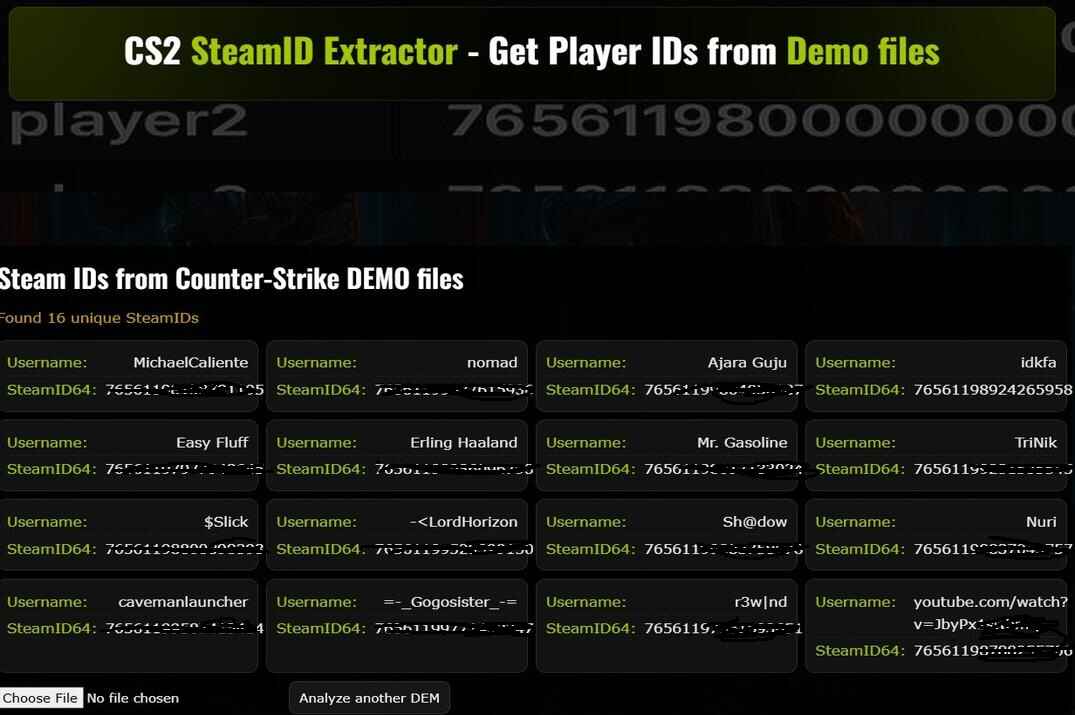
SteamID Extractor
Drop a CS2 demo, get every player's SteamID64 with the nickname. For reports and demo reviews.
.dem → idsopen →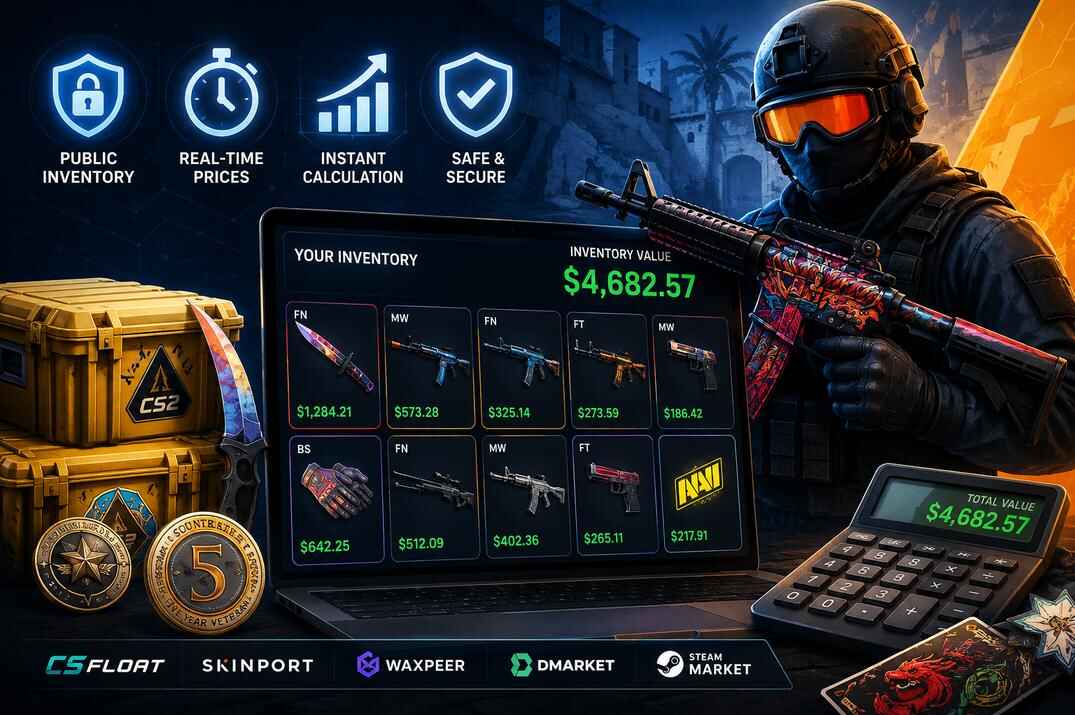
Inventory Value
What a public CS2 inventory is worth at current prices, and which items make up the number.
live pricesopen →Set up your game
Settings in, console lines out
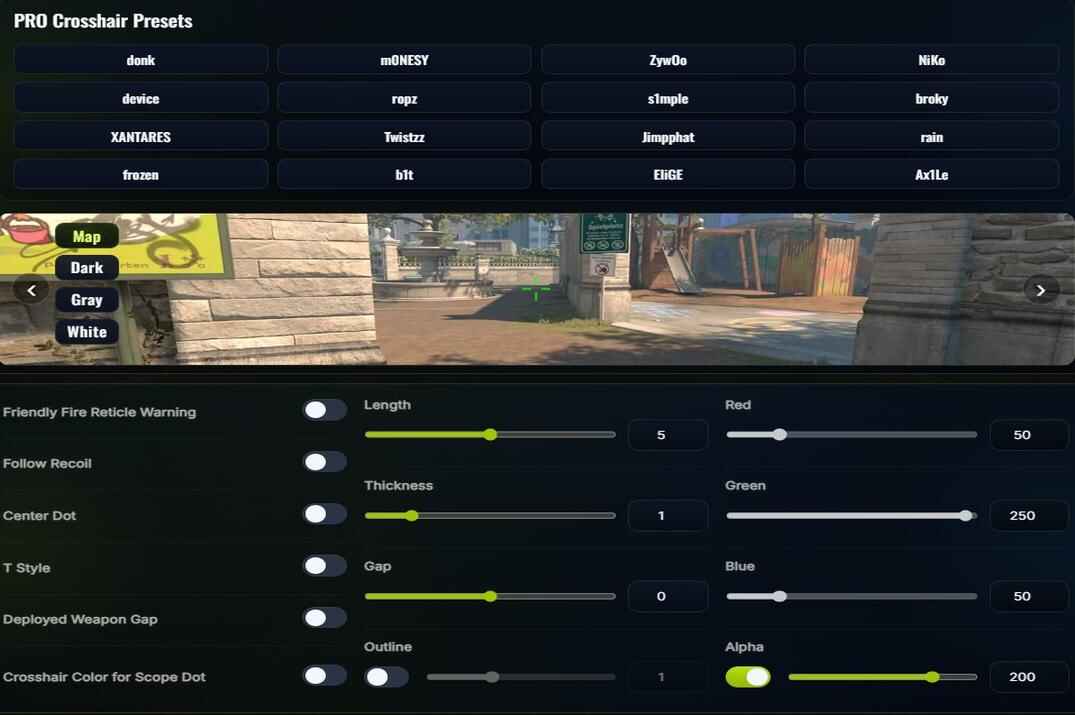
Crosshair Generator
Build a crosshair and watch it change as you go, or paste a pro's share code. Copy the code or the console lines.
share code · consoleopen →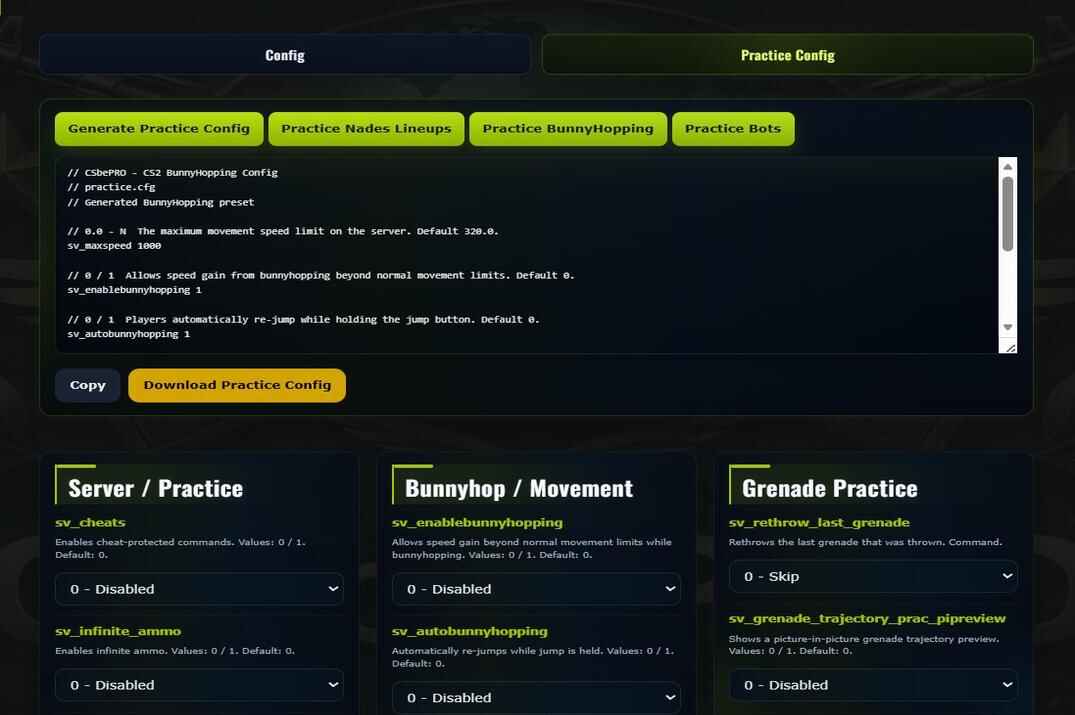
Config Generator
Sensitivity, viewmodel, HUD, radar and network. You get an autoexec.cfg with only the lines you changed.
autoexec.cfgopen →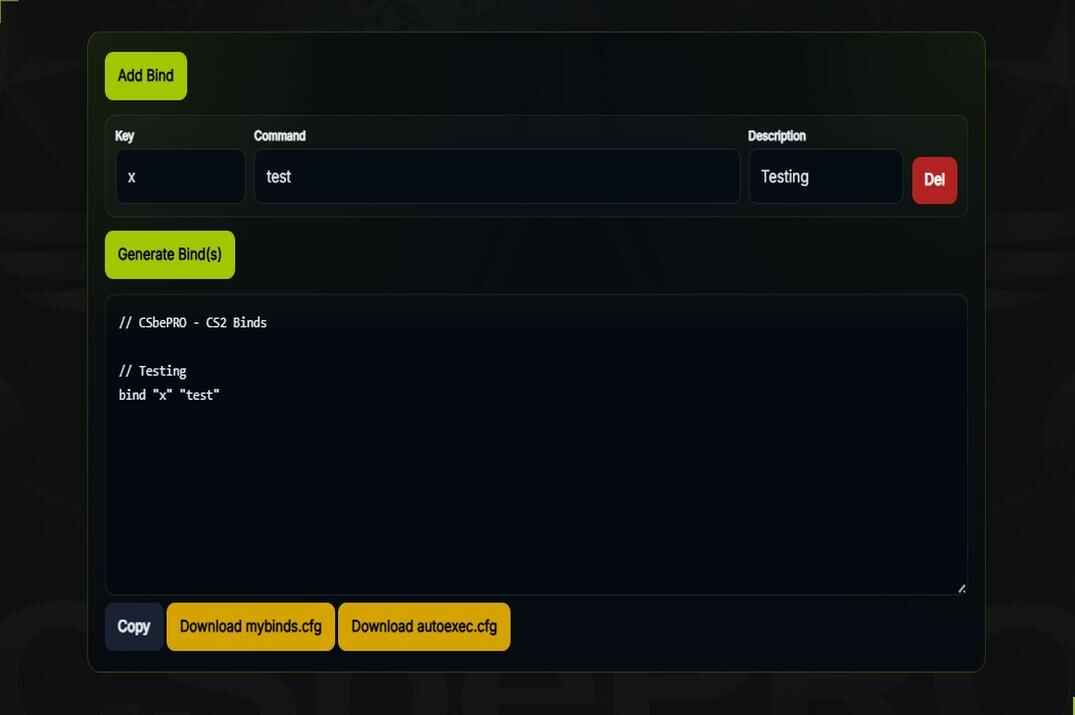
Binds Generator
Pick a key, pick what it does - buy, grenade, jump throw, toggle. The whole set comes out as one block to paste.
binds · aliasesopen →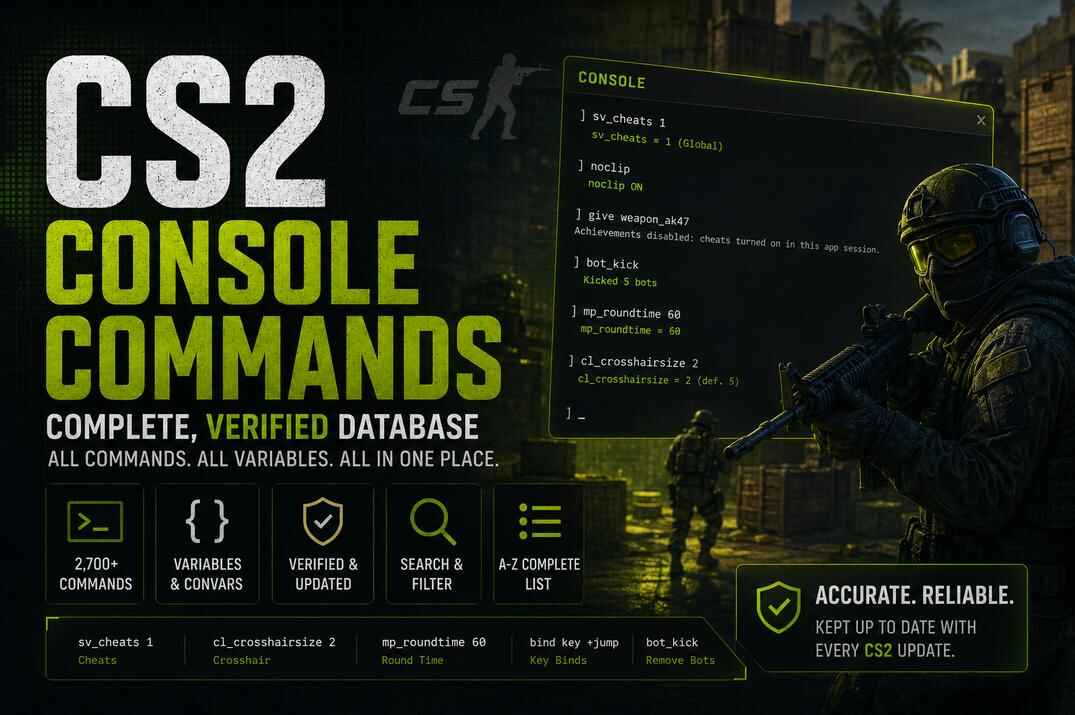
Console Commands
Every CS2 command by category and A-Z, with what it does and what to type.
14 categoriesopen →
Launch Options
Source 2 launch options for CS2, with commands and what each one really does.
-novid · -high · +fps_maxopen →CS2 sections
Every part of the hub: guides and scripts, maps and weapons, ranks, skins, console commands and the FAQ.
CS2 Guides
Settings, performance, FPS fixes and core game mechanics.
settings · fps · mechanicsopen →
CS2 Scripting
Binds, aliases and toggles, plus macro setups for Logitech, Razer, Bloody and HyperX software.
binds · aliases · macrosopen →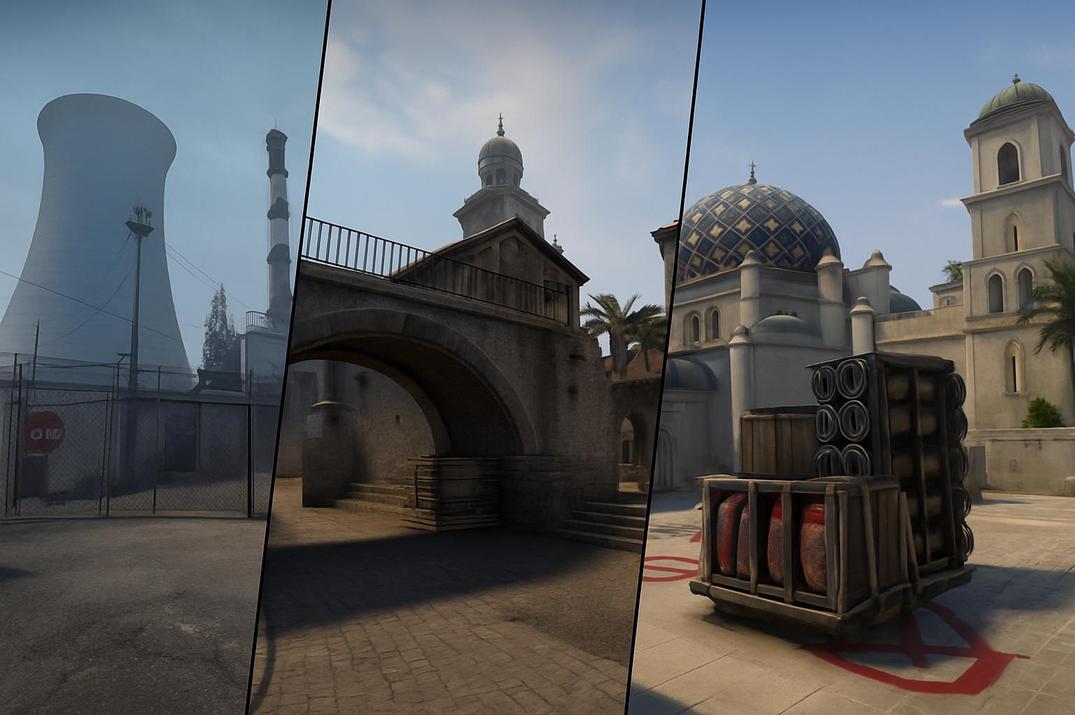
CS2 Maps
Callouts, layouts and T/CT tactics for Premier, classic and other CS2 maps.
12 maps · calloutsopen →
CS2 Ranks
Competitive, Premier and Profile XP are three separate systems. What each one measures.
Premier · Competitive · XPopen →
CS2 Weapons
34 guns with spray patterns, damage per hitbox, armor penetration and kill rewards. Sort and compare.
34 guns · compareopen →
CS2 Skins
1954 skins by weapon, collection and case, with prices and rarity.
prices · rarityopen →
Console Commands
Every command sorted into 14 categories and the full A-Z list.
14 categoriesopen →
CS2 F.A.Q.
Over 130 questions across 8 topics: gameplay, performance, settings, weapons, maps, skins, ranks and Premier.
130+ answersopen →CS2 maps & callouts
Callouts, layouts, routes and T/CT tactics for every map on the site. The number under each map is how many people play it on community servers right now.
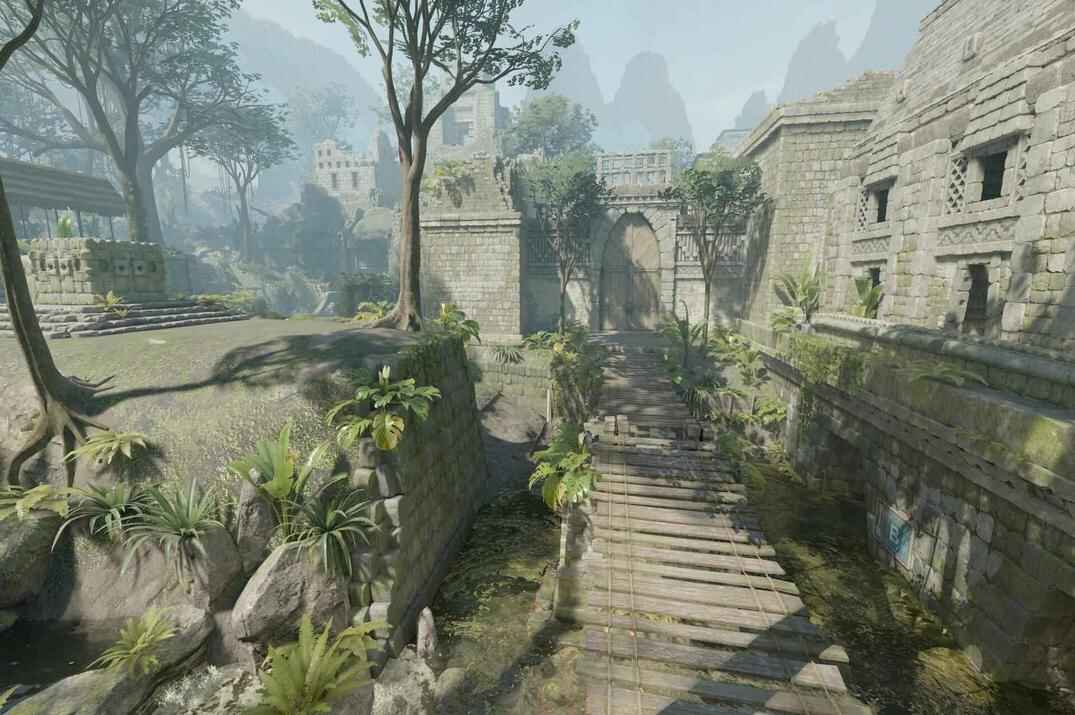 // premier
Ancient
> Read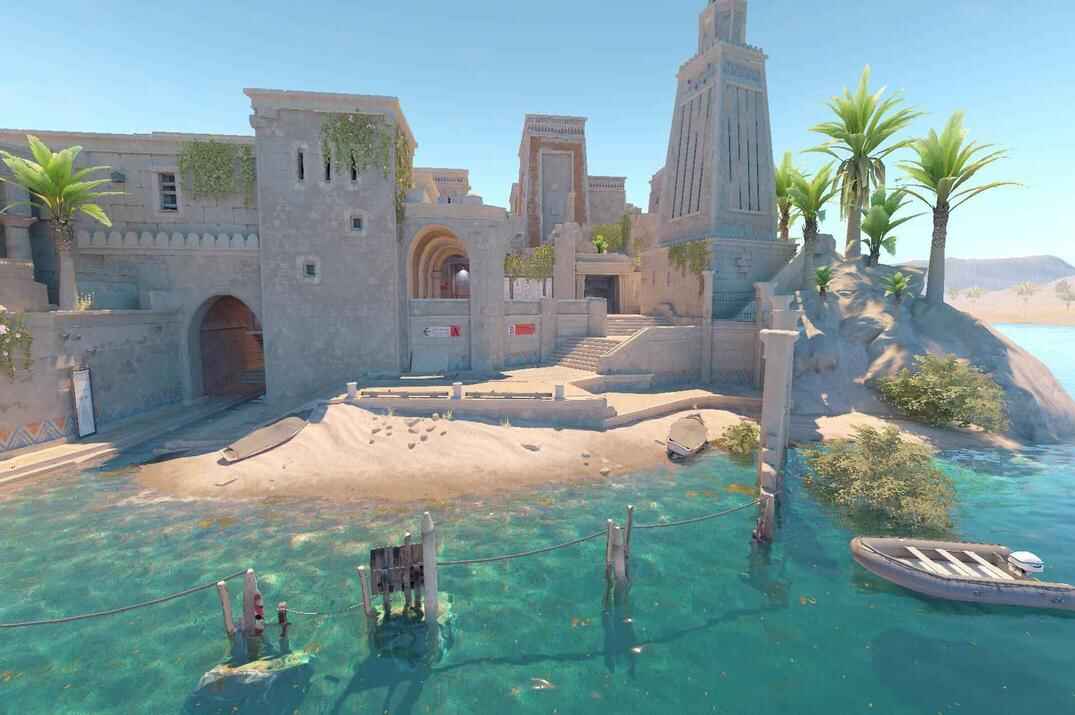 // premier
Anubis
> Read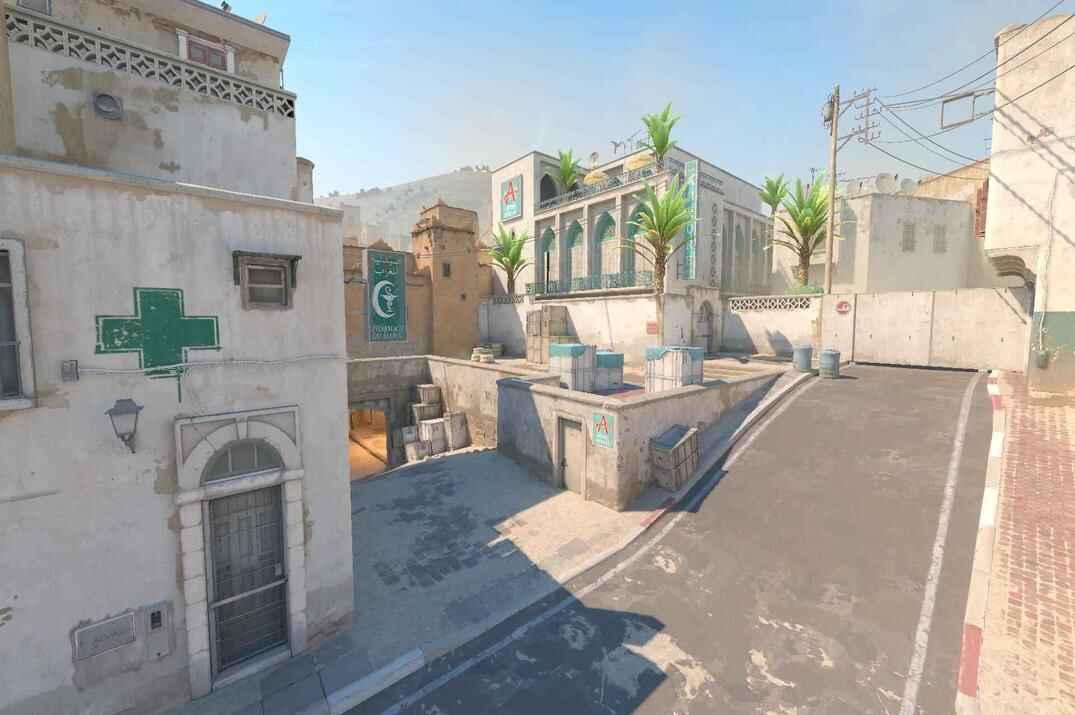 // premier
Dust2
> Read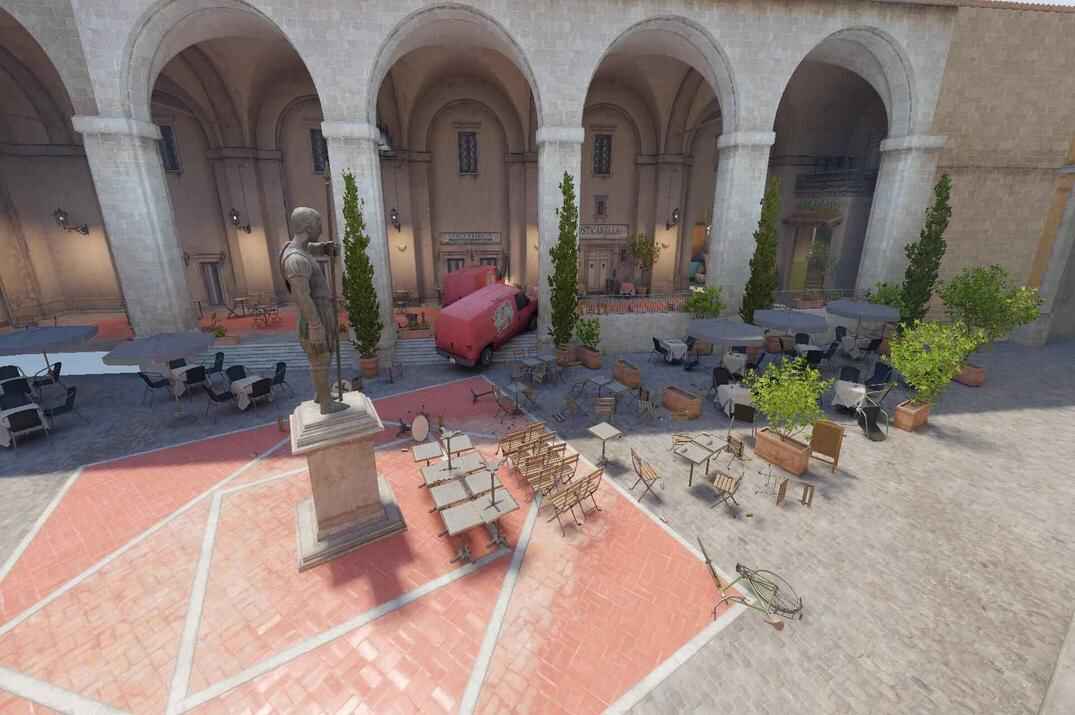 // premier
Inferno
> Read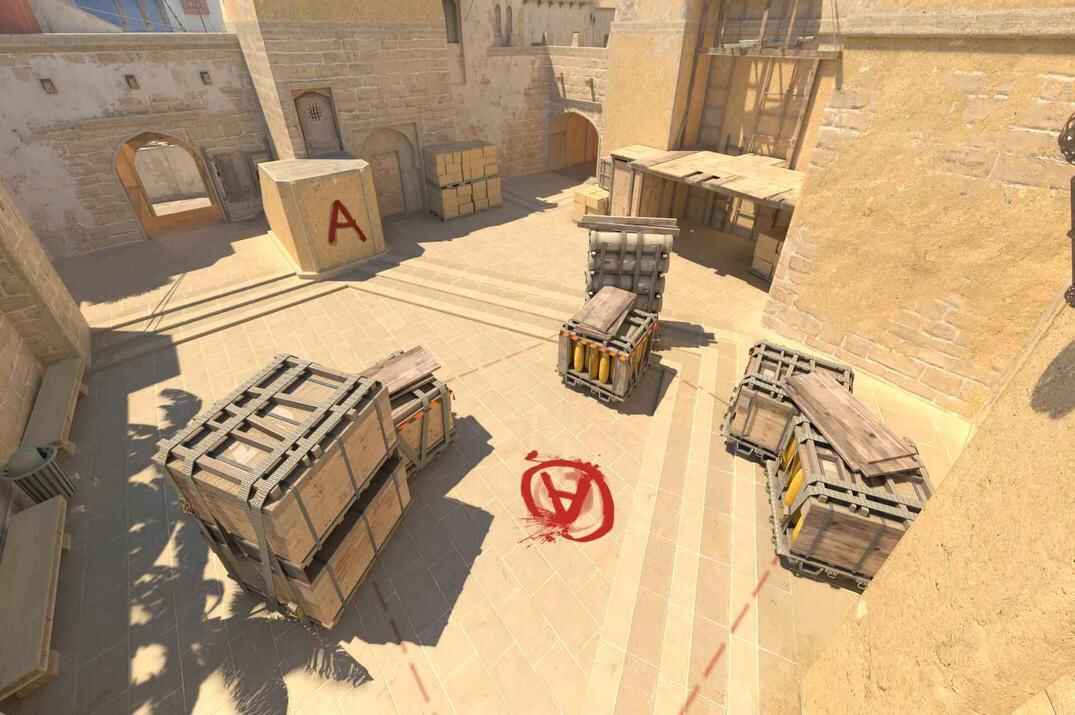 // premier
Mirage
> Read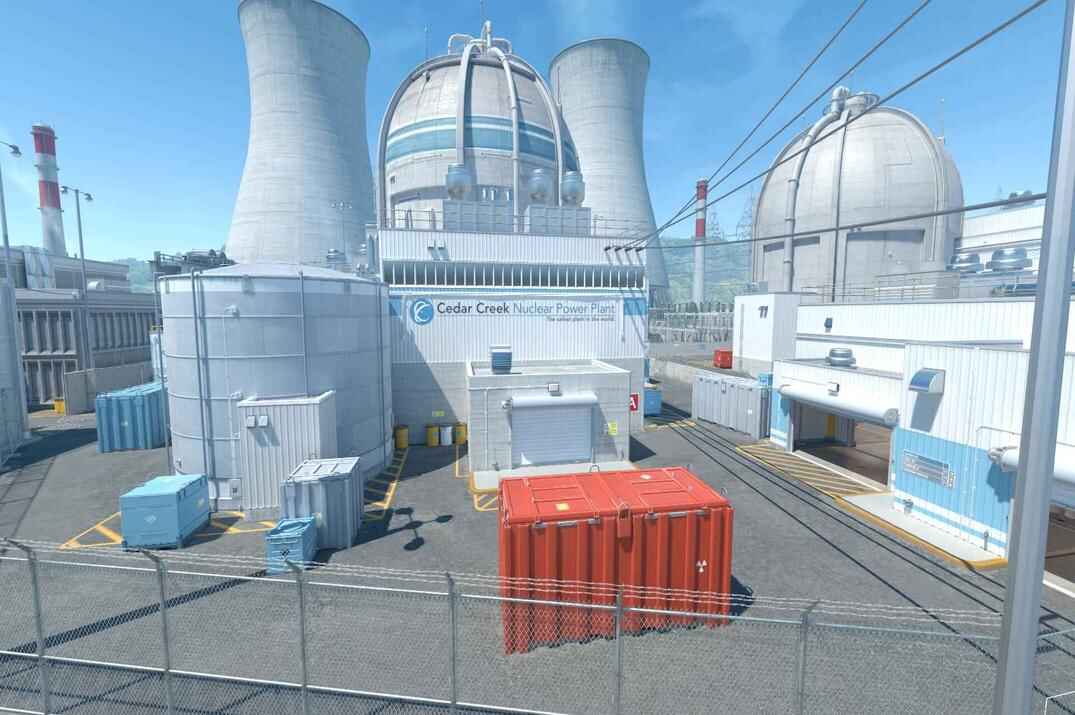 // premier
Nuke
> Read // premier
Overpass
> Read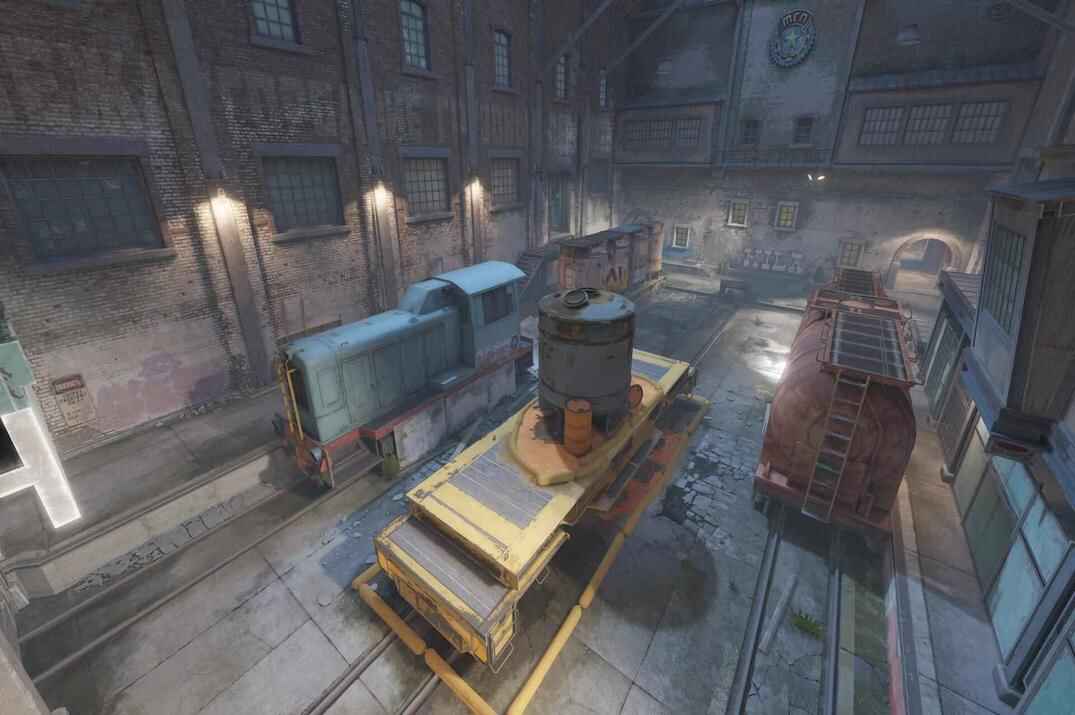 // competitive
Train
> Read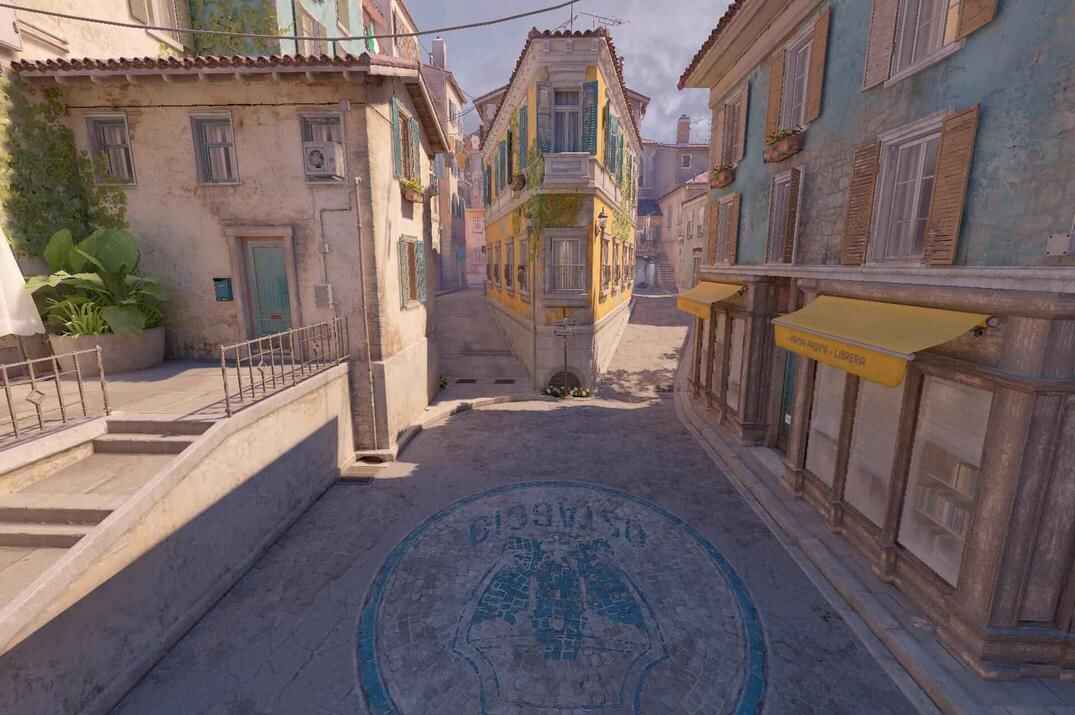 // competitive
Italy
> Read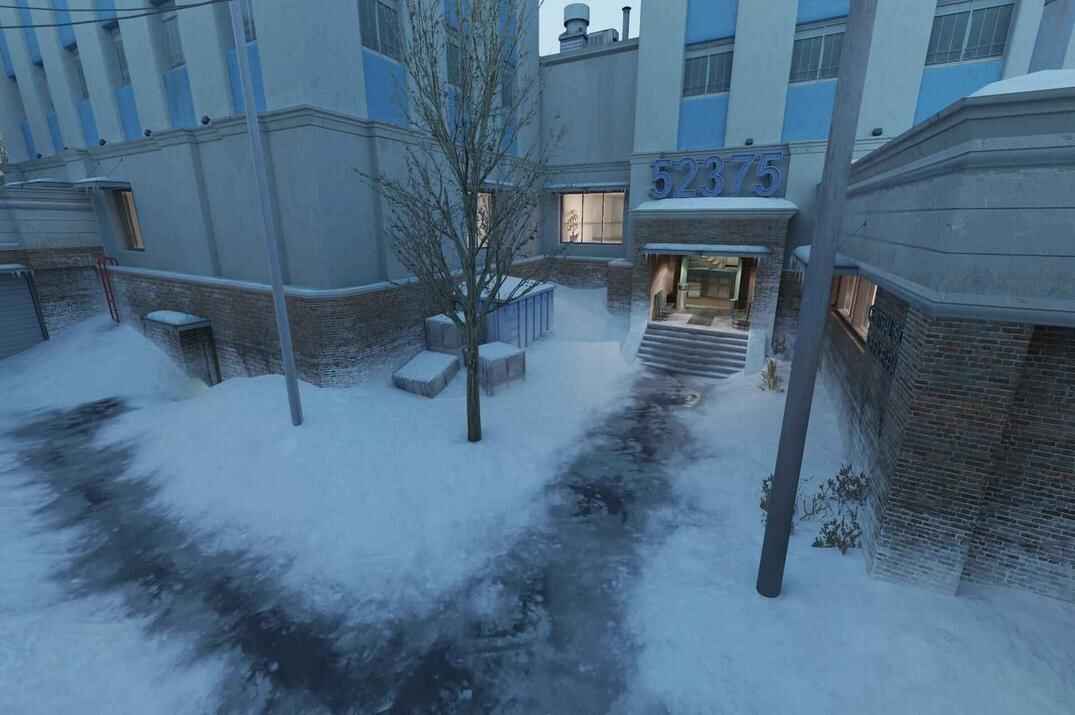 // competitive
Office
> Read // competitive
Vertigo
> Read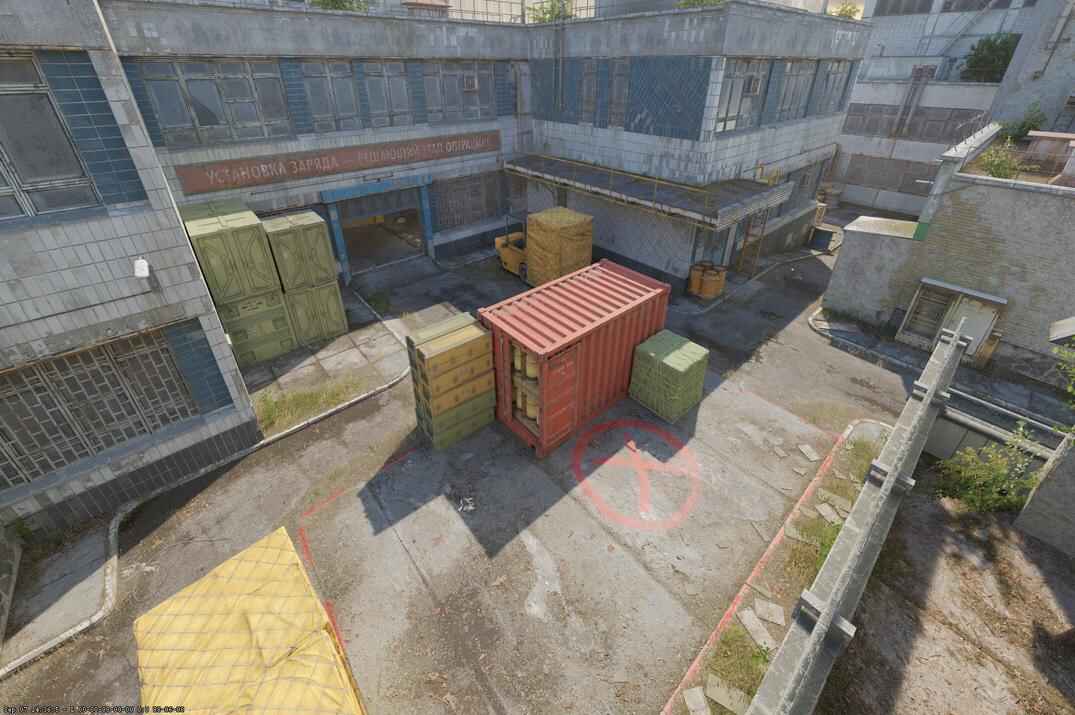 // competitive
Cache
> ReadScripts, binds & macros
Console scripting with aliases and toggles, plus macro setups in mouse software. Written and tested, not copied off a forum.
Scripting in CS2
From Scratch
From basic to advanced scripting - how the console parses commands, how aliases chain, and which commands and scripts CS2 currently allows.
Read the guide →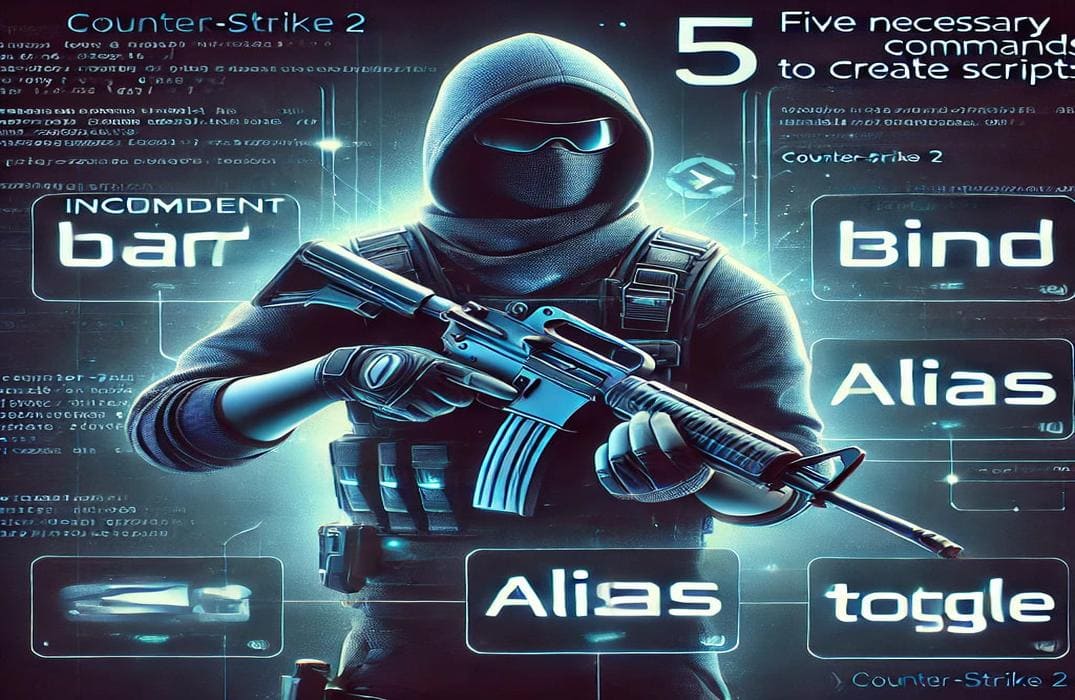
Five Commands
bind, alias, toggle, incrementvar, exec. Everything else is built out of these five.
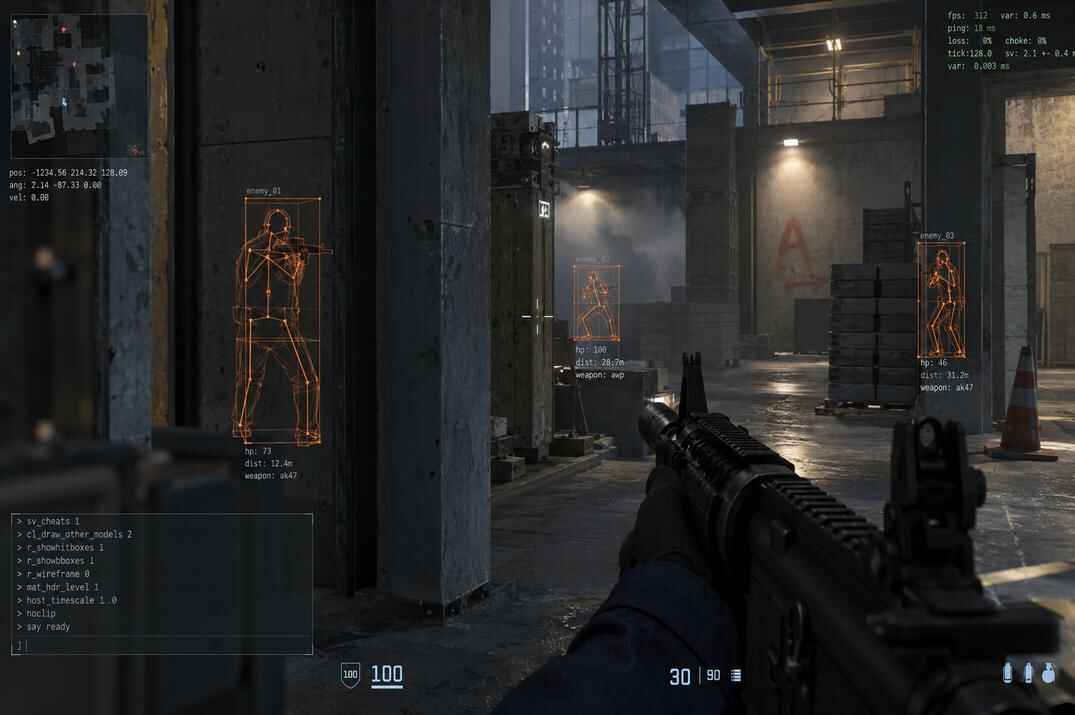
Legal Wallhack
Hitbox overlays and proximity numbers through walls, on a single toggle key. Offline only, VAC safe.
Useful Scripts
Working scripts you can copy and paste - quick rotate, display toggles, aliases and other useful commands.
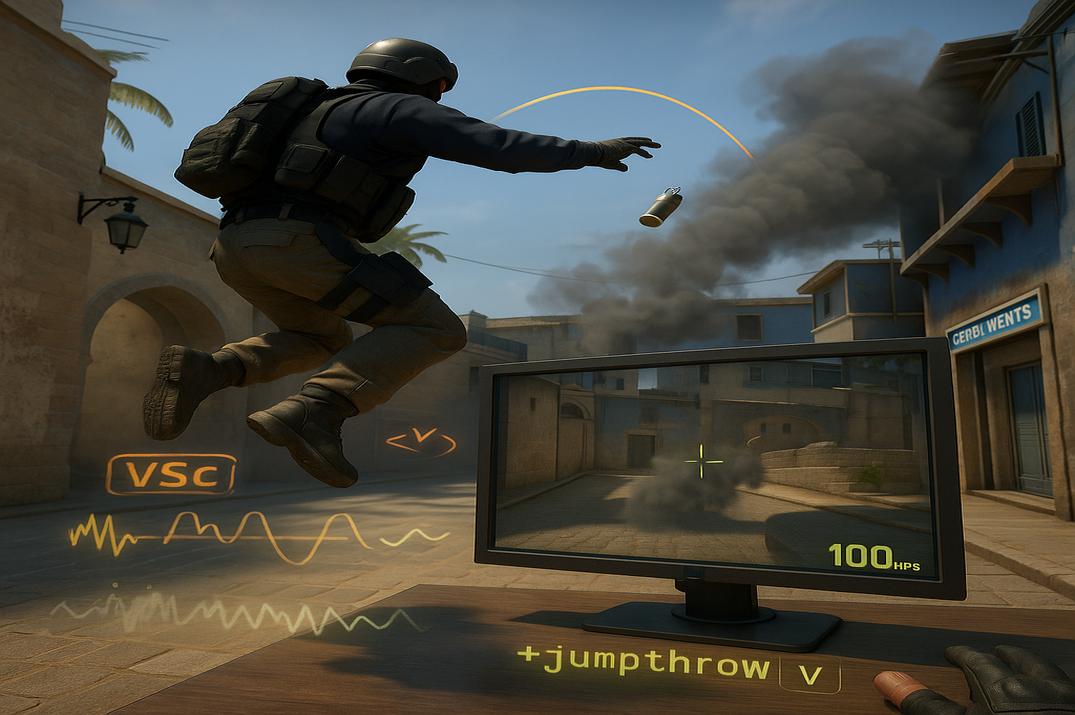
Jump Throw
Jump throw binds and scripts, including what still works after Valve's restrictions.
Useful Binds
Grenade binds, buy binds, jump on the mouse wheel and other useful key bindings.

System requirements & performance
What Valve requires, what hardware makes sense, and how three real PCs perform.
Minimum Specs
- OSWindows 10
- CPU4 threads, i5-750 class
- RAM8 GB
- GPU1 GB, DirectX 11
- Storage85 GB
These specifications are enough to run CS2, but not necessarily to maintain good performance.
Worth Buying
- CPURyzen X3D, or high-clock Intel
- RAM16 GB, dual channel
- GPUGTX 1060 class and up
- StorageSSD
- Monitor144 Hz or higher
Spend on the CPU first. For CS2, CPU performance often becomes the limiting factor before GPU performance, especially at low settings.
It's the CPU
CS2 is heavily CPU-dependent, especially at low settings and resolutions. Low settings, a stretched resolution and simple geometry leave the GPU idling. Low settings and lower resolutions reduce GPU load, while the CPU still handles game simulation, networking and player input.
Counter-Strike has traditionally depended heavily on CPU performance. CS 1.6 on the software renderer runs with no graphics card at all - the processor draws every frame on its own.
Same map, same resolution, same in-game and driver settings on all three. The only variable is the hardware.
Asus FX505DT
Newest GPU here. Slowest result here.1% low 44.6
- CPURyzen 5 3550H · 2.1 GHz
- GPUGTX 1650 Mobile
- RAM16 GB DDR4
HP Pavilion 580
Older GPU. Twice the frames.1% low 114
- CPUCore i5-7400 · 3.0 GHz
- GPUGTX 1060
- RAM32 GB DDR4
Asus ROG
Bought for CS2 almost three years ago.1% low 284
- CPURyzen 7 7800X3D · 4.2 GHz
- GPURTX 3070 Ti
- RAM32 GB DDR5
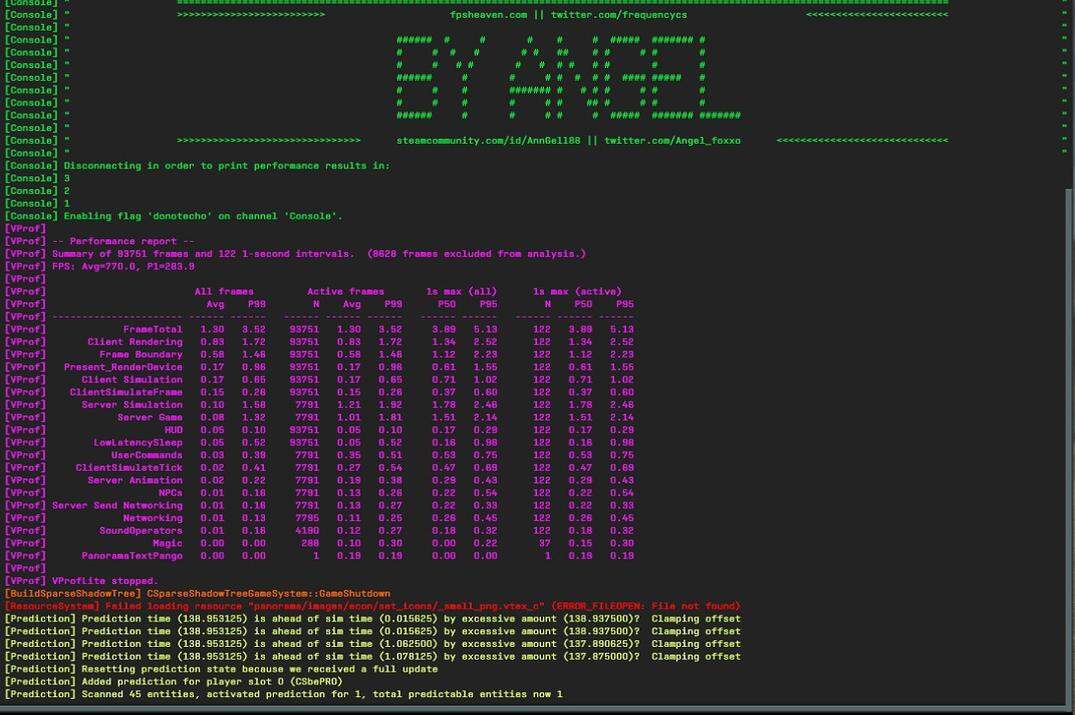
Dust2 Benchmark Map · 1280x960 stretched, fullscreen · low settings across the board, driver panel set to maximum performance · two runs per machine, second run recorded - the first is always a few frames short on a cold system. These numbers are high because the settings are built for frames, not for looks. On 1920x1080 native with default settings expect considerably less.