
CS 1.6 WAD Editor
Open a texture WAD in your browser: look through it, change textures, make your own
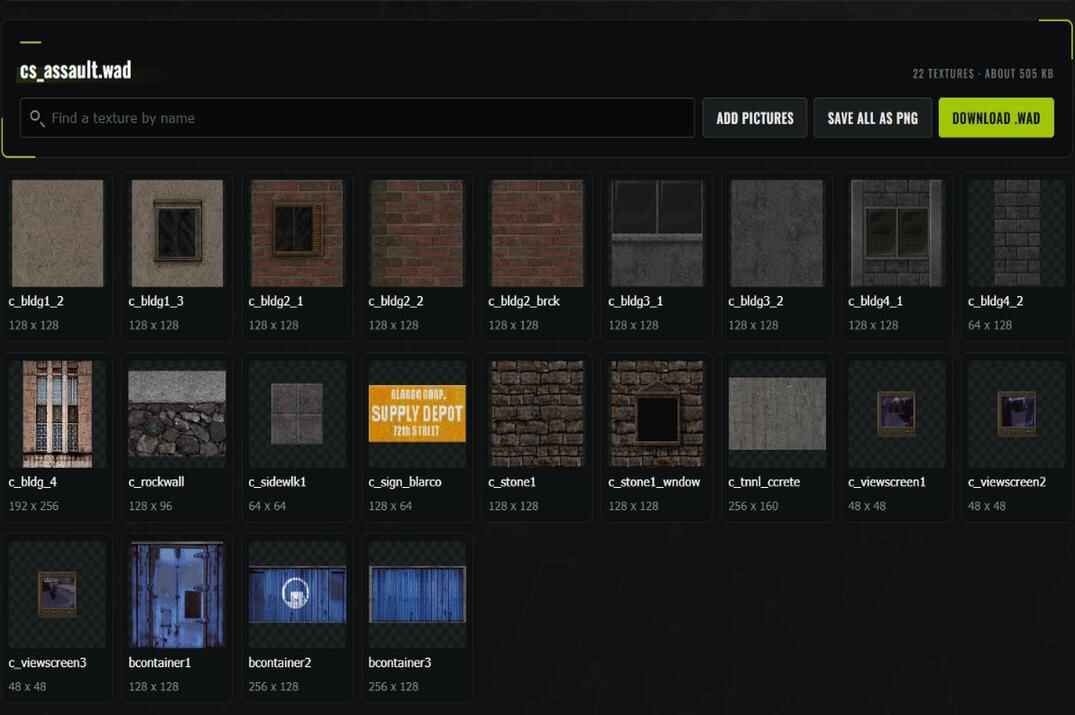
A .wad file is a box of textures that maps are painted with. Drop one below and you see every texture in it. From there you can recolour a wall, resize it, put text or a picture on it, cut holes in a fence, add your own pictures and download the new WAD.
It works with the WADs of Counter-Strike 1.6, Half-Life and custom maps. No WAD at hand? Drop a few pictures and the page starts a new one. Nothing to install.
Opening a CS 1.6 WAD File
Where the game keeps them and what you see
The textures of the standard maps are in Steam\steamapps\common\Half-Life\cstrike: cstrike.wad, cs_dust.wad, cs_office.wad and others. The ones from Half-Life are in the valve folder next to it, halflife.wad and decals.wad among them. decals.wad holds bullet holes, blood and scorch marks.
Drop the file into the box at the top of the page, or press Pick files. A copy opens on the page, the file on your computer stays as it is.
- Search and filters
- Type part of a name to find a texture. The chips under the search show only one kind: see-through, animated, water, random. Only the kinds the file has show up.
- One texture
- Click a card and the texture opens big, with its size, number of colours and kind. Small textures are shown bigger, pixel by pixel.
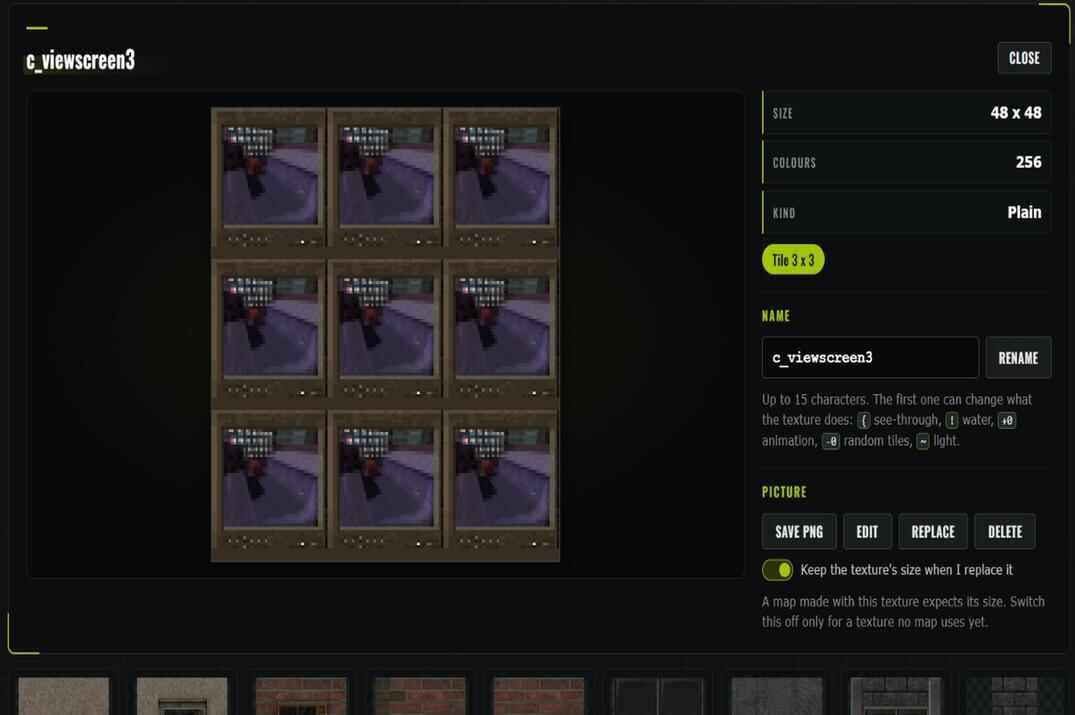
- Tile 3 x 3
- Shows the texture nine times side by side, the way it covers a wall. If the edges don't meet, you see the seam right away.
- Animation
-
Animated textures play on their own: open
+0laband you see all its frames in a row. - Save PNG
- Downloads the open texture as a picture. Save all as PNG puts every texture of the file into one zip.
Editing CS 1.6 WAD Textures Online
Colours, size, holes, text and pictures
Open a texture and press Edit. The controls take the place of the info on the right, and the texture on the left changes while you move a slider. Nothing goes into the file until you press Apply. Reset throws the changes away, Close the editor leaves without them.
- Colours
- Hue turns one colour into another, Saturation makes colours stronger or greyer, Brightness lighter or darker. Tint paints the whole texture in the colour you pick and keeps light and dark where they were.
- Size
- Width and height from 16 to 512 pixels in steps of 16, plus Half and 2x. A bigger texture keeps its look, every old pixel just becomes a block, and text you add afterwards comes out sharp.
- Turn, Mirror, Flip
- Turn by 90 degrees, mirror left to right, flip upside down.
- See-through
-
Press Pick on texture and click the colour you want to make transparent. Similarity controls how closely other colours must match it. On Apply, the editor adds
{to the texture name. If an existing map uses the original texture name, you'll also need to update it in the map editor. - Picture and text
- Put a badge from the set or your own picture on the texture, and add text with six fonts, a colour and an outline. Drag them on the texture to move them, the mouse wheel changes their size.
A map that is already compiled remembers the size of each texture. Change the size of a texture that map uses, and it comes out stretched or shifted on its walls. For a texture no map uses yet any size is fine. A new picture with Replace keeps the old size for the same reason, unless you switch that off.
Adding Textures and Creating a New WAD
From your own pictures to a WAD for your map
Add pictures turns PNG, JPG, WebP, GIF or BMP files into textures and puts them at the end of the list. Drop pictures without a WAD and the page starts a new file, textures.wad. That's the quick way to make a WAD for your own map.
- The size is brought to steps of 16, up to 512 pixels on the long side.
- Each texture gets 256 colours, the most the format holds. A drawing keeps its look, a photo loses some smooth shades.
- The name comes from the file name, cut to 15 characters. Spaces become
_. - A PNG with a see-through background gets a name with
{, so the holes stay holes in the game.
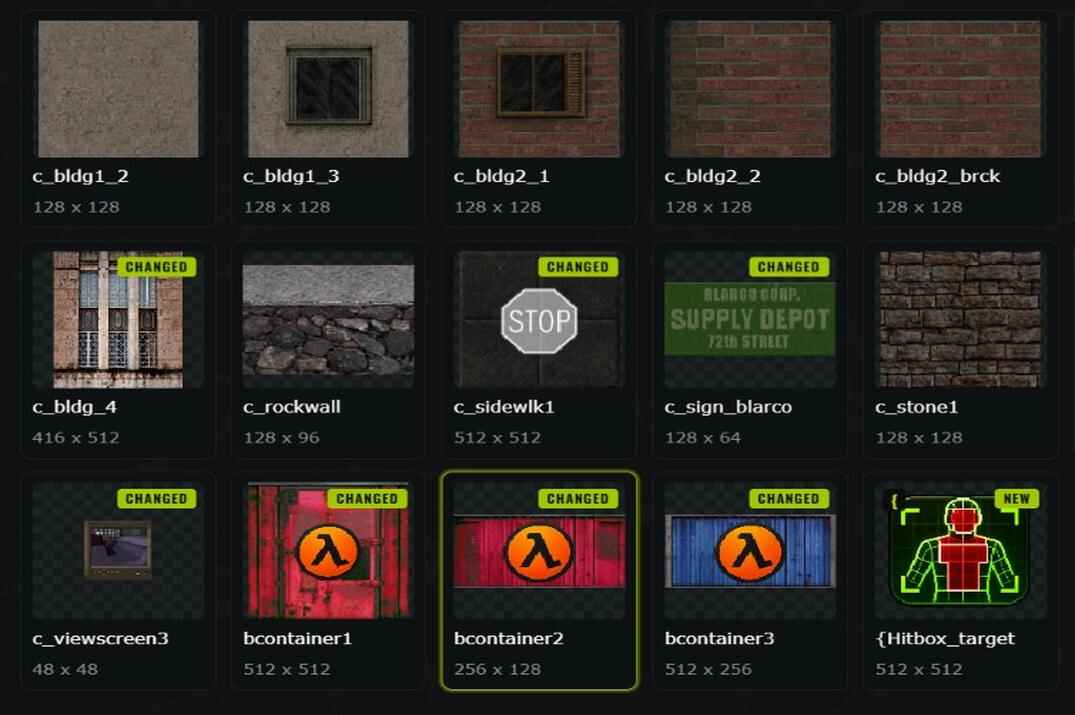
Delete takes a texture out of the file, and the message that follows has a Put it back button in case you clicked by mistake. The Changed filter shows everything you touched.
When you're done, press Download .wad. The file keeps its name, and the textures you didn't touch go into it exactly as they were.
Using Edited WAD Textures in CS 1.6 and Hammer
Where the file goes and who sees it
- Close the game.
- Copy the original WAD somewhere safe.
- Put the downloaded file in its place, under the same name.
- Start the game and load a map that uses the textures you changed.
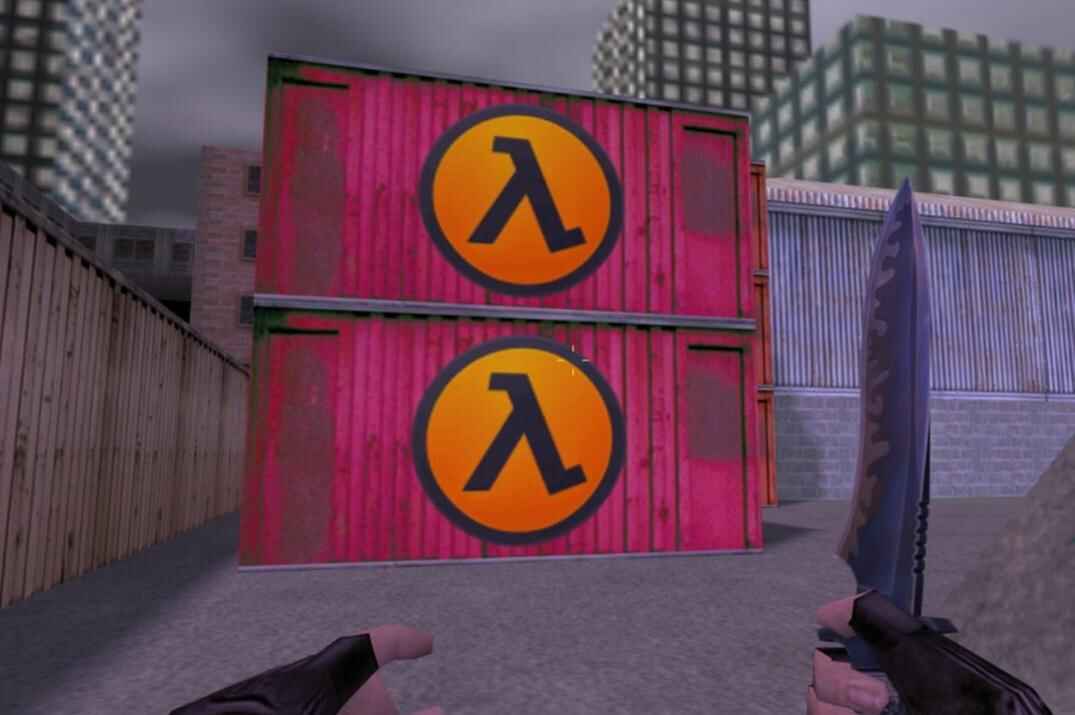
Changes to standard WAD files are visible only by you. Other players use textures from their own game folders. Custom maps can have textures embedded directly in the .bsp file or use external WAD files. If a map requires an external WAD, players must have that file installed.
Some maps keep their textures inside the .bsp instead of a WAD. For such a map changing a WAD does nothing, the map shows what it carries inside.
In Hammer or J.A.C.K. a WAD is added under Tools → Options → Textures with Add WAD. After that its textures are in the texture browser and you can paint brushes with them.