Counter-Strike 1.6 Skins Weapon and Player Models

Explore classic skins, weapon packs, and player models from the golden era of CS 1.6

Welcome to the CSbePRO skin collection for Counter-Strike 1.6 - a game that remains active on public servers and community projects around the world. This section brings together weapon skins, player models, and themed packs that let you refresh the visual side of CS 1.6 without changing its classic gameplay. From realistic weapon upgrades to bold fantasy redesigns, everything here is selected to give the game a cleaner, sharper, and more personal look.

In this section, you’ll discover:

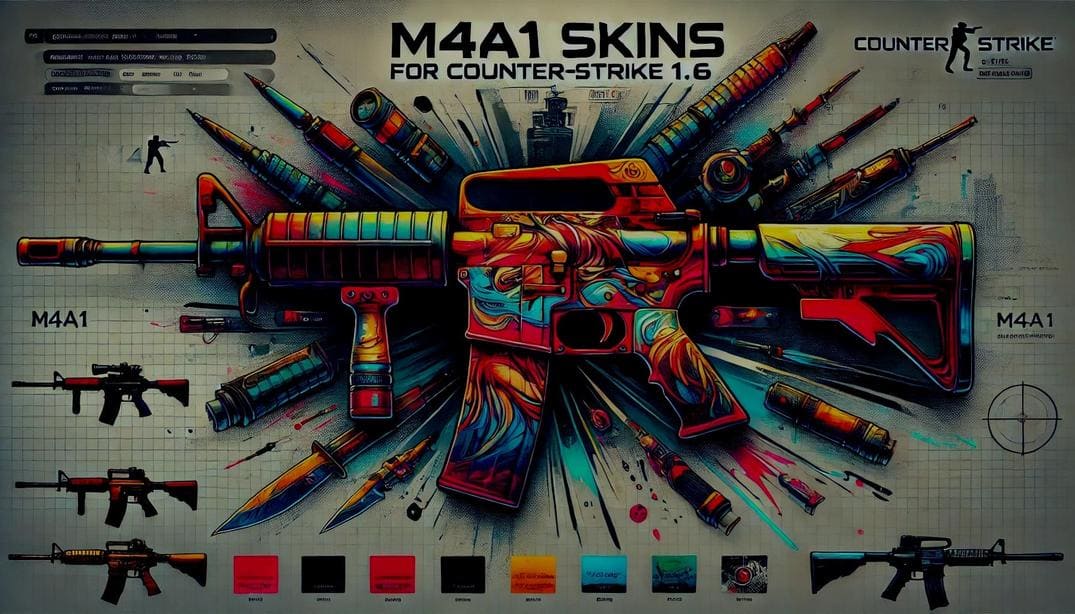
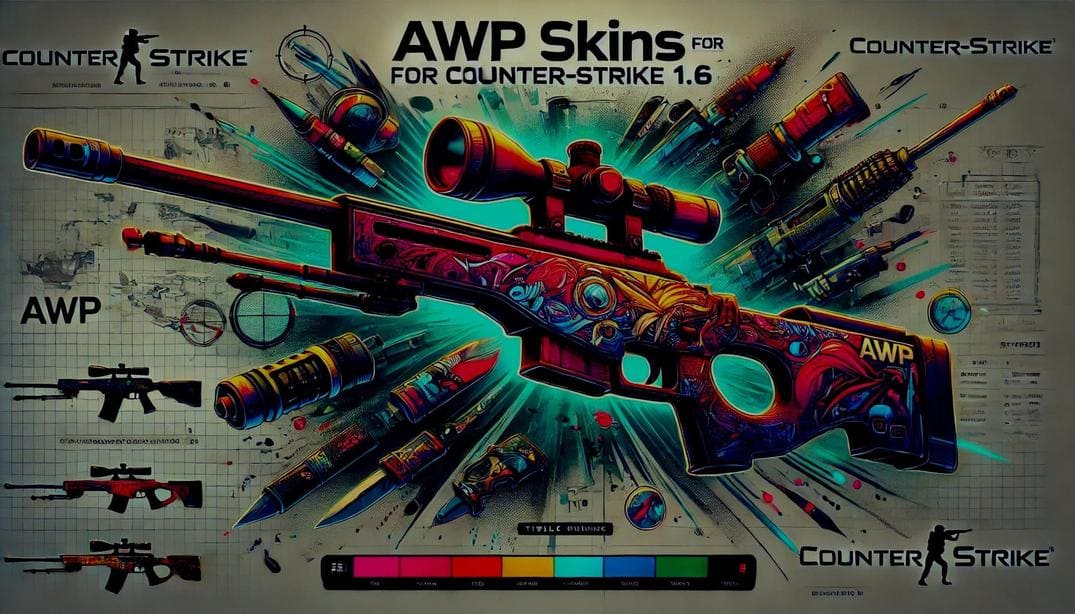
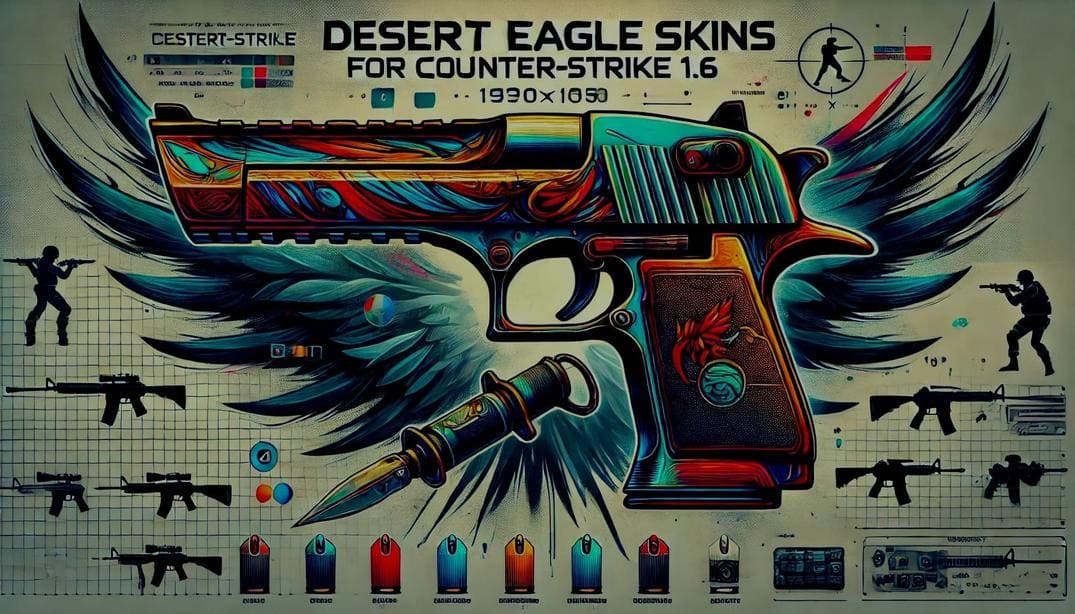
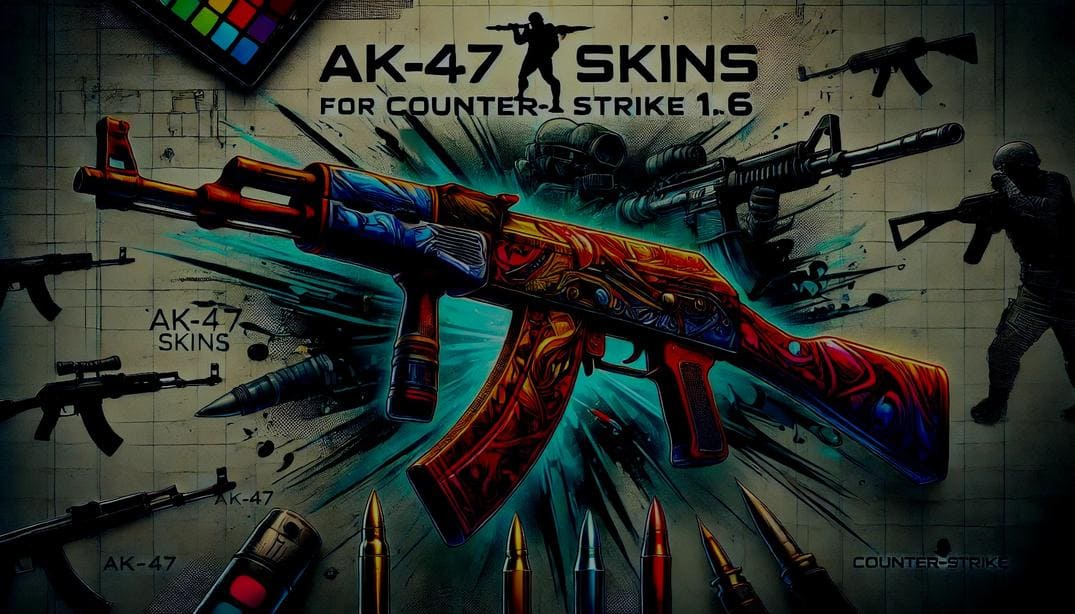
  • Weapon skins for iconic guns - AK-47, Desert Eagle (deagle), AWP, M4A1, and more. Whether you’re looking for a golden AK or a flashy camo AWP, you’ll find dozens of options here.
  • Player and team models - replace standard CT and TR characters with Ninja Turtles Squad, superheroes, cyber-soldiers, or even characters from famous movies.
  • Step-by-step installation guides with exact file paths, so everything works perfectly on the first try.
  • High-quality screenshots and direct download links - no unnecessary redirects or clutter.

All skins are tested in-game and ready to use. Files are structured correctly, installation paths are verified, and downloads are provided directly - no extra steps or confusion. Install what you like, load into a game, and play CS 1.6 the way it always felt - just with a new visual identity.

How to Install Skins in CS 1.6

Installing skins in Counter-Strike 1.6 is quick and easy - even if you’ve never done it before. Just follow these basic steps:

  1. Download the skin archive from my website.
  2. Extract the files using WinRAR or 7-Zip.
  3. Copy the extracted files into your CS 1.6 game directory (\cstrike\ folder).
  4. Replace the original files when prompted.
  5. Restart the game and enjoy your new look.

For a more detailed explanation with screenshots and extra tips, click the button below.

Full Installation Guide