CS2 Aim Test: How Fast Is Your Aim?
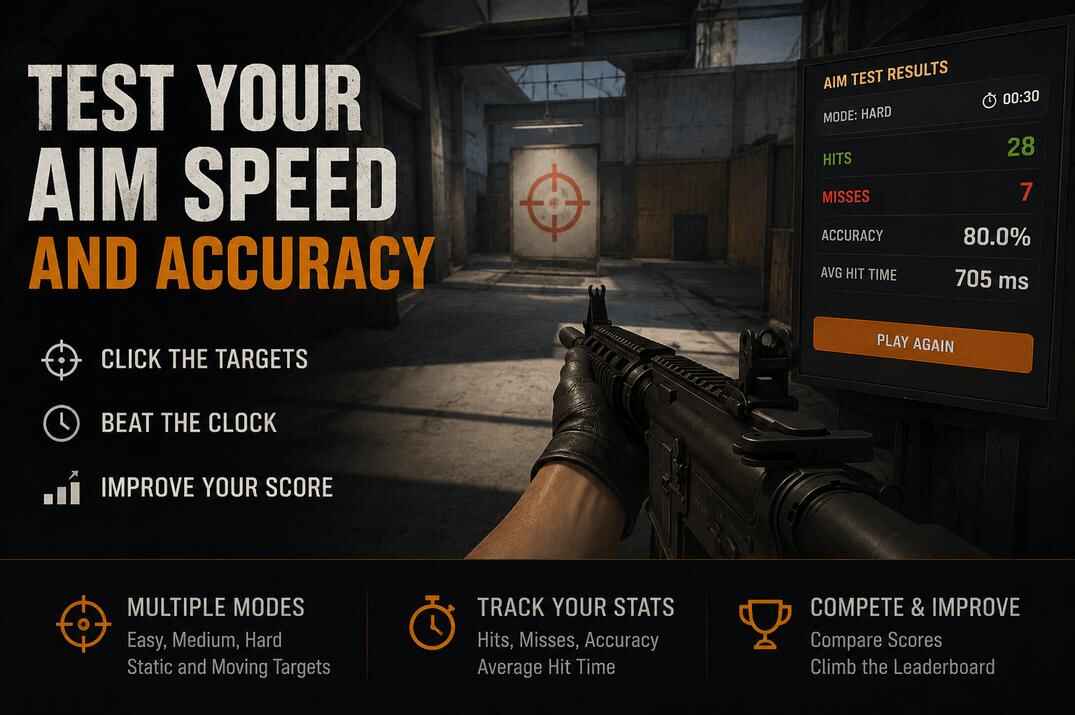
Most CS2 players are curious how fast they can click a target, but it is hard to see that clearly while playing a real match. This CS2 Aim Test is a simple online mini-game that gives you a quick number: hits, misses, accuracy, and average hit time.
It is not a professional training tool or a replacement for real practice in Counter-Strike 2. It is just a fun way to test your aiming speed, challenge yourself in different modes, and see how clean your target clicks really are.
CS2 Aim Trainer: Test Your Accuracy and Targeting Speed
Choose a mode, set your timer, and start clicking. The CS2 Aim Test tracks every hit, every miss, your accuracy percentage, and your average hit time. When the session ends, you get a clear breakdown of your targeting speed and consistency.
Three difficulty modes are available:
- Easy mode uses a large static target and gives you 45 seconds to build confidence.
- Medium mode uses a smaller static target with a short delay between targets, so you have to aim before clicking.
- Hard mode adds a moving target and a 30-second timer for a faster, more demanding challenge.
Play the CS2 Aim Test Online
How to Use the CS2 Aim Test
Easy mode is best for a quick warm-up or your first run. The target is large and static, so focus on clean clicks and steady accuracy.
Medium mode makes the target smaller and adds a short 200ms delay between targets. This prevents spam clicking and gives a better picture of your real targeting speed.
Hard mode uses a small moving target and a shorter timer. This mode tests tracking, reaction speed, and mouse control under pressure.
Click directly on the target to score a hit. Clicking anywhere else counts as a miss. Your hits, misses, accuracy, and average hit time are updated while you play. After the session ends, you can enter your name and save your result to the leaderboard.
Related CS2 Tests and Tools You May Find Useful
After a few aim runs, it makes sense to check the other side of the same skill: how fast you react, how clean you click, and whether your setup feels comfortable enough for quick target changes.
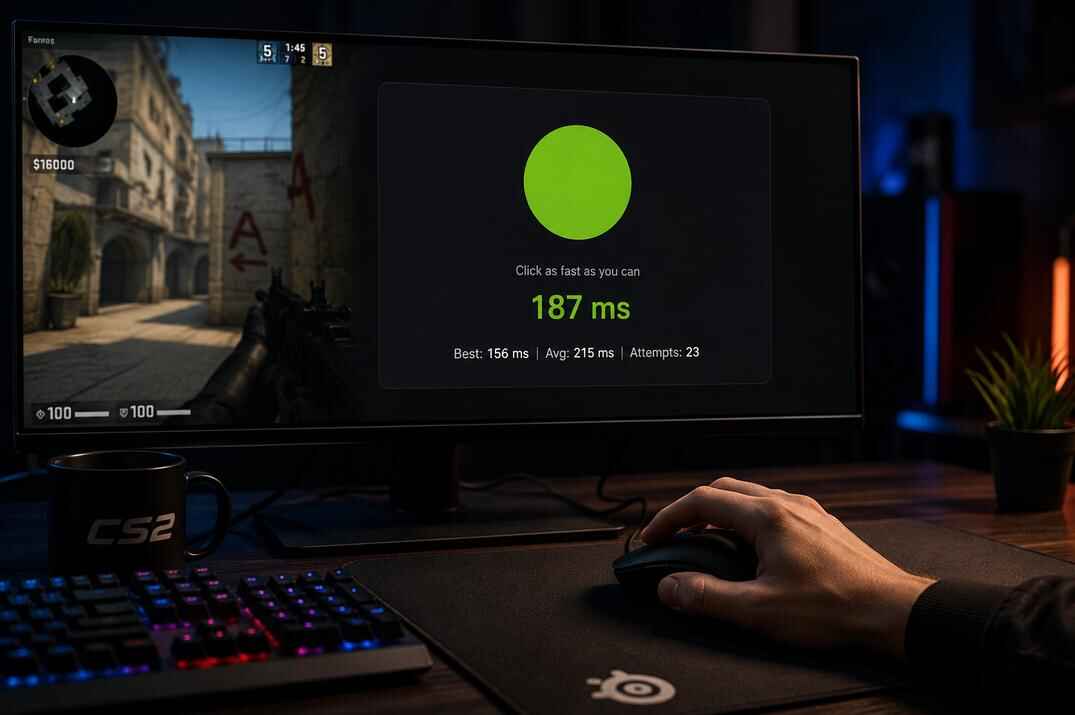
- CS2 Reaction Test - check your raw reaction time in milliseconds with Classic, Streak, and False Start modes.
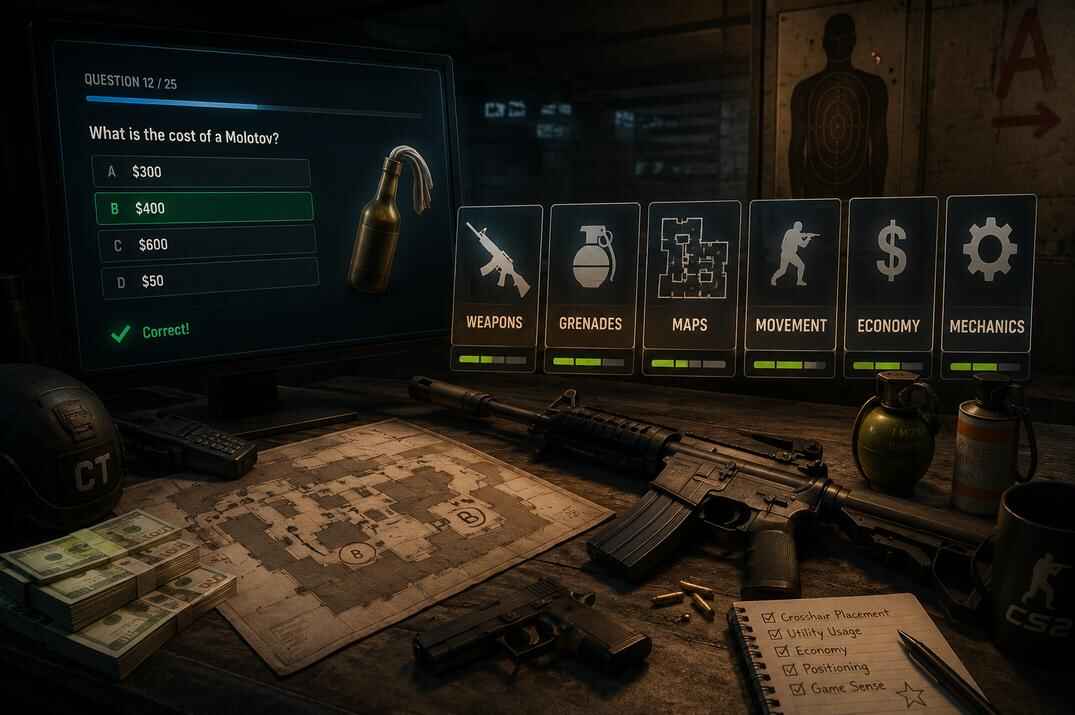
- CS2 Knowledge Test - switch from mouse skill to CS2 knowledge with 25 random questions about weapons, maps, economy, grenades, and mechanics.
For setup changes before another run:
- CS2 Crosshair Generator - build a cleaner crosshair, preview it, and copy the commands into CS2.
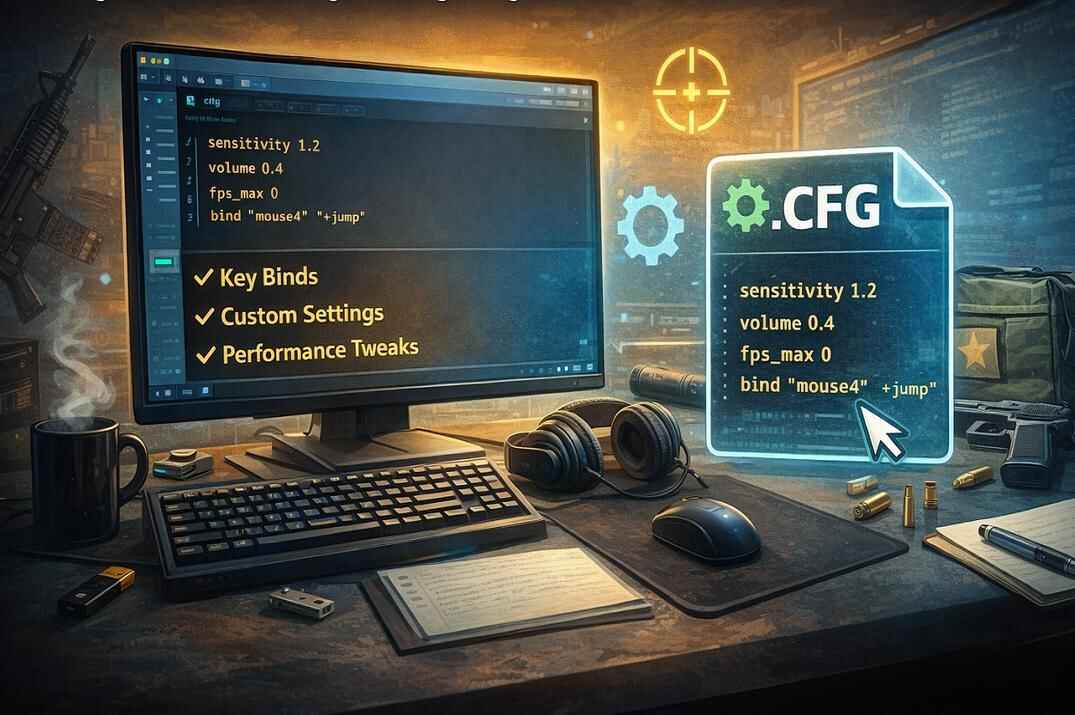
- CS2 Config Generator - save crosshair, HUD, radar, FPS, and practice settings in a ready-to-use config file.