

Counter-Strike 1.6 Mods Download
Six builds: the official Steam version, the original CS 1.6 build, and four custom editions with different models, sounds and interfaces.
There are six versions here: the official Steam release, the original standalone build, and four themed editions. The standalone versions use GoldSrc engine 1.1.2.7 (Build 4554), protocols 47 and 48, and include an unlocked master server list. No custom launcher, extra DLLs, or background processes.
The four themed editions replace models, sounds, sprites and the HUD while keeping the original movement, recoil and weapon balance. Each version includes installation instructions and can be used for online or offline play.
CS 1.6 Editions
The official Steam release, the original standalone build, and four themed editions.
Steam Version
The official CS 1.6 release, still maintained by Valve. Installation and updates are handled through Steam, with Steam friends and server favorites fully supported.
If you already own CS 1.6 on Steam, this is the standard version to use. The standalone editions below provide alternative visual themes and offline installation.

Original
The original CS 1.6 look with classic player and weapon models, original sounds, default textures and standard maps. No custom models, sounds or interface changes.


GO Edition
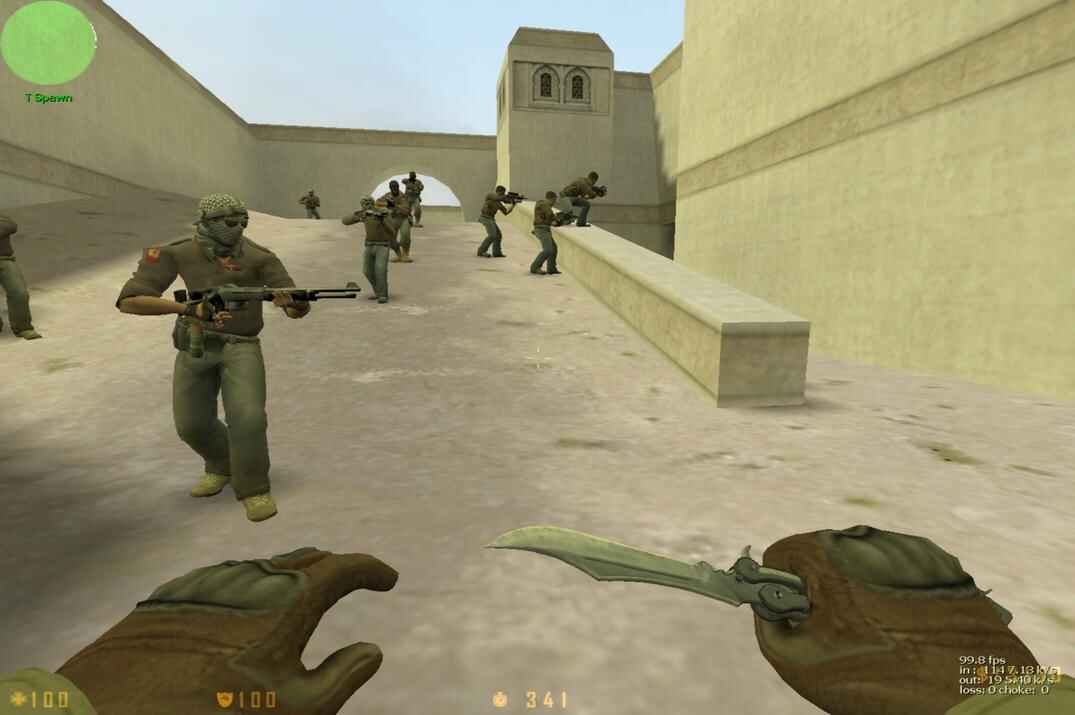
CS:GO-style player and weapon models, sounds, sprites, textures and HUD, while keeping the original CS 1.6 movement and recoil.
Dust, Dust2 and Dust2x are swapped for Counter-Strike: Source versions of the same layouts. They still connect to regular servers because the map files are local and not enforced by the server.

Azimov Edition
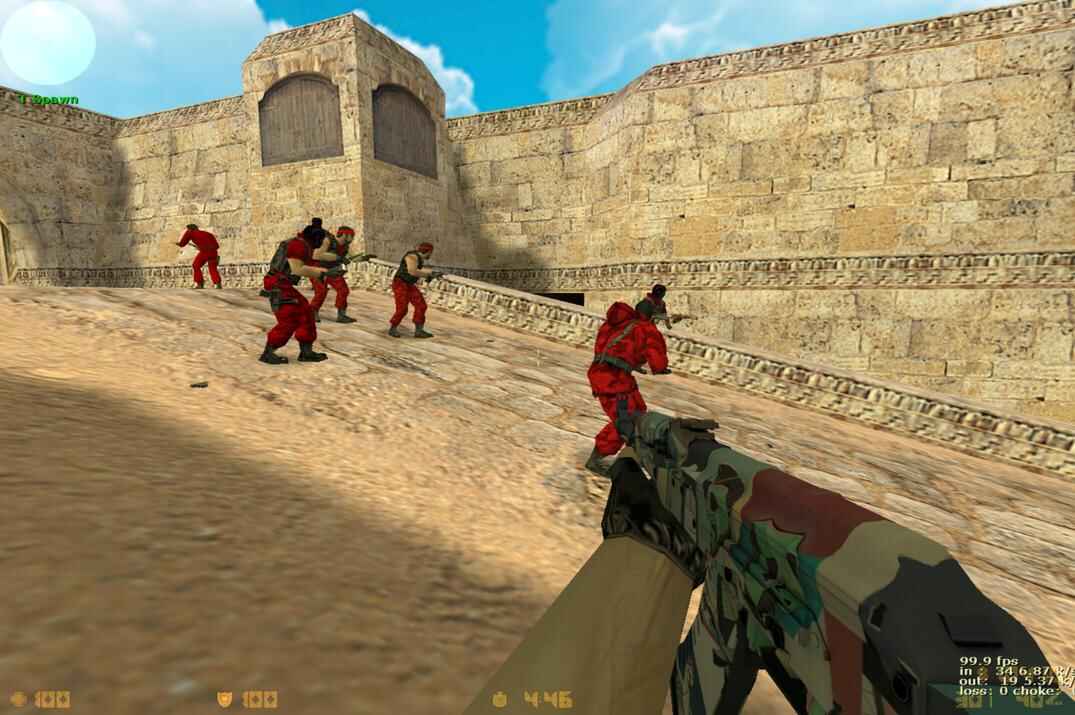
Built around the white-and-orange Asiimov look. Weapon and player models are redone in a clean sci-fi style, with updated sounds, sprites, textures and HUD to match.
The original Asiimov skin series was created by community designer Coridium. This edition adapts the same white, orange and black design to CS 1.6.


Gold Edition
Gold-accented weapon models with the original player models, maps and textures left unchanged. Unlike the other themed editions, Gold Edition mainly changes the weapons and menu.


Riptide Edition
Based on Operation Riptide, the CS:GO operation released in September 2021. This edition includes new player and weapon models and updated sounds, while keeping the original CS 1.6 maps and textures.

More CS 1.6 Resources
CS 1.6 skins, mods, tools, server configurations, and other useful resources.
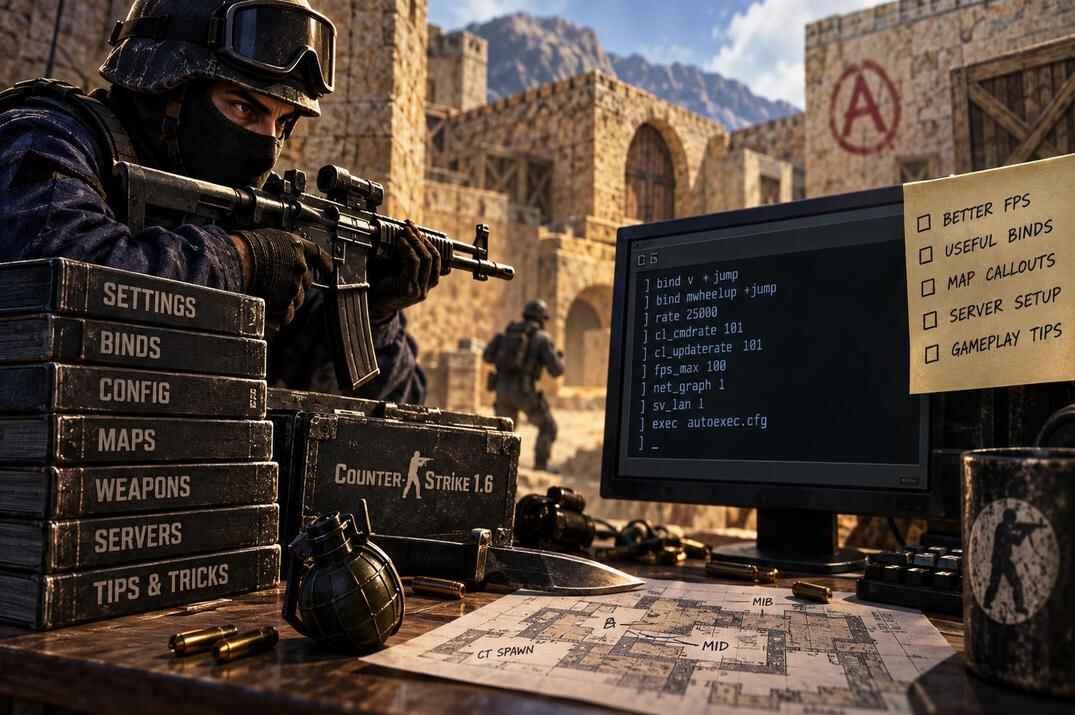
CS 1.6 Guides
Configs, rates, movement and the engine quirks behind them. The main guide section.
open →
Skins
Weapon models and player skins, where to install them, and what servers allow custom files.
open →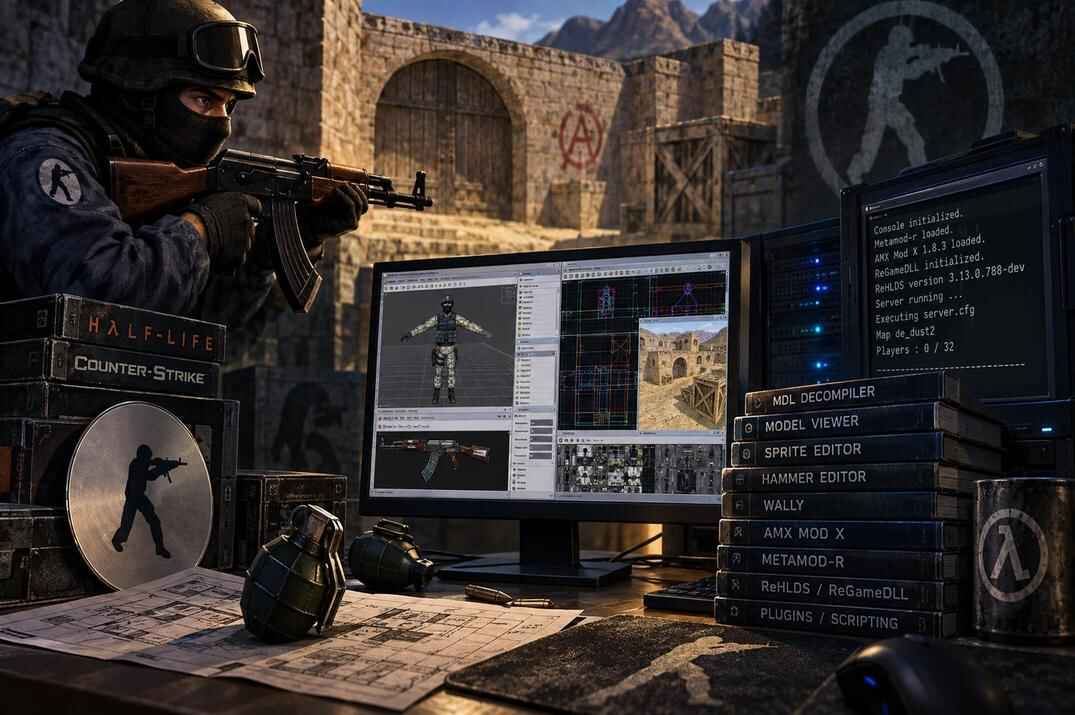
Tools
Utilities for configs, models, servers and other CS 1.6 tasks that still work on current Windows versions.
open →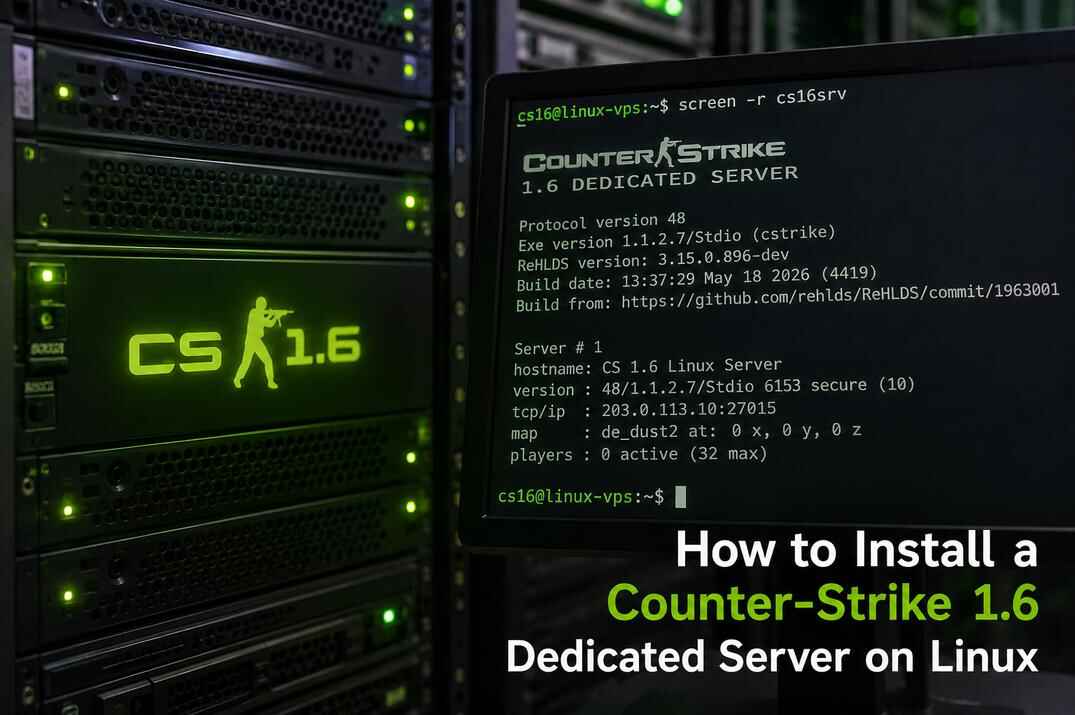
Dedicated Server on Linux
Set up a CS 1.6 dedicated server with SteamCMD, server configs and the required network ports.
open →
CS 1.6 F.A.Q.
Short answers to common questions about CS 1.6 settings, files, servers and gameplay.
open →
Back to CS 1.6 Hub
Return to the main CS 1.6 section for guides, skins, mods, tools and downloads.
open →