Where CS 1.6 Skins and Models Are Stored
All skins and models in game are just files inside your game folder. The exact path depends on whether you are playing CS 1.6 Steam or CS 1.6 No Steam, but the structure is almost identical.
Steam version: ..\steamapps\common\Half-Life\cstrike\
Non-Steam version: ..\root folder with hl.exe file\cstrike\
The \cstrike\ folder always lies in the root directory where the executable file hl.exe is located.
Within the \cstrike\ directory you’ll find the key folders responsible for how the game looks and sounds:


- ...\cstrike\models\ -> contains weapon models (
v_ak47.mdl,p_m4a1.mdl, etc.) and player models (arctic.mdl,sas.mdl, etc) - ...\cstrike\sprites\ -> stores HUD icons, crosshairs, and visual effects.
- ...\cstrike\sound -> includes weapon sounds (shooting, reloads) and player sounds (steps, radio commands).
This is the core of CS 1.6 skin and model customization. If you want to replace a weapon skin, swap a player model, or change sound effects, these are the directories you’ll be working with.
How to Replace Weapon Skins and Player Models in CS 1.6
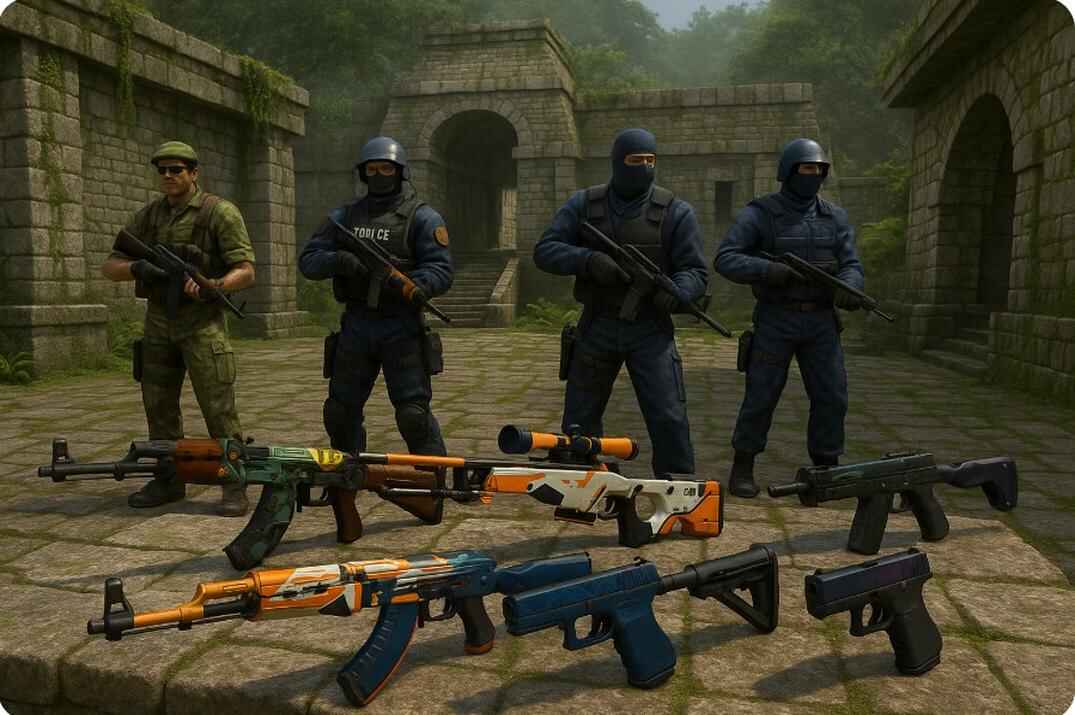
Customizing CS 1.6 has always been about experimenting with weapon and player models. It’s easy to do, but there is one golden rule: always keep a backup. Replacing weapon skins or player models without saving the originals can break visuals or even crash the game. With a proper backup, you can try any skin and safely go back whenever you want.
The first and most important step is making that backup. The easiest method is to copy the entire models folder (about 40 MB, or ~20 MB compressed) and keep it safe.
This way, you can restore the default model at any time, while the copied folder works as a second layer of insurance.
How to Replace a Weapon Skin
To replace a CS 1.6 weapon skin, download a custom .mdl, rename it to match the default filename (e.g. v_ak47.mdl), and put it into the ...\cstrike\models\ folder.
Some skin packs also include sprites for HUD icons or muzzle flashes, and sounds for shooting or reload effects. If your download comes with these, place them in the correct folders.
If something goes wrong or you don’t like the result, delete the custom file and restore your backup.
How to Replace a Player Model
Player models are stored in the ...\cstrike\models\player\ folder. By default, CS 1.6 includes eight classic teams - four Counter-Terrorists and four Terrorists - plus one VIP model used in hostage maps.
| Category | Model Name | File Path |
|---|---|---|
| Terrorist | Phoenix Connexion | ...\cstrike\models\player\terror\terror.mdl |
| Terrorist | Elite Crew | ...\cstrike\models\player\leet\leet.mdl |
| Terrorist | Arctic Avengers | ...\cstrike\models\player\arctic\arctic.mdl |
| Terrorist | Guerilla Warfare | ...\cstrike\models\player\guerilla\guerilla.mdl |
| Counter-Terrorist | SEAL Team 6 | ...\cstrike\models\player\urban\urban.mdl |
| Counter-Terrorist | GSG-9 | ...\cstrike\models\player\gsg9\gsg9.mdl |
| Counter-Terrorist | SAS | ...\cstrike\models\player\sas\sas.mdl |
| Counter-Terrorist | GIGN | ...\cstrike\models\player\gign\gign.mdl |
| VIP | VIP | ...\cstrike\models\player\vip\vip.mdl |
To replace any of these, download a custom model and rename it to match the original file name (for example, replace sas.mdl with your own version named the same). Then copy it into the corresponding folder.
The process is exactly the same as with weapon skins - quick and easy - just remember to keep a backup if you ever want to bring the classic look back.
The Demo File Trick
A demo file in CS 1.6 is not a video - it’s a log of in-game actions and events. The engine recreates what happened using the textures, models, and sounds currently on your computer. Because of this, if you change skins before replaying a demo, the same recording can look completely different. This trick lets you restyle your highlights, create cinematic videos, or just have fun experimenting with how the game looks.
Things You Should Know
Local only. Weapon skins and player models in CS 1.6 are visible only to you. Other players see their own files or the server defaults.
Swap anything. Absolutely any model can be replaced if you rename the files correctly. For example, rename all three AK-47 model files (v_, p_, w_) to M4A1 equivalents, and now every CT buying an M4A1 will hold an AK-47 in your client. The same applies to player models - want everyone to look like Spider-Man? Replace all CT or T folders with copies of the Spider-Man model.
Default models. There are 9 playable models in CS 1.6: four CT (GIGN, SAS, GSG9, SEAL), four T (Arctic, Leet, Guerrilla, Phoenix), plus the hostage as a VIP model.
Server downloads. Most public servers send small files to clients (often sounds or minor resources). Modded servers like Zombie or Jailbreak usually deliver a whole pack of models, sprites, and sounds. These files are stored in a separate directory next to \cstrike\ folder:
..\cstrike_downloads\models\server_name\some files\..\cstrike_downloads\sound\server_name\some files\
For example, some servers "dress" their admins with a brutal custom model named admin.mdl, or give VIP players a special weapon skin like a Gold AK-47. These files appear in your \cstrike_downloads\models\ folder after you join such a server. And here’s the fun part: you can replace them just like any other model.
The \cstrike_hd\ folder. Old versions of CS 1.6 on Steam used the \cstrike_hd\ folder together with an option in the video settings called "Enable HD models if available". If this was turned on, the game ignored your custom skins from \cstrike\ and used the HD pack instead. In the latest updates this option has been removed, and models are now always loaded from the standard \cstrike\ folder, including the "heavy" HD models.
Want to troll admins? Rename admin.mdl to a chicken model, and suddenly all those mighty "admins" will be running around as chickens on your screen. Make a video and share it on a forum 🤭.
CS 1.6 Weapon Skins and Player Models FAQ

Can I get banned for using custom skins or models in CS 1.6?
No. Valve never banned players for replacing .mdl files. These changes are local only.
Do other players see my custom skins?
No. Only you see them. Everyone else sees their own files or the server defaults.
Where are the weapon model files stored?
In cstrike/models/. Each weapon has three files: v_ (view), p_
(player), and w_ (world).
How many default player models are there?
Nine: four CT (GIGN, SAS, GSG9, SEAL), four T (Arctic, Leet, Guerrilla, Phoenix), plus the VIP. Hostages have their own separate model.
What if I mess up and my game crashes?
Restore your backup.
Can I swap one weapon for another?
Yes. For example, rename the AK-47 files to M4A1 equivalents, and M4A1 will look like an AK-47 on your client.
Do skins affect FPS?
Sometimes. Heavy high-poly models can drop performance. Always test before joining a server.
Can I edit or create my own skins?
Yes. Tools like Half-Life Model Viewer or Wally let you preview and edit models, textures, and sprites.
What’s the funniest use of custom models?
Turning admins into chickens and sharing the video on a forum. Unleash your inner unicorn!