CS2 key binds and controls

Useful Binds in CS2 - Full Guide

My collection of the most useful CS2 binds by category: movement, grenades, radar and HUD, sound, economy and practice, with toggle and incrementvar explained

In Counter-Strike 2 milliseconds decide whether you clutch the round or end up as another frag on the scoreboard. Switching weapons, dropping the bomb, pulling the right grenade, talking to the team: every action counts. A lot of players polish their crosshair and settings, but forget the simplest upgrade of all, key binds.

Here is my collection of the most useful CS2 binds, grouped by what they do, with a short explanation for each. To keep things simple I use J as the example key in most of them, it's free in CS2 by default. Put each bind on whatever key works for you.

CS2 Bind Basics: bind, toggle and incrementvar

A bind tells the game what to do when you press a key. The syntax:

bind "key" "command"
bind "key" "command1; command2; command3"

The key is a name like mouse1, mwheelup, space, j or F1. The command is what happens: +attack, cl_showfps 1, buy ak47. One rule since August 2024: only one movement or attack command per bind. The full tutorial, with key names and where binds are saved, is in how to bind keys in CS2.

toggle

Switches a setting between values with every press. Without values it flips between 1 and 0:

bind "j" "toggle cl_showfps"
toggle: Toggled "cl_showfps": cl_showfps 1
toggle: Toggled "cl_showfps": cl_showfps 0

With values you can cycle through as many states as you want. cl_showfps has five modes (0 to 4), for example:

bind "j" "toggle cl_showfps 1 2 0"

Every press: 1, 2, 0 and again. The same way you can switch crosshair styles, volume levels or viewmodel positions. CS:GO also had bindtoggle for simple on/off, in CS2 it's a developer-only command, so toggle is the one to use.

incrementvar

Changes a value in steps inside a range: incrementvar setting min max step. When it reaches the end, it wraps to the other end. Good for radar zoom, volume and viewmodel position, examples below.

Where to Put Your Binds

Binds typed in the console are saved by CS2 automatically in ...\Steam\userdata\AccountID\730\local\cfg\cs2_user_keys_0_slot0.vcfg. To be safe after a reinstall or a reset, keep them in autoexec.cfg in ...\game\csgo\cfg\ too, CS2 runs that file by itself on every start, no launch options needed. The console is for testing new ideas, autoexec for the binds you trust. More about both folders: CS2 config location.

Movement and Weapon Binds

Mouse Wheel Jump Bind

A classic from older Counter-Strike that's still the best movement bind. Scrolling hits jumps more consistently: bunny hops, long jumps, or just not missing the spacebar in a clutch. Fully allowed, one action on one input.

bind "mwheelup" "+jump"
bind "mwheeldown" "+jump"

Details and how to get weapon scrolling back: bind jump to mouse wheel.

Quick Switch Bind

Old-school AWPers know it: after a shot you switch weapons and back. By default Q is lastinv (last weapon), so pressing Q twice already does the classic quick switch. If you prefer to flick to the knife, put it on its own key:

bind "k" "slot3"   // knife

With the knife out you also move a bit faster, and many players just like the feel of the knife flick between shots.

Bomb Finder Bind

Lost the bomb in a messy smoke fight? This turns on the game instructor, the hints for new players, which also highlight where the bomb is. It only works in Casual.

bind "j" "toggle gameinstructor_enable 1 0"

Grenade Binds

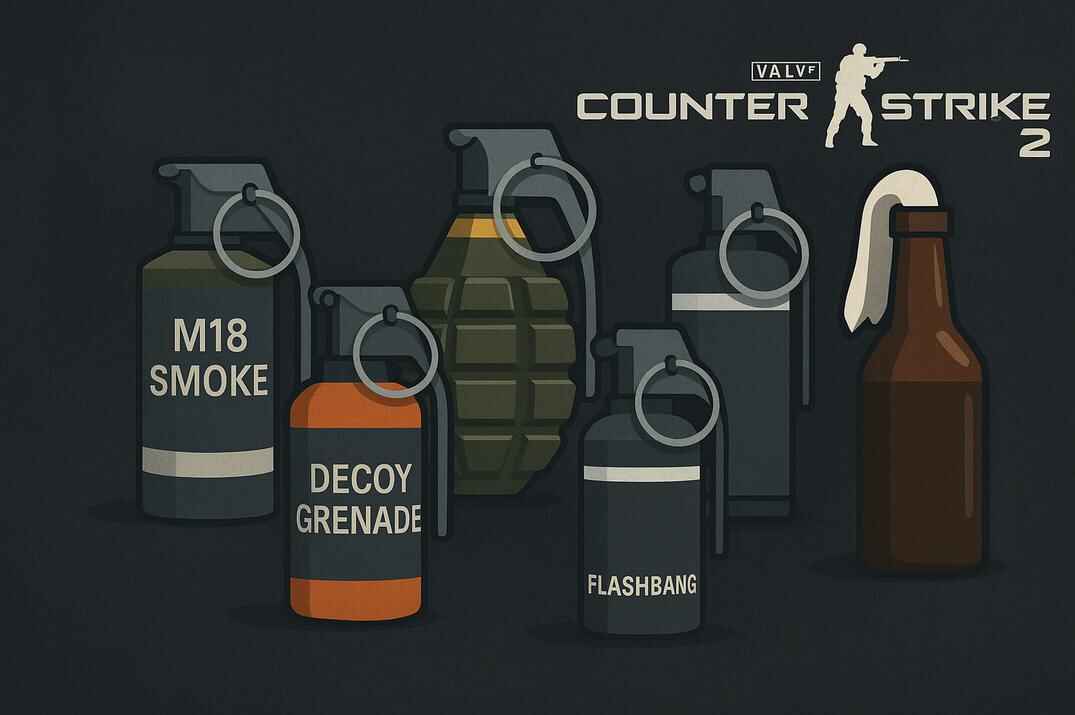
Instead of scrolling through your utility, give every grenade its own key. Press it and exactly that nade comes out.

bind "z" "slot6"       // HE Grenade
bind "x" "slot7"       // Flashbang
bind "c" "slot8"       // Smoke Grenade
bind "v" "slot9"       // Decoy Grenade
bind "mouse5" "slot10" // Molotov / Incendiary

Z, X, C and V replace the radio, the healthshot key and the radial radio menus. Many players never use those, but know what you give up. Don't put a grenade on B, that's the buy menu. Everything about grenade keys and practice commands: grenade binds in CS2.

Grenade Lineup Helper Bind

For practicing lineups: the crosshair becomes a huge cross over the whole screen, so it's much easier to line up with an edge or a corner. Not for matches, but very handy on an empty server.

bind "j" "toggle cl_crosshairsize 1 1000"

Put your normal crosshair size in place of 1, so the second press brings your usual crosshair back. Your size is in crosshair settings.

What About Jump Throw?

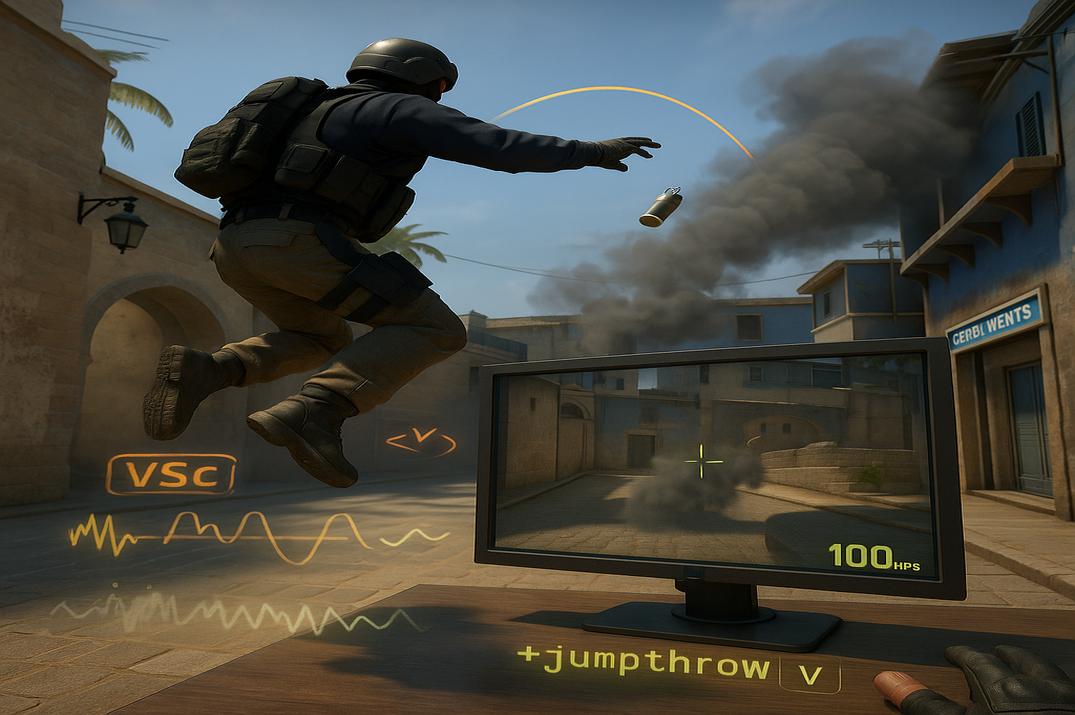
The classic one-key jump throw (+jump; -attack) has been blocked on official servers since August 2024, same for crouch-jump binds like +jump; +duck. What still works, and why the workaround is a gray area: CS2 jump throw bind.

Radar, HUD and FPS Binds

Radar Zoom Bind

The radar can show the whole map or zoom in around you. Wide is good for rotations, close is good for clutches. This bind steps through the zoom with one key. The range of cl_radar_scale is 0.25 to 1:

bind "j" "incrementvar cl_radar_scale 0.25 1 0.25"
// or the same with toggle
bind "j" "toggle cl_radar_scale 0.25 0.5 0.75 1"

FPS Display Bind

To check performance or test settings. The classic cl_showfps still works, and the telemetry FPS counter is the newer way:

bind "j" "toggle cl_showfps"
// or
bind "j" "toggle cl_hud_telemetry_frametime_show 2 1"

With telemetry, 2 is always on and 1 is the default: shown only when FPS gets bad.

FPS, Ping and Network Bind

Sometimes FPS isn't enough and you want ping and packet loss too. This one switches all of them on and back to the defaults:

bind "j" "toggle cl_hud_telemetry_frametime_show 2 1; toggle cl_hud_telemetry_ping_show 2 1; toggle cl_hud_telemetry_net_misdelivery_show 2 1"

For the full picture add cl_showfps:

bind "j" "toggle cl_showfps 2 0; toggle cl_hud_telemetry_frametime_show 2 1; toggle cl_hud_telemetry_ping_show 2 1; toggle cl_hud_telemetry_net_misdelivery_show 2 1"

Hold versions and a TAB version are in custom telemetry scripts.

Clean Screen Bind

For screenshots, frag movies or a minimal look: hides the HUD, radar and ammo, leaves only the kill feed, and removes the crosshair. Press again and everything is back.

bind "j" "toggle cl_draw_only_deathnotices 1 0; toggle crosshair 0 1"

Target ID Bind

When you aim at an enemy CS2 shows his name, and on a teammate it adds a helper circle. Some players find it distracting, and I've seen small FPS drops with it. This bind turns it on and off:

bind "j" "toggle hud_showtargetid"

Viewmodel Binds

Step your weapon position left and right or back and forth until it feels right. The ranges from the game files: viewmodel_offset_x -2 to 2.5, viewmodel_offset_y and viewmodel_offset_z -2 to 2.

bind "j" "incrementvar viewmodel_offset_x -2 2.5 0.5"
bind "k" "incrementvar viewmodel_offset_y -2 2 0.5"

A two-position toggle is in useful CS2 scripts.

Sound and Communication Binds

Mute Everyone Except Friends Bind

Voice chat is sometimes useful and sometimes pure chaos. This setting lets through only your Steam friends and your party. The values matter: 1 works only in non-competitive modes, 2 works in all modes, Competitive and Premier included.

bind "j" "toggle cl_mute_all_but_friends_and_party 2 0"

One tap in a clutch and the noise is gone, another and everyone is back.

Volume Change Bind

Sound wins duels: footsteps, reloads, a dropped weapon. But sometimes you want it quieter for long practice and louder for ranked. This steps the master volume in quarters:

bind "j" "incrementvar volume 0 1 0.25"

Careful at the top: after 1 it wraps back to 0. A walk-and-listen version that raises the volume only while you walk is in useful scripts.

Economy Binds: Buy and Refund

Refund All Bind

Bought the wrong gun? sellbackall sells back everything you bought this round while you're still in the buy zone and buy time. By default it's already on Delete. If you want it somewhere else, with a click sound as confirmation:

bind "j" "sellbackall; play ui\panorama\itemtile_click_02.vsnd_c"

Buy Binds

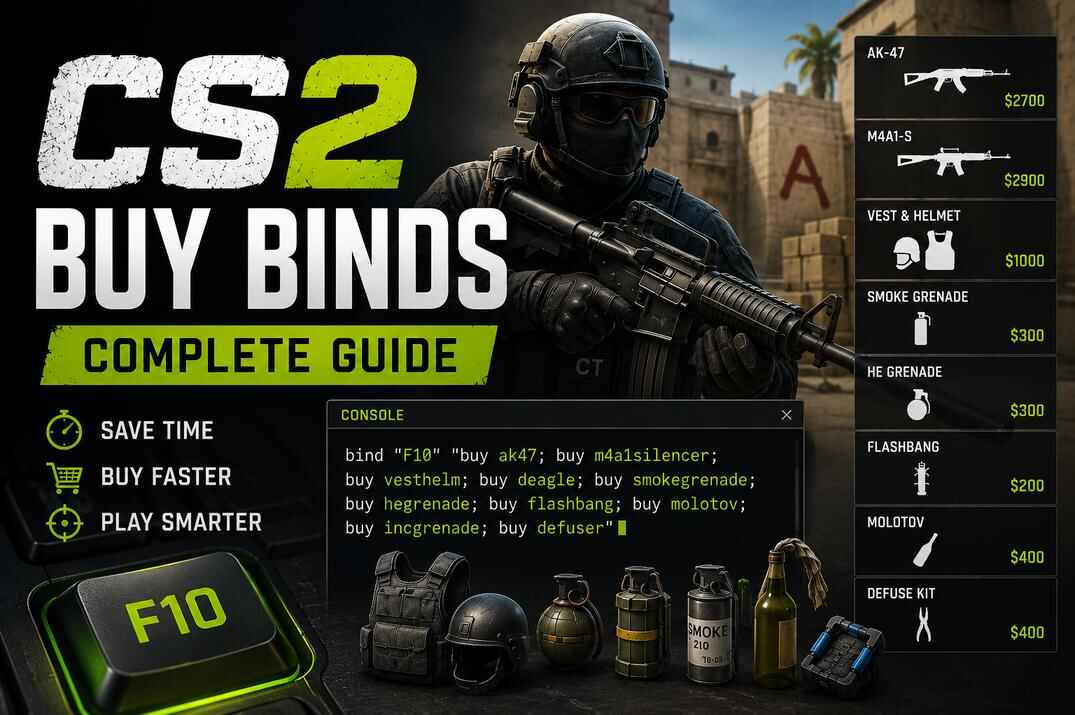
One key, a full loadout: rifle, armor, grenades or just a kit.

bind "F1" "buy incgrenade; buy molotov; buy defuser"
bind "F2" "buy hegrenade; buy flashbang; buy smokegrenade; buy defuser"
bind "F8" "buy ak47; buy m4a1_silencer; buy vesthelm; buy defuser"
bind "F9" "buy awp; buy vesthelm; buy defuser"

Both side weapons in one bind is fine: you only get the one your side can buy. I keep F3 to F7 free, because by default they are autobuy, rebuy, screenshot, quick save and quick load. Full loadouts and numpad layouts: CS2 buy binds guide.

Practice Binds

All binds in this block need sv_cheats 1, so they work only in your own game or on your own server.

Remove Decals Bind

Older CS had r_cleardecals to wipe blood and bullet marks mid-round. CS2 doesn't have it, but you can turn decals off completely. Not a "clear" in the classic sense, but people still call it that.

bind "j" "sv_cheats 1; toggle r_csgo_render_decals"

Noclip Bind

Fly through walls and across the map. A must for learning lineups, exploring new maps or setting up strats with friends.

bind "j" "sv_cheats 1; noclip"

Rethrow Grenade Bind

Throws your last grenade again from the same spot with the same trajectory, wherever you stand now. No rebuying, no walking back.

bind "j" "sv_cheats 1; sv_rethrow_last_grenade"

Wallhack Bind

Boxes around players and objects, visible through walls. Great for studying positions and movement.

bind "j" "sv_cheats 1; cl_ent_bbox *"

Older versions of this guide had a bind with cl_player_proximity_debug (numbers on players' legs). Valve removed that command in April 2026, it doesn't work anymore. Everything that works now: legal wallhack in CS2 and legal wallhack scripts.

Binds vs Scripts: Where alias Comes In

A bind is one line: a key and a command or a short chain. A script uses alias to add logic: states, toggles, modes. That's why "jump throw bind" is technically a script.

In CS 1.6 scripts also had wait, a pause between actions that made burst fire, recoil macros and automated sprays possible. Too powerful: CS:GO disabled it on official servers, and CS2 doesn't have it at all.

A small example, the FPS counter as an alias toggle:

alias "fps_on" "cl_showfps 1; alias fps_toggle fps_off"
alias "fps_off" "cl_showfps 0; alias fps_toggle fps_on"
alias "fps_toggle" "fps_on"
bind "j" "fps_toggle"

fps_on turns the counter on and points the toggle to fps_off, fps_off does the opposite, the third line sets the start, the bind puts it on J. Today toggle cl_showfps does this in one line, but alias is still the tool for bigger setups: viewmodel switches, practice helpers, buy modes. More: CS2 scripting guide, useful scripts and five commands to create scripts.

Tips

Command What it does
key_listboundkeys Shows all your current binds
unbind "key" Removes one bind
binddefaults Puts all keys back to default
host_writeconfig Saves your settings and binds right away

And remember: a new bind overwrites whatever was on that key, without asking.

Conclusion

Key binds are one of the easiest upgrades in CS2. They save time, cut mistakes and let you think about the round instead of the controls: jump on the wheel, grenades on their own keys, one-press buys, telemetry when you need it, practice binds for your own server. You don't need all of them, take the ones that fix something for you. And if you want to go further, my CS2 FPS guide and CS2 config guide are the next steps.
Useful CS2 Binds FAQ

Can I use binds in Competitive and Premier?

Yes. Binds are part of the game and Valve doesn't ban for them. Since August 2024 a bind can have only one movement or attack command, that's the only limit. Cheat commands like noclip simply don't run: sv_cheats is locked to 0 on official servers. Typing it won't get you banned, it just does nothing.

What are the most useful binds in CS2?

Jump on the mouse wheel, grenades on separate keys, buy binds, a telemetry or FPS toggle, and the mute bind for noisy matches.

Where are binds saved in CS2?

Automatically in ...\Steam\userdata\AccountID\730\local\cfg\cs2_user_keys_0_slot0.vcfg.

How do I make my binds load every time?

Put them into autoexec.cfg in ...\steamapps\common\Counter-Strike Global Offensive\game\csgo\cfg\. CS2 runs it on every start.

Do I need to add autoexec.cfg to launch options?

No. CS2 runs autoexec.cfg by itself if it's in the right folder.

Does bindtoggle work in CS2?

No, in CS2 it's developer-only. Use toggle: without values it flips 1 and 0, with values it cycles through them.

Why does my mute bind not work in Competitive?

cl_mute_all_but_friends_and_party 1 works only in non-competitive modes. Use 2 for all modes.

Can binds give me an advantage?

They won't improve your aim, but they make your game smoother and more consistent: no fumbling in the buy menu, no wrong grenade. The real advantage still comes from practice and focus.

Continue Reading

One Response
Leave a Reply

Your email address will not be published. Required fields are marked *