Types of Nades in CS2
Grenades in CS2 aren’t just "extra gear" - they’re tools that can decide entire rounds. They control space, buy time, and shift fights just as much as rifles do. Knowing exactly what each nade does, when to throw it, and why it matters is what separates an experienced player from a beginner. Let’s break down every grenade and how it fits into the game.
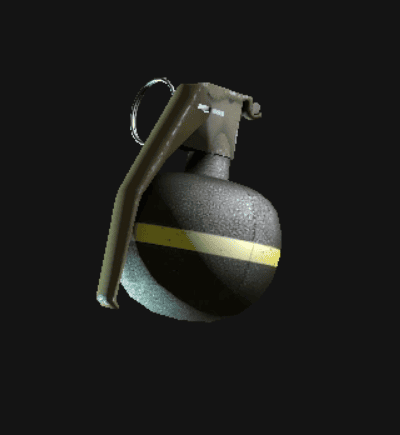
HE Grenade
The HE (High Explosive) is the classic frag grenade. It explodes after a short delay and deals damage in a small radius. In CS2, the closer you are to the blast, the harder it hits - an unarmored player caught dead-center can take massive damage, but with armor or distance it usually lands in the 40–60 range.
The grenades are perfect for finishing off low-HP enemies, stacking damage on rushes, or denying bomb plants and defuses. At only $300, a well-placed HE can be worth more than a full rifle kill.
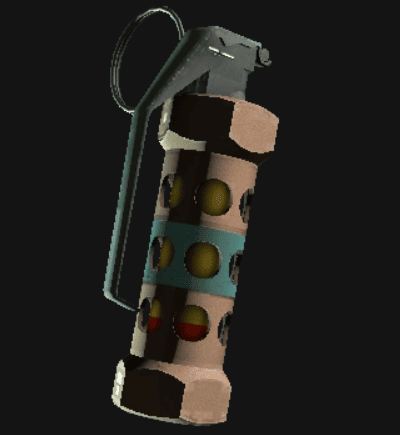
Flashbang Grenade
The flash grenade is the tool for control. When it pops, it blinds and deafens anyone looking in its direction. In CS2 the lighting system makes flashes feel more realistic - walls, windows, and angles change how long an opponent stays blind.
For $200, a flashbang can be the difference between life and death. It opens up site entries, shuts down rushes, and even lets you escape from pressure. A well-timed pop flash often wins the fight before bullets are even fired. And just like a thrown rock, the flash itself deals 1 HP of damage if it directly hits a player before it goes off.
Molotov Cocktail / Incendiary Grenade
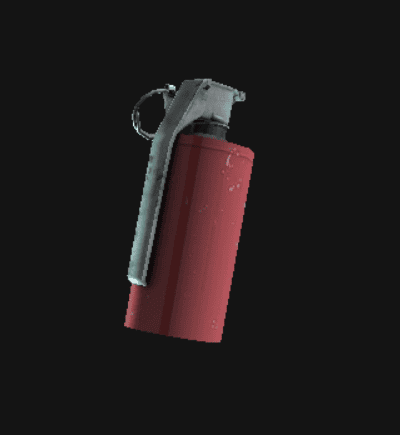
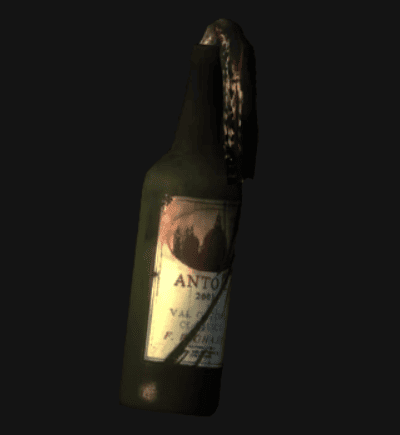
For T-side it’s the Molotov cocktail ($400), for CT it’s the Incendiary Grenade ($500). Both ignite on impact and spread fire across the ground for several seconds.
These are all about map control. They cut off chokepoints, delay enemy pushes, and force players out of strongholds. In post-plant situations, a molotov on the bomb can stop a defuse - especially deadly if the opponent doesn’t have a kit. The fire deals ticking damage (around 40 HP per second), which adds up fast. Smokes can extinguish flames, so always think one step ahead: if you’re burning, drop a smoke; if you’re throwing fire, be ready for it to be countered.
Smoke Grenade
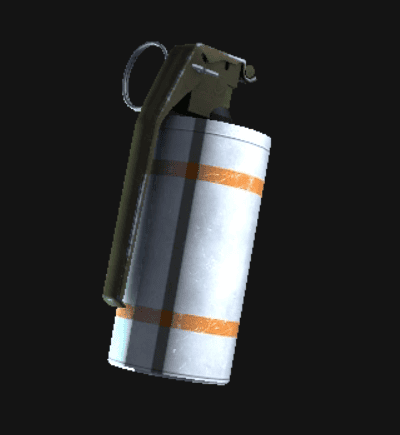
The smoke grenade is one of the most tactical tools in CS2. For $300 it creates a dense cloud that lasts about 18 seconds, blocking vision and shifting control of the map. Smokes in CS2 are dynamic: bullets and explosions can temporarily part the cloud, giving new ways to play around them.
Smokes are essential for crossing dangerous sightlines, covering plants and defuses, and supporting team pushes. They’re also the only way to extinguish fire. Mastering lineups and timing with smokes is one of the biggest steps toward becoming a strong CS2 player. And like the flash, the smoke grenade deals 1 HP of impact damage if it hits a player directly.
Decoy Grenade
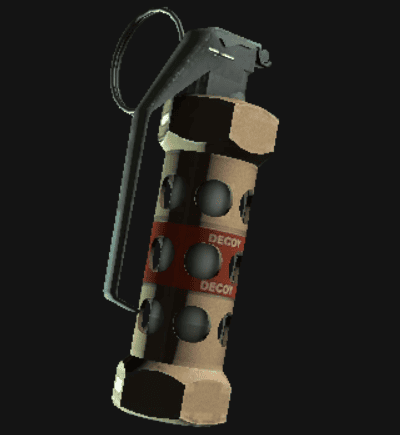
At just $50, the decoy grenade is the cheapest nade in the game and often overlooked. It mimics gunfire, shows up on the minimap as an active player, and in CS2 even gives off a puff of smoke when it ends. The explosion at the end deals only minimal damage - usually 1–2 HP in a very small radius - but the real power is in deception.
A well-placed decoy can fake a hit on the other site, distract defenders during an execute, or create the illusion of numbers where there aren’t any. It’s not about raw damage - it’s about mind games. And just like other grenades, if you hit someone directly with it, it causes 1 HP of impact damage.
Grenades in CS2 aren’t optional - they’re essential. HEs chip away and finish fights, flashes create openings, molotovs and incendiaries lock down space, smokes enable safe plays, and decoys mess with enemy info. A player who knows how to use utility effectively will always bring more value to the team than someone who just shoots well.
How Grenade Binds Work in CS2
Grenade binds are simple key shortcuts that let you pull out a specific grenade with a single press instead of scrolling through your whole inventory. In the middle of a fight, that difference is huge: one key for a flash, another for a smoke, and you’re ready instantly. No hesitation, no fumbling, just the utility you need when you need it.
Why They Matter
Why bother with binds at all? Because they save time and prevent mistakes. Without them, you might pull out the wrong grenade or lose precious seconds swapping through weapons. With them, you can flash into a site the moment your teammate calls, drop a smoke on a push before enemies peek, or molotov off a rush without giving them room to breathe.
How They Work in CS2
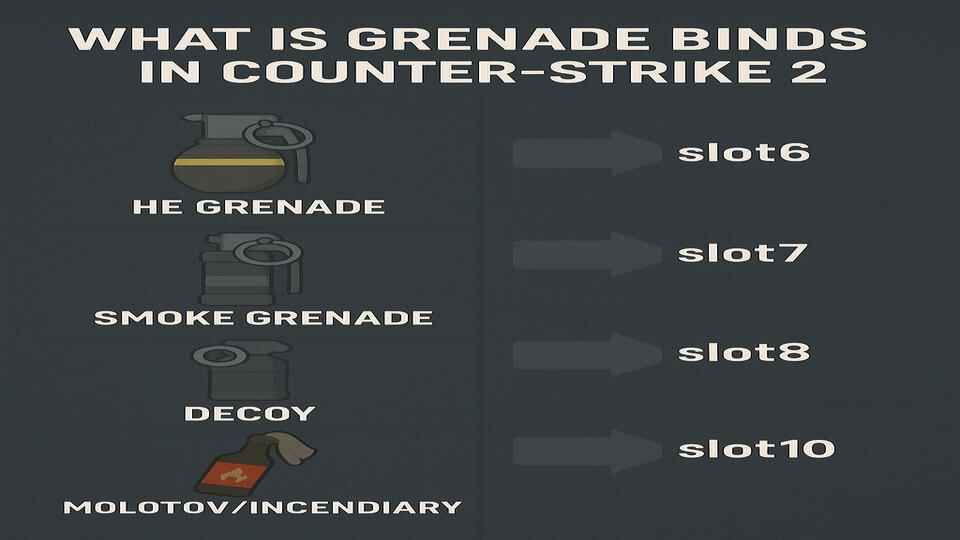
When Counter-Strike 2 launched in 2023, Valve made it with a slot-based setup. Every type of grenade now has its own slot:
- HE Grenade –
slot6 - Flashbang –
slot7 - Smoke Grenade –
slot8 - Decoy Grenade –
slot9 - Molotov/Incendiary –
slot10
It is a more direct and reliable way to equip the grenade you actually want in the middle of a round.
How to Bind Grenades in CS2
There are several ways to set up grenade binds in CS2, and the best option depends on how you prefer to manage your settings.
Bind Grenades Through the In-Game Settings
- Launch CS2.
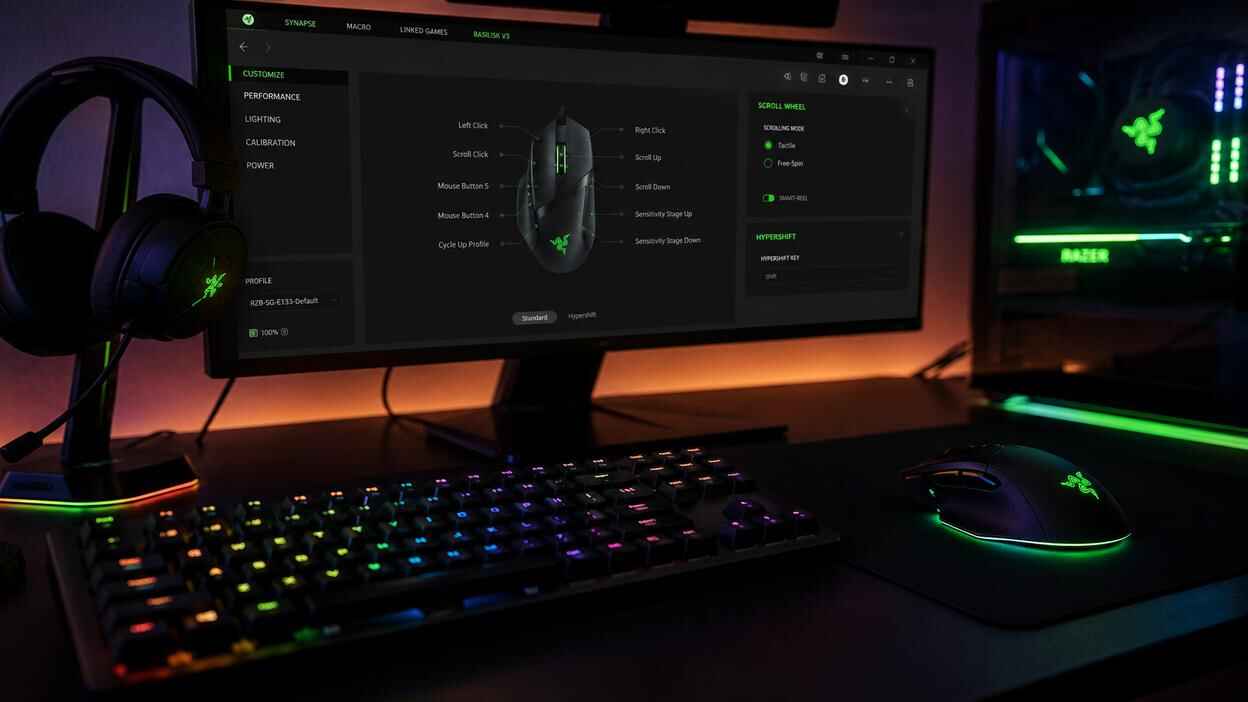
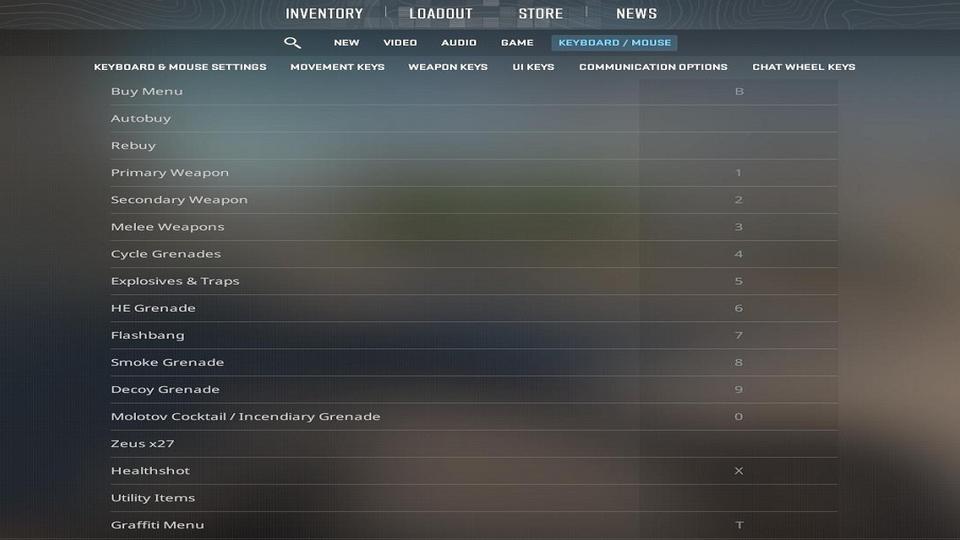
- Go to Settings -> Keyboard/Mouse -> Weapon Keys.
- Assign keys to your grenade slots (
slot6throughslot10).
This method is quick and user-friendly, especially if you prefer not to use the console.
Bind Grenades Using the CS2 Console

If you’ve enabled the CS2 developer console (~ by default), you can create binds directly. For example:
bind "z" "slot6"   // HE Grenade
bind "x" "slot7"   // Flashbang
bind "c" "slot8"   // Smoke Grenade
bind "v" "slot9"   // Decoy Grenade
bind "b" "slot10"  // Molotov/Incendiary
Change the keys to whatever feels natural for you. Most players prefer keeping them close to movement keys or on side mouse buttons.
Important note about deprecated command
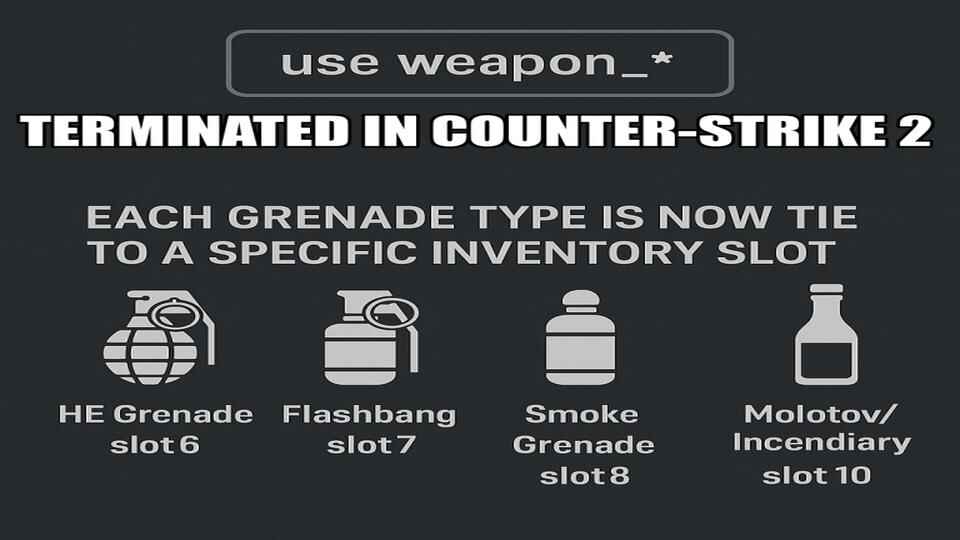
use (e.g, use weapon_flashbang) in CS2Most guides online still show old CS:GO commands like use weapon_flashbang or already deprecated bind example:
bind "c" "use weapon_flashbang"These no longer work in CS2 - Valve removed them when the game launched in 2023. CS2 now uses a slot system for grenades binds.
Set Up Grenade Binds in a Config File
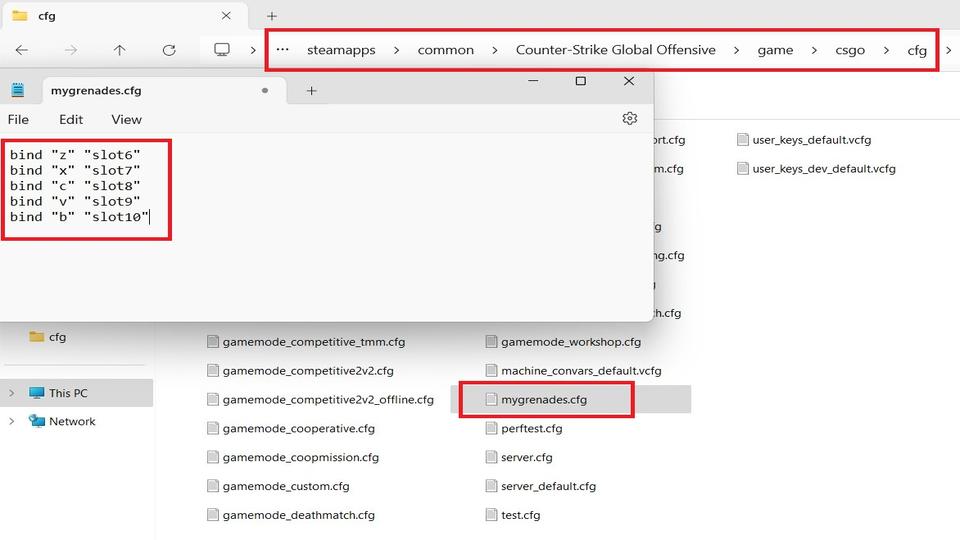
You can also save your binds in a config file.
- Navigate to: ..\steamapps\common\Counter-Strike Global Offensive\game\csgo\cfg\
- Create a text file (e.g., mygrenades.txt)
- Add your binds, and save the file
- Rename the extension from .txt to .cfg. Also, make sure that you didn’t make a mistake with the file name - it should be mygreandes.cfg, NOT mygreandes.cfg.txt.
- Then load it in-game with:
exec mygrenades.cfgor, since the CS2 console ignores file extensions, you can simply type:exec mygrenades
This way your binds are stored outside of the in-game menu and can be reloaded anytime.
Set Up Grenade Binds in Autoexec file
If you want your binds to load automatically every time CS2 starts, put them in autoexec.cfg in the same config folder. CS2 runs this file on launch, so you’ll never have to re-enter commands after an update or a reinstall.
You can also add a Launch Options in Steam, for example: +exec mygrenades.cfg
This way your custom config will be executed every time you start the game, even if you don’t use an autoexec file.
Removing Binds
Need to free up a key? Just type: unbind key (e.g., unbind z). You can also remove binds directly in your config file: cs2_user_keys_0_slot0.vcfg
For more tips on managing configs, check out these guides:
CS2 Grenade Binds FAQ

Do I need to enable the developer console for binds?
Yes. Go to Settings -> Game -> Enable Developer Console.
Can I use grenade binds in Premier or Competitive?
Basic grenade binds are standard key assignments that use normal CS2 commands.
Why did my bind stop working after an update?
Check if your autoexec.cfg still runs. Updates can reset configs
Can I bind two grenades to the same key?
Yes, more advanced setups are possible with commands such as alias, but basic grenade binds do not require them.
Where are my binds saved?
In files like cs2_user_keys_*.vcfg, plus any custom .cfg you’ve created.
How do I transfer binds to another PC?
Copy your config files (autoexec.cfg, custom binds) to the same folder on the new machine.
Can I bind grenades to mouse side buttons?
Yes, mouse4 and mouse5 work perfectly. Many players prefer this for faster access.
Do grenade binds work on FACEIT and third-party platforms?
Yes. They only use built-in CS2 commands, so they are 100% allowed.
Is there a way to reset all binds at once?
Yes. Use the command unbindall - but keep in mind it clears every keybind, not just grenades.
Can I have different bind setups for different maps?
Yes. You can create multiple .cfg files (e.g., dust2.cfg, mirage.cfg) with different binds and load them using exec dust2.cfg.
Do binds affect FPS or performance?
No, grenade binds are just key assignments and do not change grenade behavior, damage, or physics.
Can I bind grenade purchases to a key?
Yes, for example:
bind "F2" "buy flashbang; buy smokegrenade"This will instantly purchase a flash and a smoke. This is especially useful in fast buy rounds where every second matters.