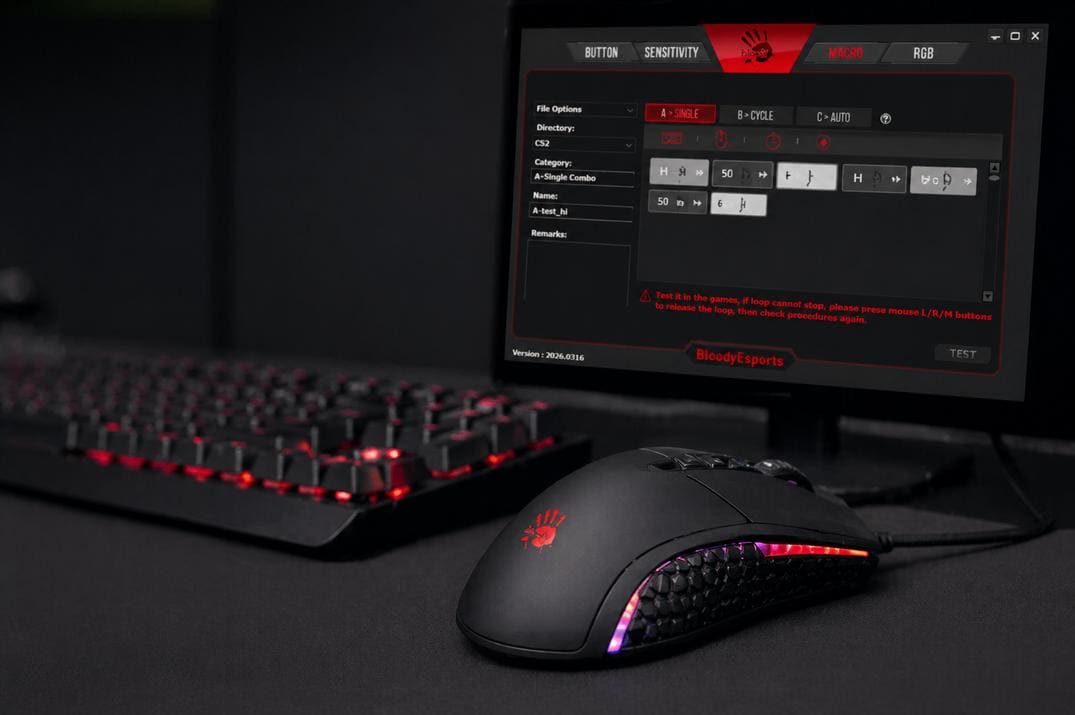
How to Bind Keys in CS2: Full guide
The bind command and its syntax, key names, three ways to save binds, unbind and reset, what changed in August 2024, and where CS2 stores your binds
Counter-Strike 2 changed a lot compared to CS:GO, but one of the most useful tools stayed: binding commands to keys through the developer console. It's simple, and once you get used to it, you won't want to play without it.
A bind turns an action into one key press. Instead of clicking through menus in the middle of a round, you buy your weapons, pull out the right grenade or switch a setting instantly. Quick-buy for rifles, jump on the mouse wheel, utility on single keys: with the right binds CS2 adapts to you, not the other way around.
What Is a Bind in CS2 and How Does It Work?
A bind is a console command that ties an action to a key or mouse button. Jump on the wheel, crouch on a side button, grenades with one press of F1: all of that is a bind. The point is speed and consistency. Binds won't make you a pro overnight, but the game gets smoother, and you stop losing rounds to the buy menu or the wrong grenade.
Binds are part of the game itself, so they are allowed in Competitive and Premier and VAC doesn't care about them.
Bind Syntax
bind "key" "command" bind "key" "command1; command2; command3"
key is the key or mouse button, command is what runs when you press it. Several commands are separated by a semicolon.
Do You Always Need Quotes?
Around the key, quotes are optional. Around a single command you can skip them too. But with several commands quotes are mandatory, otherwise everything after the first semicolon runs once right away instead of going into the bind. I always use quotes, it's cleaner and safer:
bind "space" "+jump" // good bind space +jump // works, but don't get used to it
One Key, Several Commands
One key can do several things at once. For example, J buys an AWP, lowers vertical sensitivity and tells the team:
bind "j" "buy awp; sensitivity_y_scale 0.6; say_team I'm Sniper!"
- buy awp
- Buys the AWP.
- sensitivity_y_scale 0.6
- Vertical sensitivity at 60% of the horizontal one (range 0 to 2, default 1).
- say_team
- Sends a message to team chat.
A semicolon at the very end is optional. One rule since August 2024: only one movement or attack command per bind. More below.
CS2 Key Names for Binds
| Key name | Button |
|---|---|
mouse1, mouse2, mouse3 |
Left, right and middle (wheel click) mouse button |
mouse4, mouse5 |
Side mouse buttons |
mwheelup, mwheeldown |
Mouse wheel up and down |
space, ctrl, shift, alt, tab |
Spacebar and modifier keys |
a to z, 0 to 9 |
Letters and number row |
F1 to F12 |
Function keys |
kp_end, kp_downarrow, kp_ins, kp_enter ... |
Numpad keys, great for buy binds |
Not sure what a key is called? Bind it once in the settings menu and run key_listboundkeys, the console shows its name.
Keys That Are Already Taken by Default
Before you bind something, check what you overwrite. Some defaults in CS2 that people often replace by accident:
| Key | Default action |
|---|---|
| Z / C / V | Radio / radial radio / second radial radio |
| X | Healthshot, X-Ray in demos |
| B | Buy menu |
| F / G / H | Inspect weapon / drop / switch hands |
| Mouse3 / Mouse4 | Ping / push to talk |
| F3 / F4 / F5 | Autobuy / rebuy / screenshot |
Free by default: J, K, L, N, O, P, Mouse5, F1, F2, F8, F9 and the whole numpad.
How to Add Binds in CS2
Simple key changes (jump, crouch, grenades, weapons) can be done in Settings, Keyboard / Mouse, no console needed. For anything with several commands or settings that aren't in the menu, there are three ways: the console, your own .cfg file and autoexec.cfg.
1. Through the Developer Console
Turn on the console in Settings, Game, Enable Developer Console: Yes. Open it with ~ and type the bind:
bind "j" "cl_showfps 1; echo FPS counter on"
J now shows the FPS counter and prints a line in the console. CS2 saves binds by itself to your account file:
...\Steam\userdata\AccountID\730\local\cfg\cs2_user_keys_0_slot0.vcfg
AccountID is the number of your Steam account, more in my Steam ID guide. To save everything right now, not only binds, type host_writeconfig. Where every config lives: CS2 config location.
2. In Your Own .cfg File
-
Open the cfg folder:
...\steamapps\common\Counter-Strike Global Offensive\game\csgo\cfg\
- Create a text file with a simple name (letters, numbers, dashes, underscores), for example myconfig.txt.
-
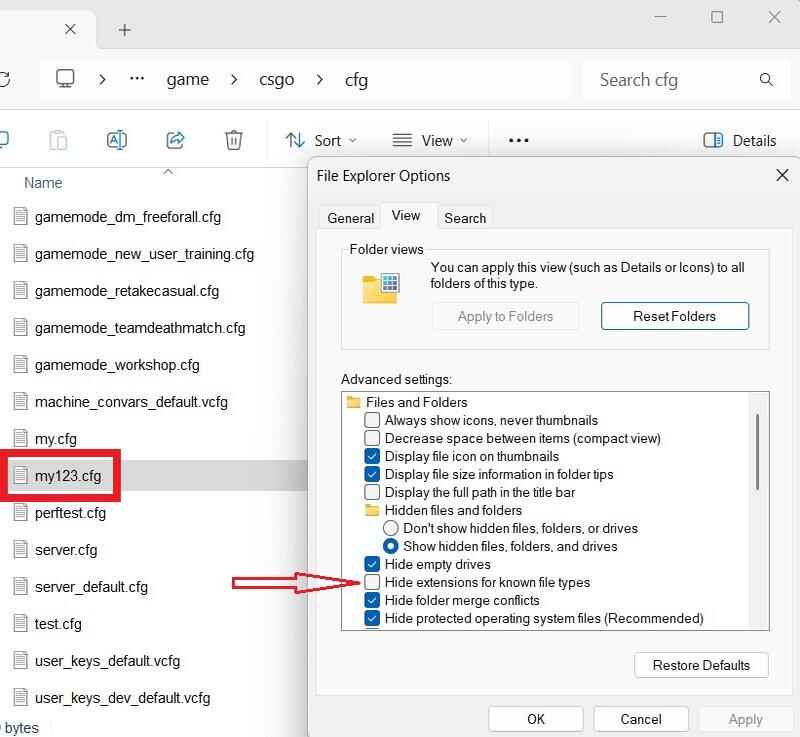
Rename it to
myconfig.cfg
. If you don't see extensions:
File Explorer Options
,
View
, uncheck
Hide extensions for known file types
.
Turn on file extensions in Windows Explorer - Paste your binds and save.
Run it by hand with exec myconfig in the console, even in the middle of a match. Or load it on every start: in Steam, Counter-Strike 2, Properties, Launch Options, add +exec myconfig.
3. In autoexec.cfg
The most reliable way to keep your binds forever. CS2 runs autoexec.cfg by itself on every start, you don't need launch options for it. Create it in the same cfg folder, put your binds in, save. Next start they load automatically. More about it in my CS2 config guide.
How to Unbind, Check and Reset Binds in CS2
| Command | What it does |
|---|---|
key_listboundkeys |
Lists all your current binds, the fastest way to find conflicts |
key_findbinding command |
Shows which key runs a command, for example key_findbinding +jump |
unbind key |
Clears one key, for example unbind f1 |
binddefaults |
Puts every key back to the factory layout |
unbindall |
Clears every key, only use it with a config ready to load right after |
host_writeconfig |
Saves your settings and binds right away |
-
Binds overwrite.
A new bind replaces whatever was on that key, without a warning. Check with
key_listboundkeysbefore you bind the wheel or a function key. - Keep a backup in autoexec.cfg. CS2 saves binds by itself, but an autoexec brings them back after a reinstall, a reset or a failed experiment.
- Hard reset. Delete cs2_user_keys_0_slot0.vcfg in userdata and CS2 creates it again with default keys. All ways to reset are in how to reset all settings in CS2 .
Popular CS2 Binds
Binds cover almost every part of the game: movement, buying, grenades, HUD and communication. The classics, each with its own guide:
| Bind | Example | Guide |
|---|---|---|
| Jump on the wheel | bind "mwheeldown" "+jump" |
Mouse wheel jump |
| Grenade on a key | bind "mouse5" "slot8" |
Grenade binds |
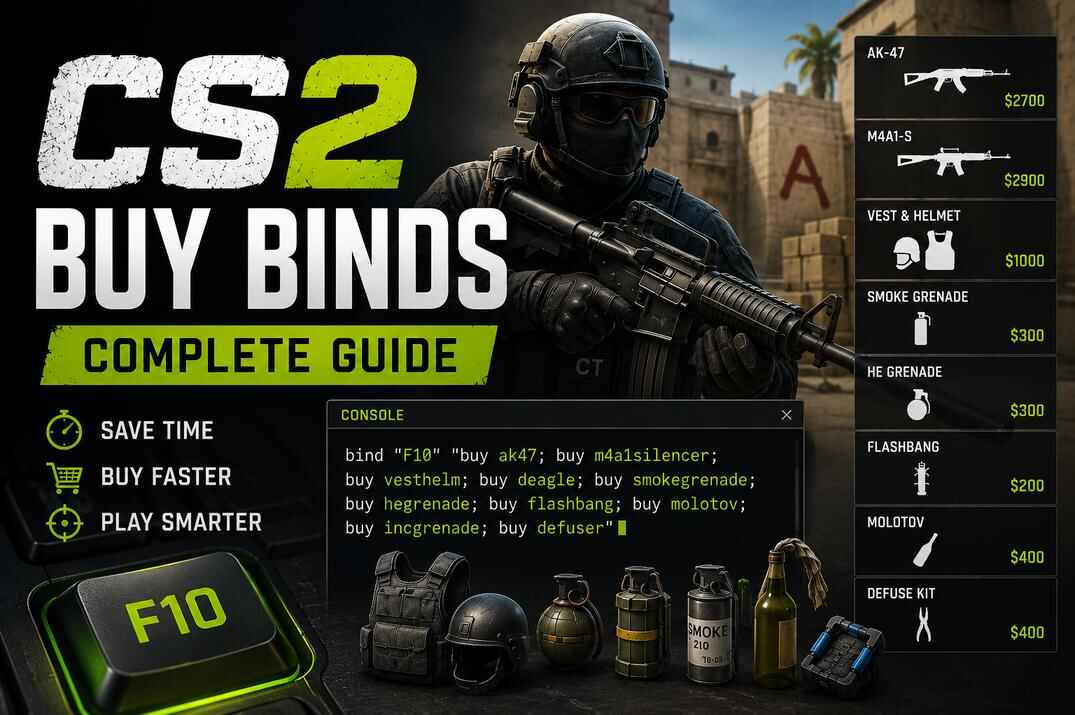
| Buy bind | bind "kp_end" "buy ak47; buy m4a1" |
Buy binds |
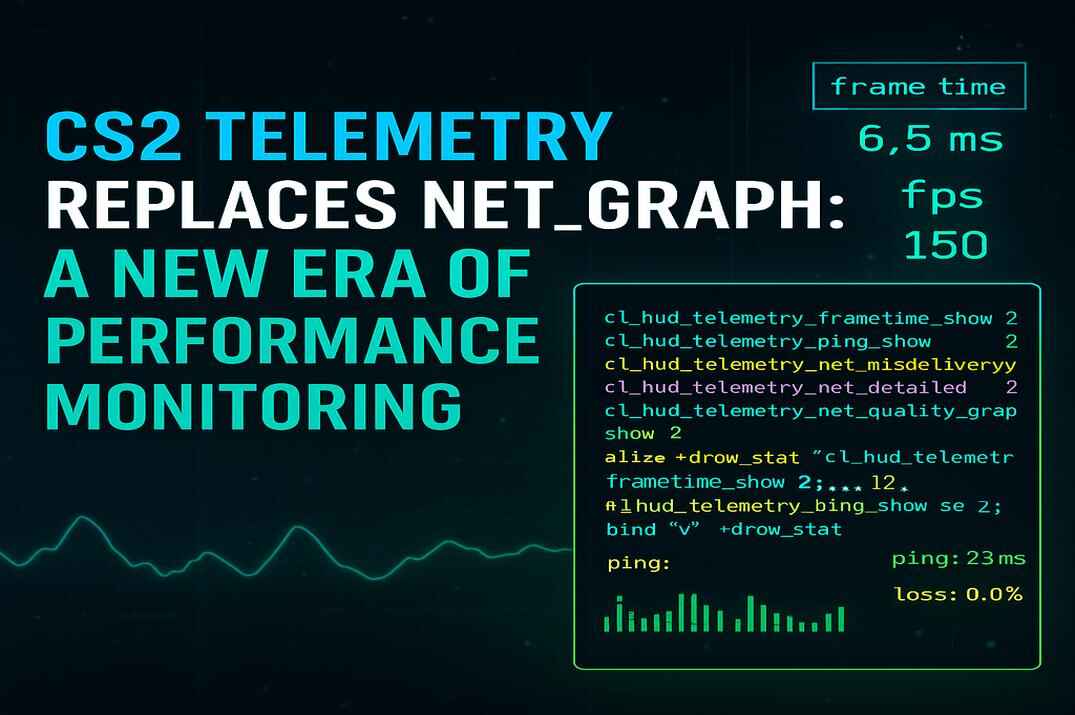
| FPS on a key | bind "j" "toggle cl_hud_telemetry_frametime_show 2 1" |
Telemetry scripts |
For a bigger collection grouped by category (movement, grenades, economy, HUD) see CS2 useful binds. You don't need all of them. Pick the ones that fix a real problem for you, the goal is a clean config, not a huge one.
What Changed in August 2024
Since August 19, 2024, a bind or alias with more than one movement or attack command is ignored on official servers. That's jump, attack, attack2, duck, use, forward, back, left, right, reload, sprint and similar. So classics like the jump throw bind (+jump; -attack) or a crouch-jump bind (+jump; +duck) don't work anymore. Binds with one such command plus normal settings, buy commands or chat still work fine. What still works for jump throws: CS2 jump throw bind.
Binds vs Scripts in CS2
Counter-Strike has supported both since CS 1.6, and people often mix them up. A bind is one line: a key and a command (or a short chain).
bind "j" "cl_hud_telemetry_frametime_show 2"
A script uses alias to add logic: states, toggles, modes. In CS 1.6 also wait, which CS2 doesn't have.
How alias Works
alias creates your own console command. You give it a name and a job, and then call it like any other command. Like a tiny function inside the game. For example, an FPS toggle on one key:
alias "fps_on" "cl_hud_telemetry_frametime_show 2; alias fps_toggle fps_off" alias "fps_off" "cl_hud_telemetry_frametime_show 1; alias fps_toggle fps_on" alias "fps_toggle" "fps_on" bind "j" "fps_toggle"
fps_onshows FPS always and points the toggle tofps_off.fps_offsets it back to 1 (the default: only when FPS is poor) and points the toggle tofps_on.fps_togglesets the starting state.- The bind puts it all on J.
For one setting toggle does the same in one line, but the alias approach is still the tool for bigger setups: viewmodel switches, practice helpers, buy modes. More in my guides:
Conclusion
Binds won't make you a pro, but they give you control. Buying, grenades, jumping, settings: everything gets one key and happens exactly when you want it. Learn the syntax, keep your binds in autoexec.cfg, check what you overwrite, and remember the one rule since 2024: one movement or attack command per bind. Then experiment, steal good ideas from other players and keep what feels natural. Less energy on controls means more on timing, positioning and decisions.
CS2 Binds FAQ
How do I bind a key in CS2?
Open the console and type bind "key" "command", for example bind "mwheeldown" "+jump". Simple actions can also be changed in Settings, Keyboard / Mouse.
Do I need the developer console for binds?
For simple key changes, no: Settings, Keyboard / Mouse is enough. For console commands and multi-command binds, yes: Settings, Game, Enable Developer Console.
Are binds allowed in Competitive and Premier?
Yes, they are part of the game and VAC doesn't care about them. The only limit since August 2024: one movement or attack command per bind.
Can I bind several commands to one key?
Yes, separated by semicolons and in quotes: bind "j" "buy ak47; buy vest; say_team AK + armor". Just not two movement or attack commands like +jump; +duck.
Where are my binds stored?
In ...\Steam\userdata\AccountID\730\local\cfg\cs2_user_keys_0_slot0.vcfg. Keep a backup in autoexec.cfg.
How do I reset all binds to default?
binddefaults. For one key: unbind key.
How do I find which key does what?
key_listboundkeys lists all binds, key_findbinding +jump shows which key jumps.
Can I jump with both the spacebar and the mouse wheel?
Yes. Binding the wheel doesn't remove the spacebar, both work at the same time.
How do I get weapon switching back on the wheel?
bind "mwheelup" "invprev" and bind "mwheeldown" "invnext".
Do pros use binds?
Yes: buy binds, grenade keys, jump on the wheel, practice scripts. It's not a cheat, just a setup that lets them focus on the game.