

Counter-Strike 2 Scripting
Binds, aliases, toggles and macros. What the console can automate, and what it cannot.
Rebuying the same loadout, switching to the same grenade, or using a jump throw can all be assigned to a single key. A bind handles a single command, while aliases and toggles can combine multiple actions.
Below are the commands CS2 scripting is built on, the scripts I actually use, and macro setups in Logitech, Razer, Bloody and HyperX software. No code injection is used.
Start With the Basics
Three guides that cover the mechanics everything else here is built on.
Scripting in CS2
How the console reads a script, where it goes in your config, and why some of them silently stop working.
open →
Five Commands to Build On
bind, alias, toggle and the two others you need before writing anything of your own.
open →
How to Bind Keys
How to create, save and manage key binds in CS2, with examples for keyboard, mouse and multi-command setups.
open →Scripts & Binds
Things you can paste into a config today. Each one explained, not just listed.
Useful Scripts
Quick switch, display damage, clutch mode and other useful CS2 scripts, with setup instructions for each one.
open →
Useful Binds
Useful keyboard and mouse binds for common CS2 actions, with ready-to-use commands.
open →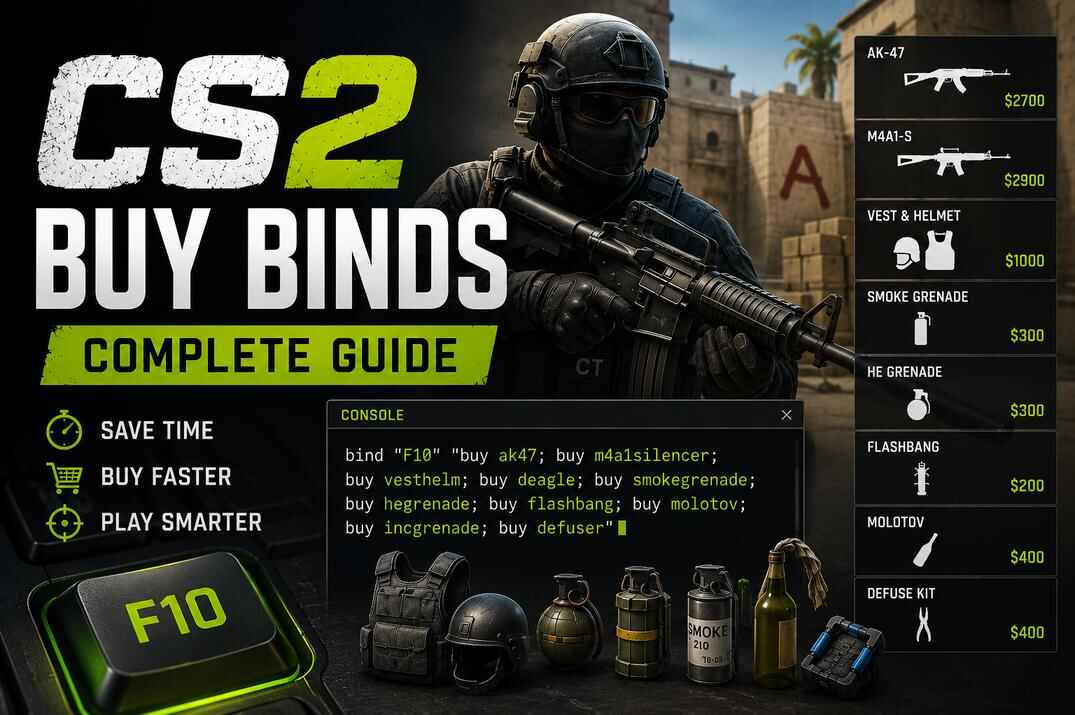
Buy Binds
Full loadouts on one key, buy command names, and separate binds for T and CT equipment.
open →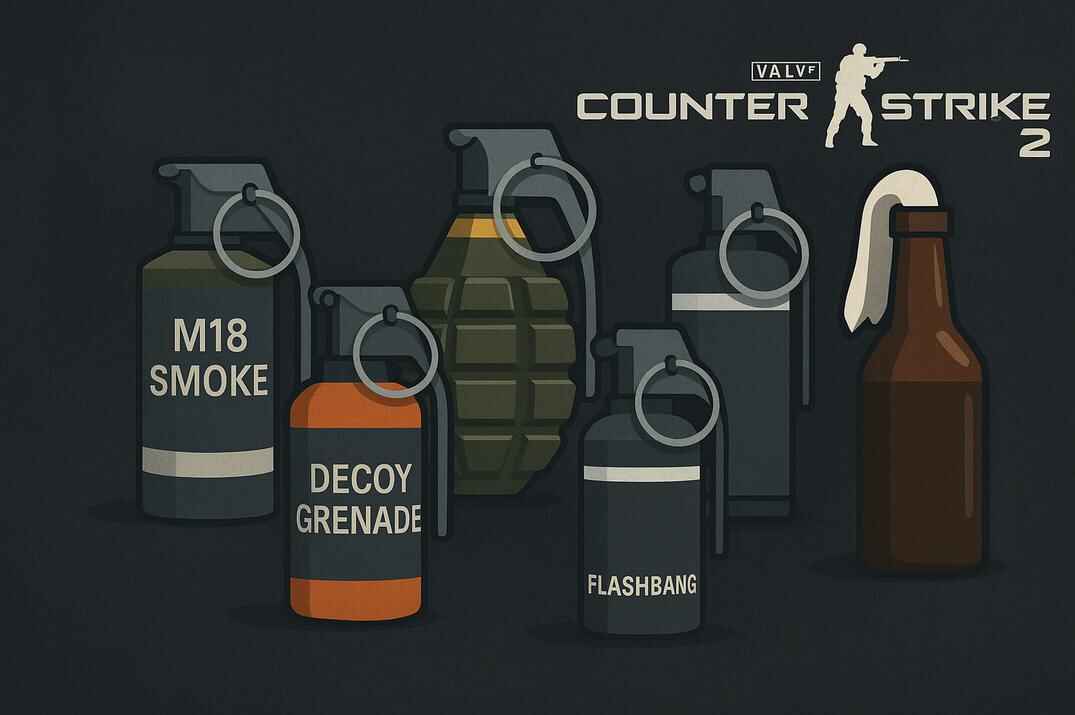
Grenade Binds
One key per grenade instead of scrolling through them in the middle of a round.
open →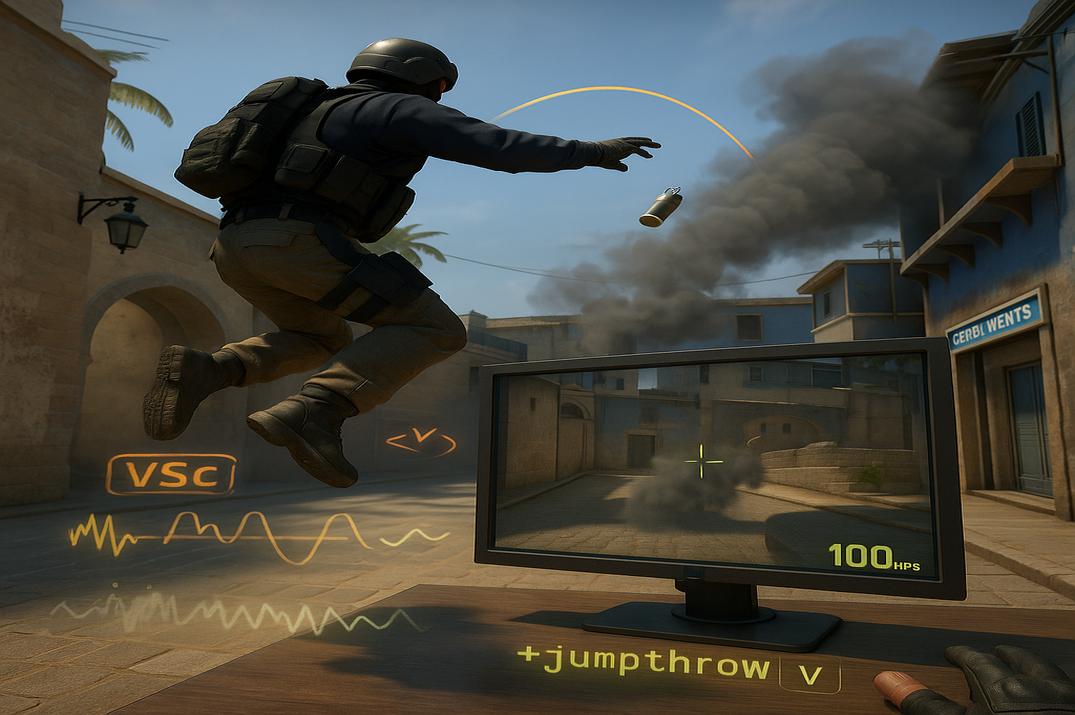
Jump Throw
The working jump throw method for CS2, why the old bind stopped working, and how to set up the new one.
open →
Jump on Mouse Wheel
Bind jump to wheel up, wheel down or both, with notes for bhop and jump throws.
open →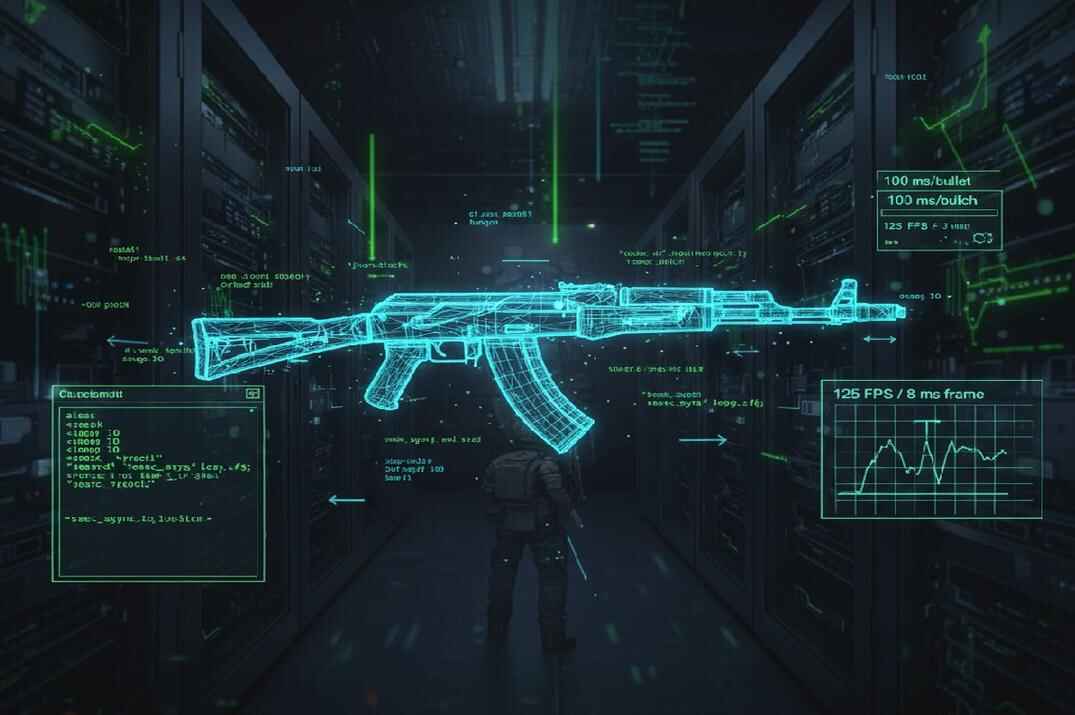
AK-47 Anti-Recoil
A training script that demonstrates AK-47 recoil compensation using timed mouse movement on local or private servers.
open →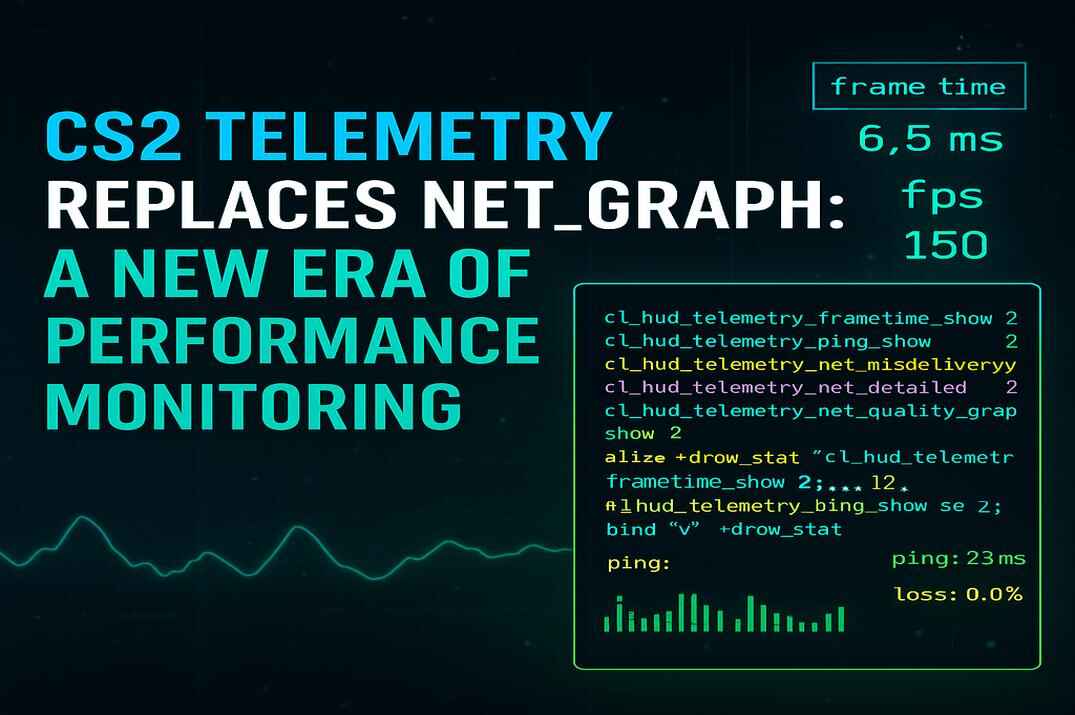
Telemetry Scripts
Build a custom CS2 telemetry HUD for FPS, frame time, ping and other performance data.
open →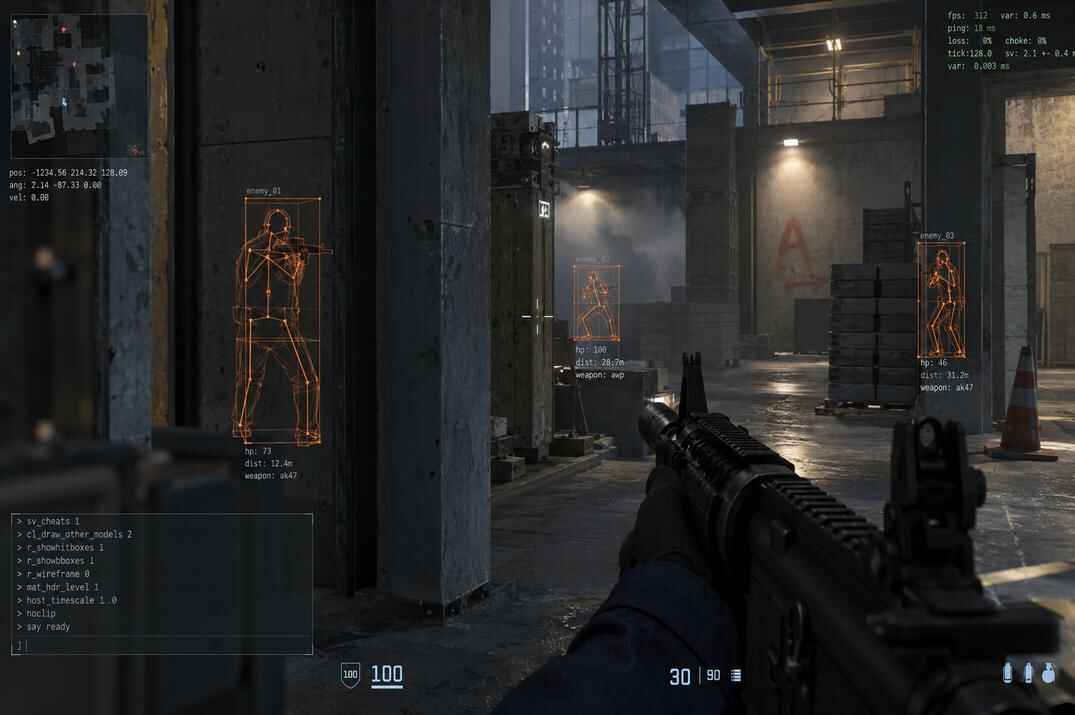
Legal WallHack
Built-in debug overlays, binds and toggles for hitboxes and player distance on offline or sv_cheats-enabled servers.
open →CS2 Macro Software
Binds live in the config, macros live in the mouse. Four setups, one guide each.
G HUB
Profiles, button assignments, macro types and Lua scripting, with step-by-step CS2 macro examples and timing settings.
open →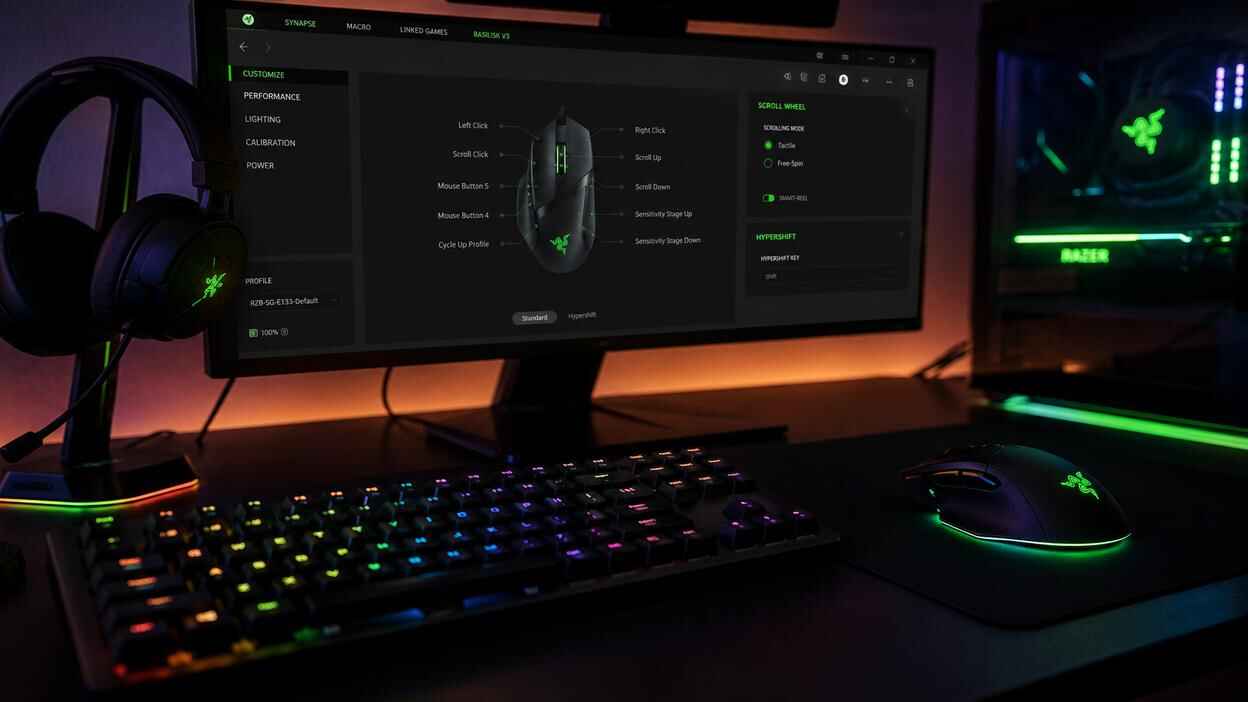
Synapse 4
Profiles, button remapping and the Synapse macro editor, with playback modes and practical CS2 macro examples.
open →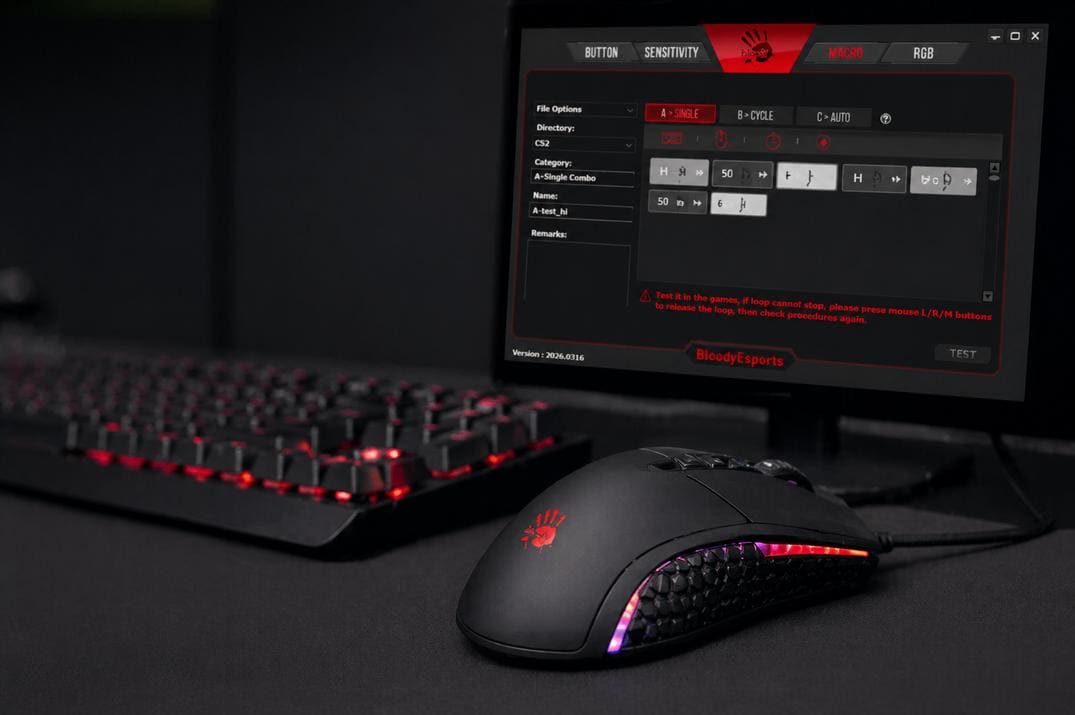
Bloody Esports
Mouse profiles, button assignments and the .bmc macro editor, with CS2 examples for burst fire, fast scope and other actions.
open →
NGENUITY
Button assignments, macro recording and repeat modes, with simple CS2 examples and a clear look at NGENUITY’s limitations.
open →
More CS2 Resources
Config files, generators, command references and other CS2 tools.
Binds & Aliases Commands
CS2 bind and alias commands, with descriptions, values and default settings read from the game.
open →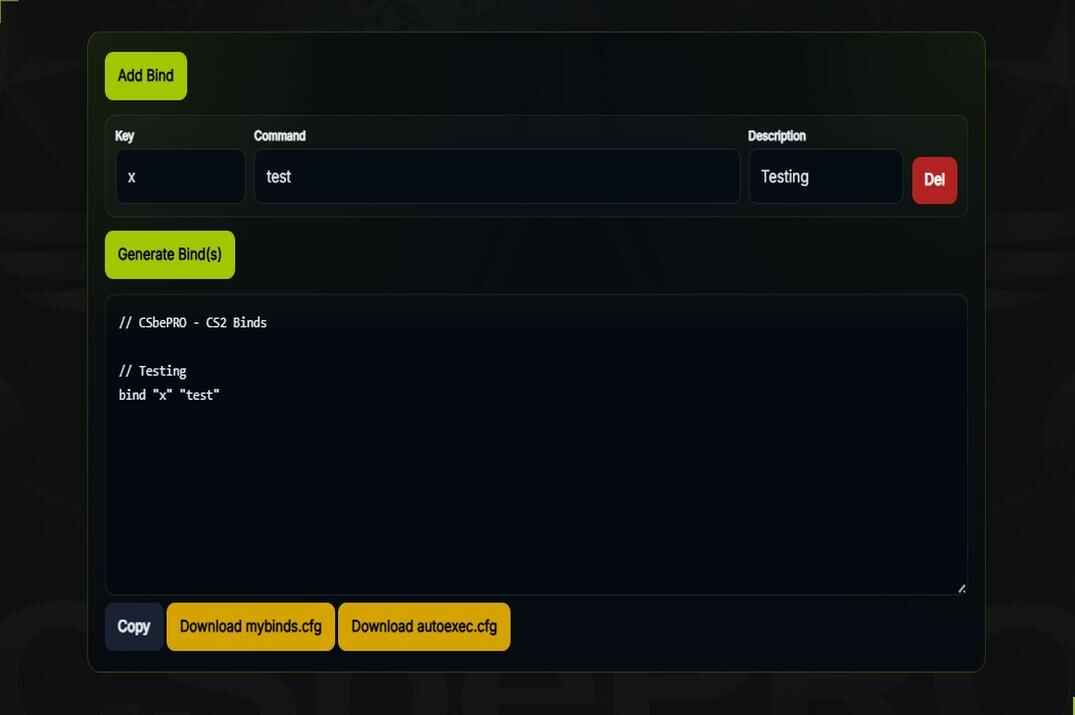
Binds Generator
Pick keys and actions, get the lines ready to paste into your config.
open →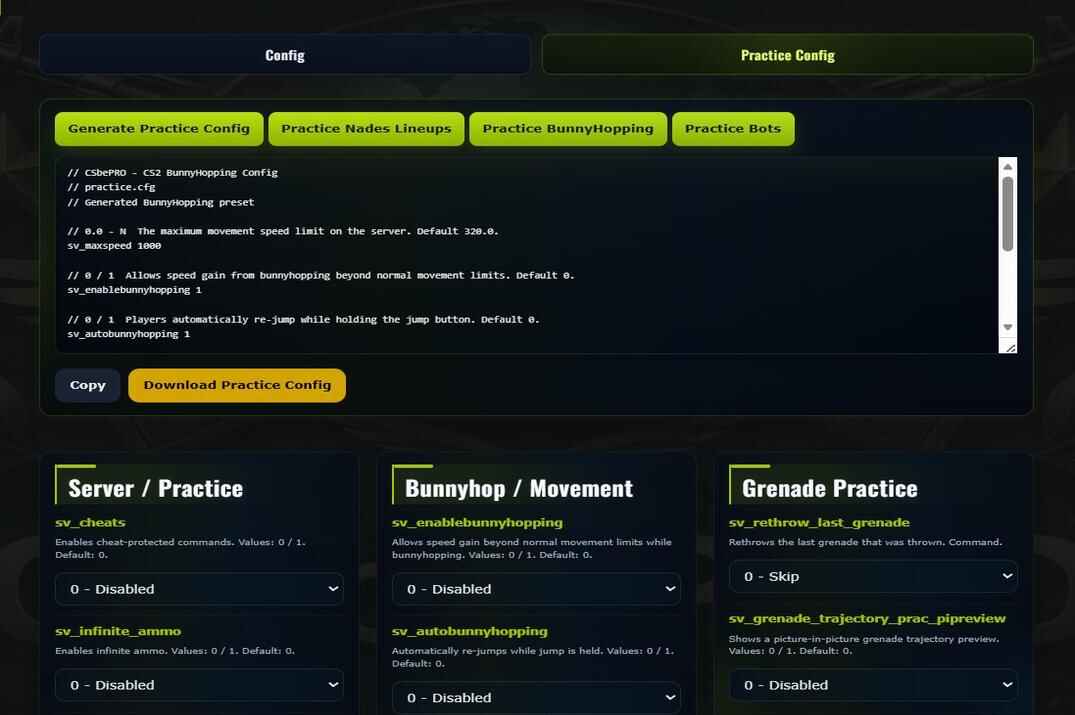
Config Generator
Build an autoexec.cfg from scratch without remembering what every setting is called.
open →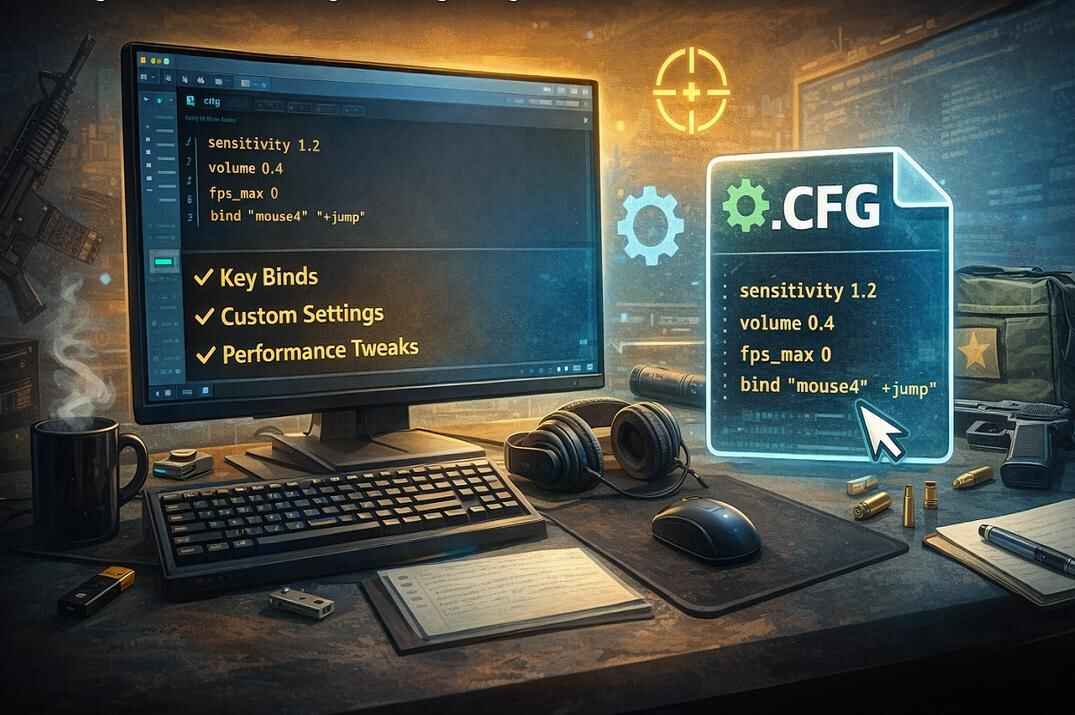
Config Files
Where CS2 config files are stored, how they load on startup, and how to save settings with autoexec.cfg.
open →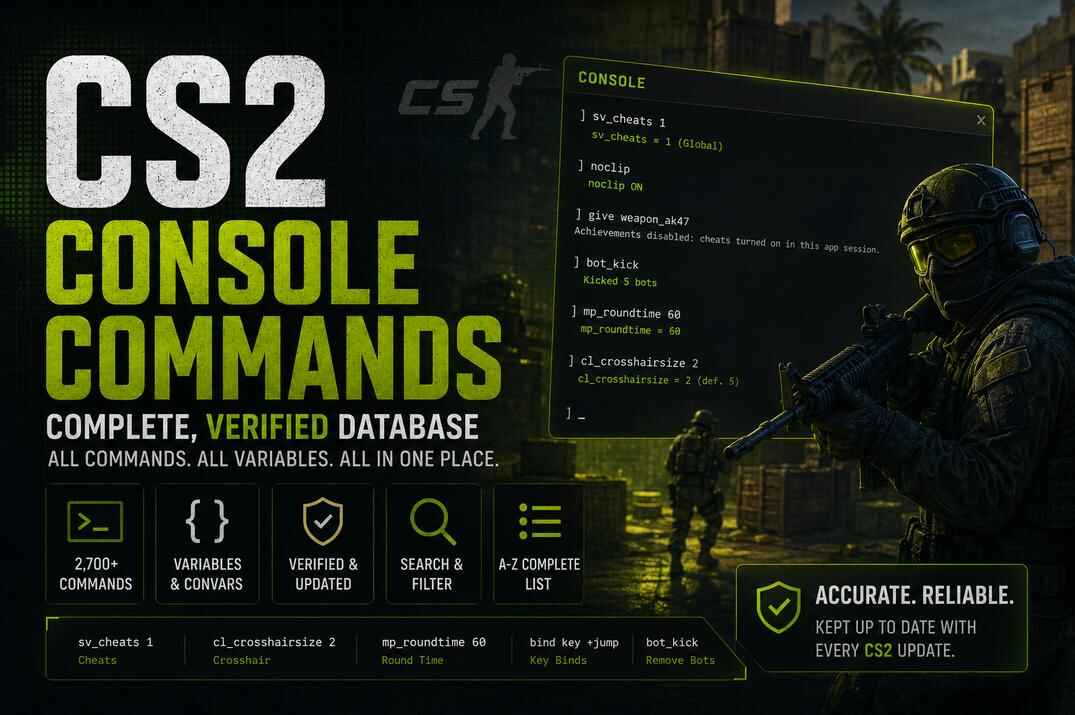
Console Commands
Every command sorted into 14 categories, from crosshair to demos, plus the full A-Z list.
open →
Back to CS2 Hub
Guides, tools, tests, pro settings, maps, weapons and other CS2 resources.
open →