CS2 Bot Commands Guide: Difficulty, Bot Names, Templates and Training Configs
How to add and kick bots, change bot difficulty, which bot commands need sv_cheats, all 147 bot names with their templates from the game files, and a ready 5 vs 10 training config
In Counter-Strike 2 bots are useful for warm-up, aim practice, learning maps and testing commands. They will never replace real players: they follow scripts, don't learn and don't read the round like humans. But they give you full control: how many, how strong, which weapons, which names and how they behave.
This guide covers all of it: adding and removing bots, bot difficulty, the commands that need sv_cheats, the bot templates and every bot name straight from the game's botprofile.db, plus a ready training config.
How to Play With Bots in CS2
Two ways to start a game with bots:
- Menu: Play → Offline With Bots, choose a map and the bot difficulty.
- Console: load the map yourself and set everything with commands.
game_type 0; game_mode 1; map de_dust2   // offline Competitive on Dust2
bot_kick
bot_add_ct normal
bot_add_t expert
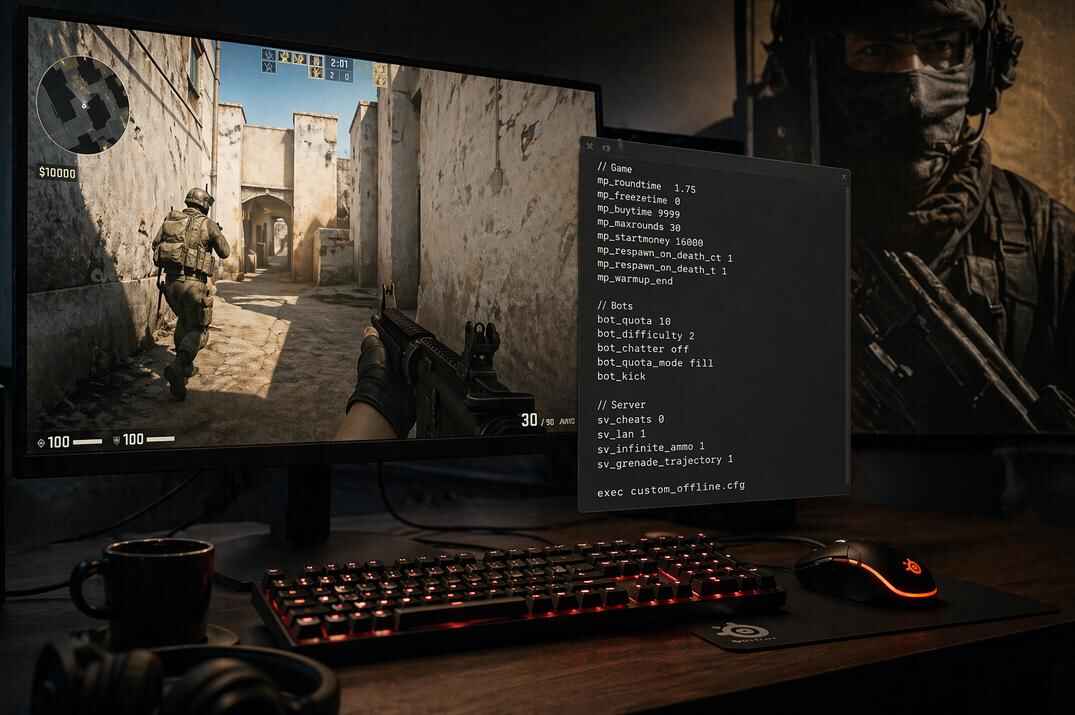
Turn on the console first: Settings → Game → Enable Developer Console → Yes, open it with ~. All basic bot commands work without sv_cheats. Debug commands like freezing bots need sv_cheats 1, I mark them in the tables below.
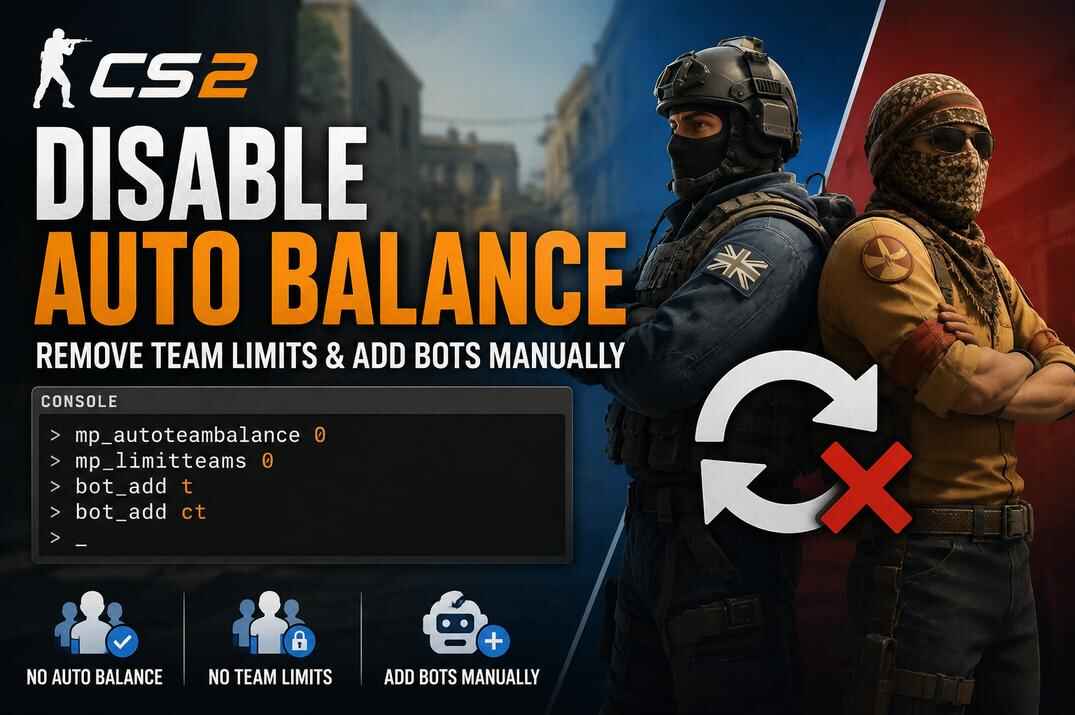
Don't want to type it all? The setup builder in how to disable auto balance writes the bot commands for you.
How to Add and Kick Bots in CS2
The game describes bot_add as bot_add <t|ct> <type> <difficulty> <name>, so side, difficulty and name can be combined, and bot_kick takes the same filters.
| Command | Cheats | What it does |
|---|---|---|
bot_add |
No | Adds a bot, optionally by side, difficulty or name |
bot_add_t / bot_add_ct |
No | Adds a bot to T or CT: bot_add_t expert, bot_add_ct muhlik |
bot_kick |
No | Removes all bots, or by side, difficulty or name: bot_kick t, bot_kick easy, bot_kick muhlik |
bot_kill |
Yes | Kills bots without removing them, same filters |
bot_quota |
No | Total number of bots the game keeps |
bot_quota_mode |
No | How the quota works: normal (default), fill (fill up to the quota with players counted), match, competitive |
bot_join_team |
No | Which team bots join: any (default), T or CT |
bot_join_after_player |
No | 1 (default): bots wait until a player joins |
bot_chatter |
No | How bots talk: off, radio, minimal, normal |
The gamemode configs set their own quota: Casual and offline Competitive fill up to 10 bots. Details in the CS2 server config guide.
How to Change Bot Difficulty in CS2
bot_difficulty sets the skill of bots, values 0 to 3:
| Value | Keyword for bot_add | Templates |
|---|---|---|
bot_difficulty 0 |
easy |
Easy |
bot_difficulty 1 |
normal |
Fair, Normal |
bot_difficulty 2 |
hard |
Tough, Hard, Very Hard |
bot_difficulty 3 |
expert |
Expert, Elite |
The catch: the game describes it as the skill of bots joining the game. Bots already on the server keep their level, so changing bot_difficulty in the middle of a match seems to do nothing. Like in CS:GO, the better way is to add bots with the difficulty right away:
bot_kick
bot_add_t expert
bot_add_ct hard
Elite bots, the strongest template, can't be added with a keyword (bot_add elite doesn't work), only by name: bot_add muhlik. Everything about them in how to play against the hardest bots.
Auto Bot Difficulty
By default CS2 changes bot difficulty every round based on contribution score. The comments in the game's own config explain the thresholds: a bot more than bot_autodifficulty_threshold_high above the average human score lowers its difficulty, a bot more than bot_autodifficulty_threshold_low below it raises its difficulty.
| Command | Range | What it does |
|---|---|---|
sv_auto_adjust_bot_difficulty |
0 / 1 | Turns auto difficulty on or off |
bot_autodifficulty_threshold_high |
-20 to 20 | Above this, a bot gets easier |
bot_autodifficulty_threshold_low |
-20 to 20 | Below this, a bot gets harder |
If you want bots to keep exactly the level you chose, turn it off:
sv_auto_adjust_bot_difficulty 0
Bot Weapon Commands in CS2
| Command | Cheats | What it does |
|---|---|---|
bot_knives_only |
No | Bots use knives only |
bot_pistols_only |
No | Bots use pistols only |
bot_snipers_only |
No | Bots use sniper rifles only |
bot_all_weapons |
No | Bots may use all weapons again |
bot_allow_pistols
,
_rifles
,
_snipers
,
_shotguns
,
_sub_machine_guns
,
_machine_guns
,
_grenades
|
No | 1/0: allow or forbid each weapon group |
bot_loadout "items" |
Yes | Items bots get at round start |
bot_randombuy 1 |
Yes | Bots ignore their preferred weapons and buy at random |
bot_knives_only, bot_pistols_only and bot_snipers_only are commands, you type them without a value. bot_all_weapons undoes them.
Bot Behavior and Movement Commands
These are for practice and testing, and almost all of them need sv_cheats 1.
| Command | Cheats | What it does |
|---|---|---|
bot_stop 1 |
Yes | Bots stop thinking and moving. Also bot_stop t, ct or not_bomber |
bot_freeze 1 |
Yes | Bots freeze in place |
bot_zombie 1 |
Yes | Bots stay idle and don't attack |
bot_crouch 1 |
Yes | Bots crouch |
bot_dont_shoot 1 |
Yes | Bots don't fire |
bot_ignore_players 1 |
Yes | Bots don't see human players |
bot_ignore_enemies 1 |
Yes | Bots ignore enemies |
bot_mimic 1 |
Yes | Bots copy the movement and actions of the player with that index (1 is usually you), 0 turns it off |
bot_place |
Yes | Puts a bot where you aim |
bot_goto_mark, bot_goto_selected |
Yes | Send a bot to a marked or selected nav area, for testing navigation |
bot_allow_rogues 0 |
No | Bots don't go "rogue". Rogue bots ignore radio commands and scenario goals |
A popular combo for spray and peek practice: bots stand still in place, you place them where you want.
sv_cheats 1
bot_stop 1
bot_place
For seeing bots through walls during practice: legal wallhack commands.
CS2 Bot Training Config: 5 vs 10
A config for playing CT with four Easy teammates against ten Expert T bots. It sets the rules, turns off team balance and auto difficulty, kicks all bots and adds new ones.
// Short server setup
mp_buytime 60                 // buy time at round start
mp_buy_anywhere 0             // buy only in the buy zone
mp_freezetime 2               // short freeze time
mp_friendlyfire 0             // no team damage
mp_startmoney 800             // starting money
mp_maxmoney 15000             // money limit
mp_maxrounds 20               // rounds per match
mp_roundtime_defuse 2.25      // round time on bomb maps
mp_roundtime_hostage 2        // round time on hostage maps
mp_autoteambalance 0          // no auto team balance
mp_limitteams 0               // uneven teams allowed, like 5 vs 10

// Bot difficulty
bot_difficulty 3
sv_auto_adjust_bot_difficulty 0

// Kick all bots
bot_kick

// Your side: CT
bot_add_ct easy
bot_add_ct easy
bot_add_ct easy
bot_add_ct easy

// Enemies: ten Expert T bots
bot_add_t expert
bot_add_t expert
bot_add_t expert
bot_add_t expert
bot_add_t expert
bot_add_t expert
bot_add_t expert
bot_add_t expert
bot_add_t expert
bot_add_t expert

echo "bot.cfg loaded"
Swap bot_add_t and bot_add_ct to play T. Replace expert with hard or normal for an easier game, or with Elite names like muhlik for a harder one (Expert vs Elite: skill 90/100, aggression 80/95, reaction time 0.20/0.05 s).
How to Use the Bot Config
- Save it as
bot.cfgin...\steamapps\common\Counter-Strike Global Offensive\game\csgo\cfg\. - Load a map. 15 players don't fit into Competitive (10 slots), so start Casual:
game_type 0; game_mode 0; map de_dust2. - Join CT (
jointeam 3). - Run
exec bot.
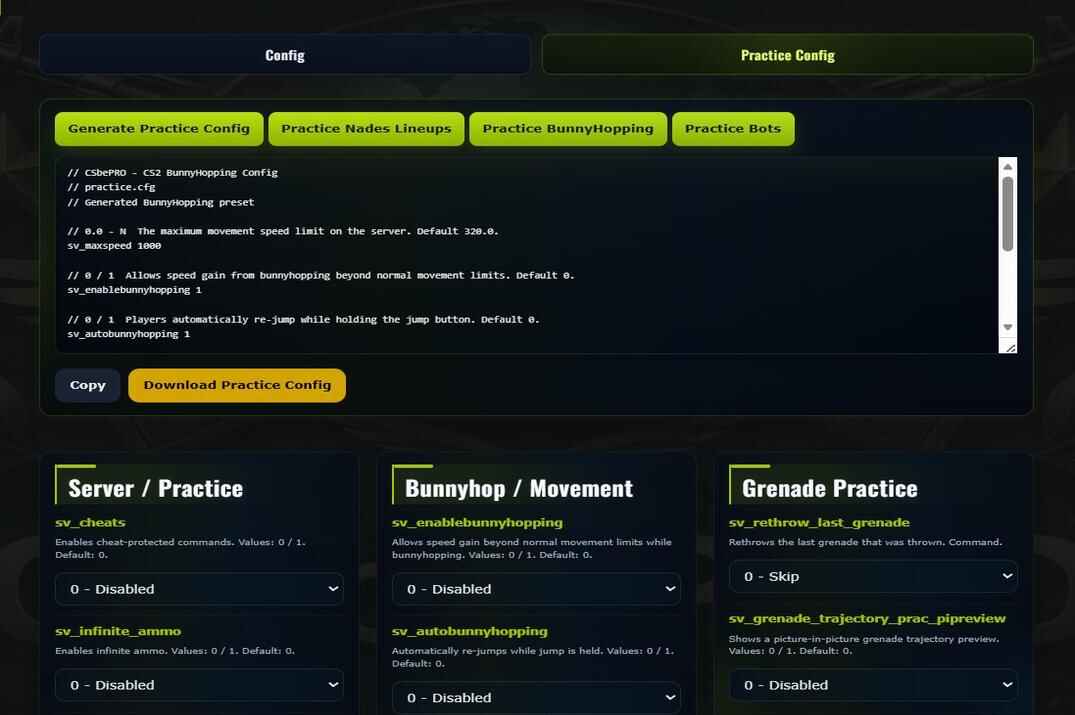
Run it only after the map has loaded. Win, lose, rage, blame the bots for cheating, at least it's a real challenge and not harmless target practice. More configs: CS2 config guide and the CS2 Config Generator.
CS2 Bot Templates Explained
Every bot in CS2 is built from templates in the game file botprofile.db: a skill template (how strong) and often a weapon template (what it buys).
Skill Templates
Eight templates, values straight from the file. The Difficulty column is what bot_add easy/normal/hard/expert picks from.
| Template | Difficulty | Skill | Aggression | Reaction time | Attack delay | Aim focus initial | Aim focus decay | Aim offset scale | Aim focus interval |
|---|---|---|---|---|---|---|---|---|---|
| Elite | EXPERT | 100 | 95 | 0.05 | 0 | 0.5 | 0.1 | 0.05 | 0.05 |
| Expert | EXPERT | 90 | 80 | 0.20 | 0 | 2 | 0.2 | 0.15 | 0.20 |
| Very Hard | HARD | 80 | 70 | 0.30 | 0 | 5 | 0.3 | 0.17 | 0.30 |
| Hard | HARD | 75 | 60 | 0.40 | 0 | 10 | 0.4 | 0.20 | 0.40 |
| Tough | HARD | 60 | 45 | 0.50 | 0.70 | 10 | 0.4 | 0.25 | 0.50 |
| Normal | NORMAL | 50 | 30 | 0.60 | 0.80 | 12 | 0.5 | 0.35 | 0.60 |
| Fair | NORMAL | 25 | 15 | 0.60 | 0.90 | 17 | 0.6 | 0.50 | 0.70 |
| Easy | EASY | 5 | 10 | 0.60 | 0.70 | 20 | 0.7 | 0.60 | 0.70 |
Reaction time is in seconds, aim focus initial in degrees from your center, the offset scale is tracking accuracy (0 is perfect). bot_add hard can give you a Tough bot as well as a Very Hard one, bot_add expert gives Expert bots, and Elite bots come by name.
Weapon Templates
The list of weapons a bot tries to buy first, in this order, when money and side allow. A preference, not a lock.
| Template | Buy order |
|---|---|
| Rifle | m4a1, ak47, famas, galilar, mp7 |
| RifleT | ak47, m4a1, galilar, famas, mp7 |
| Punch / PunchT | aug, sg556, famas, galilar, mp7 |
| Sniper | awp, scar20, g3sg1, ssg08, famas, galilar, mp7 |
| Power | m249, xm1014, nova, famas, galilar, mp7 |
| Shotgun | xm1014, nova, famas, galilar, mp7 |
| Spray | p90, mp9, mac10, mp7 |
So a Rifle bot goes for the M4A4 or M4A1-S on CT and the AK-47 on T, then FAMAS, Galil AR or MP7. A Sniper bot buys the AWP first, then SCAR-20, G3SG1 or SSG 08.
All CS2 Bot Names by Template
147 named bots in the current botprofile.db. Bots with a weapon template are in bold, the template is next to the name. Any of them can be added by name: bot_add_t rebel, bot_add_ct operator.
Elite Bot Names (12, add by name only)
Muhlik Rifle, Shamat Spray, Crusher Shotgun, Osiris Punch, Rock Power, Shark PunchT, Wolf Rifle, Gunner RifleT, Rebel Sniper, Crew Punch, Steel RifleT, Stone PunchT.
Expert Bot Names (10)
Ava RifleT, Buckshot Rifle, Commando, Delrow Punch, McCoy Rifle, Operator Sniper, Ricksaw Rifle, Rip PunchT, Soldier Shotgun, Syfers Rifle.
Very Hard Bot Names (4)
Cavalry Sniper, Farlow Rifle, Kask RifleT, Seal Power.
Hard Bot Names (15)
Blackwolf PunchT, Darryl Spray, Dragomir Shotgun, Enforcer PunchT, Lieutenant RifleT, Mae Rifle, Maximus Spray, Officer Rifle, Rezan Punch, Romanov RifleT, Sarge Rifle, Sas Rifle, Skullhead Rifle, Slingshot Sniper, Specialist Rifle.
Tough Bot Names (21)
Arno Rifle, Aspirant RifleT, Bank Sniper, Baroud, Crasswater RifleT, Getaway Rifle, Goggles Rifle, Hugg Rifle, Jaques, K, Kev Rifle, Krikey Rifle, Mangos RifleT, Rex RifleT, Rouchard Rifle, Solman Sniper, Sox Rifle, Squad Shotgun, Strapper Rifle, Trapper RifleT, Voltzmann Rifle.
Normal Bot Names (23)
Aggressor, Akani, Bluefish, Boxcar RifleT, Dabisi Rifle, Doc, Feliz, Francis, Frank PunchT, Guerrilla Rifle, Hau, Hood, Imaru Sniper, Juuvy, Litmow Sniper, Luiro, Masthead, Reaper, Sal, Severn, Striker, Vypa, Wiscar.
Fair Bot Names (24)
Akutan Spray, Comb, Faultline, Firwood, Gustov, Han, Heave, Hobart, Hogarth, Kadeem, Kao, Kong, Longwa, Marlin, Milenski, Orin, Orlo Spray, Orlow, Sails, Sam, Shadow, Shaur, Terrington, Tom.
Easy Bot Names (38)
Adonis, Azul, Bassey, Clarence, Colin, Conleth, Dashen, Dayo, Dios, Efe, Ferris, Frank, Greymouth, Harvey, Hastings, Irwin, Larry, Maru, Mayer, Miguel, Niles, Oli, Opie, Panama, Pines, Rivers, Telsen, Tony, Ulric, Ulysses, Uri, Vox, Waldo, Walt, Wesley, Yanni, York, Yuri.
Named bots make training more precise than random spawns: an enemy team of snipers (Rebel, Operator, Cavalry, Slingshot) or rifle players, exactly the level you want.
You can't add two bots with the same name to one team. Two Muhliks on T won't work, one Muhlik on each side will. Frank exists twice, as an Easy and as a Normal bot.
Conclusion
Most bot guides stop at bot_add, bot_kick and bot_difficulty 3. That's enough for a warm-up, but bots can do much more: add them by difficulty or by name, turn off auto difficulty and team balance, pick enemies by weapon template, freeze and place them for practice. Put it in a config and you have your own training server in one command.
And yes, you'll probably still accuse them of cheating. Elite bots punish you through doors the moment they hear your steps.
CS2 Bots FAQ
How do I add bots in CS2?
In the console: bot_add, bot_add_t or bot_add_ct, optionally with a difficulty or name: bot_add_t expert, bot_add muhlik.
Do bot commands need sv_cheats?
Adding, kicking, difficulty, quota and weapon restrictions don't. Debug commands like bot_stop, bot_freeze, bot_dont_shoot, bot_place, bot_mimic and bot_kill do.
Why doesn't bot_difficulty change my bots?
It only applies to bots that join after the change. Kick the bots and add them again, or add them with a difficulty: bot_add expert.
What is the hardest bot difficulty in CS2?
Expert is the highest keyword. The strongest bots are Elite, added only by name, like bot_add muhlik.
How do I remove bots in CS2?
bot_kick removes all. By side, difficulty or name: bot_kick t, bot_kick expert, bot_kick muhlik.
How do I make bots stand still?
sv_cheats 1, then bot_stop 1 or bot_freeze 1. bot_dont_shoot 1 stops them shooting, bot_zombie 1 makes them idle.
How do I make bots use only one weapon type?
bot_knives_only, bot_pistols_only or bot_snipers_only. bot_all_weapons brings everything back.
Can I play against more bots than my team has?
Yes: mp_autoteambalance 0, mp_limitteams 0, then add bots to the enemy side. For more than 10 players start Casual.