Five necessary commands to create scripts in Counter-Strike 2

Five necessary commands to create Scripts in CS2

bind, alias, toggle, incrementvar and exec: the five commands behind every CS2 script, with syntax, examples and the mistakes to avoid

Want to buy your gear with one key, change your crosshair on the fly or set up a practice session in one line? That's scripting in Counter-Strike 2, and it's simpler than it sounds. A handful of commands is enough to build controls that fit the way you play.

Here are the five commands every player should know before writing scripts. They are the building blocks: once you get them, you'll understand how almost any advanced script works.

The 5 CS2 Scripting Commands at a Glance

# Command What it does Example
1 bind Puts a command on a key bind "j" "buy awp"
2 alias Creates your own command from other commands alias "sniper" "buy awp; buy vesthelm"
3 toggle Switches a setting between values toggle cl_radar_scale 0.5 1
4 incrementvar Changes a value step by step in a range incrementvar volume 0 1 0.1
5 exec Runs a whole config file exec practice

All examples use keys that are free in CS2 by default, like J, K and L. Change them to whatever you like, just check what you overwrite (key_listboundkeys shows all your binds).

bind Command in CS2

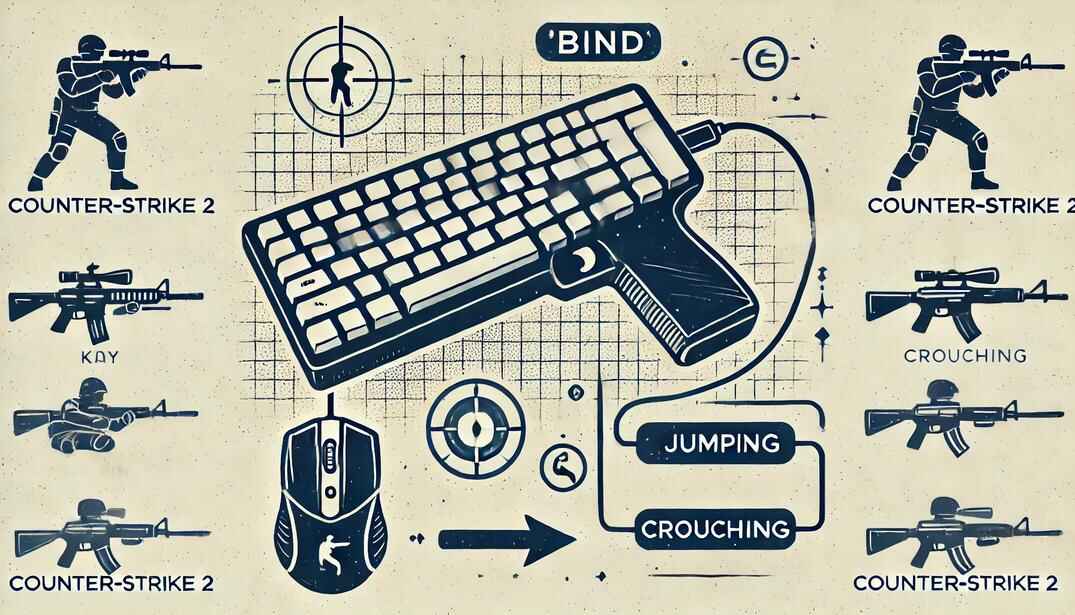
Illustration of key binds in Counter-Strike 2 with a gaming keyboard and mouse

A bind connects a key or mouse button to a command or a chain of commands. It can trigger game actions (jump, shoot, drop, buy) or change settings (sensitivity, volume, crosshair, FPS limit). Instead of typing in the middle of a round, you press a key.

bind "key" "command"
bind "key" "command1; command2; command3"

Simple:

bind "j" "say Hello World"

J writes "Hello World" in the chat. A chain:

bind "F9" "buy awp; buy vesthelm; say_team I am a Sniper"

One press buys an AWP and Kevlar with helmet and tells your team. More ready ones: buy binds.

bind Tips

  • key_listboundkeys shows all your current binds.
  • unbind key clears one key, binddefaults brings back the default layout.
  • Since August 2024 only one movement or attack command per bind works on official servers. +jump; -attack on one key is ignored, buys, chat and settings are fine.

alias Command in CS2
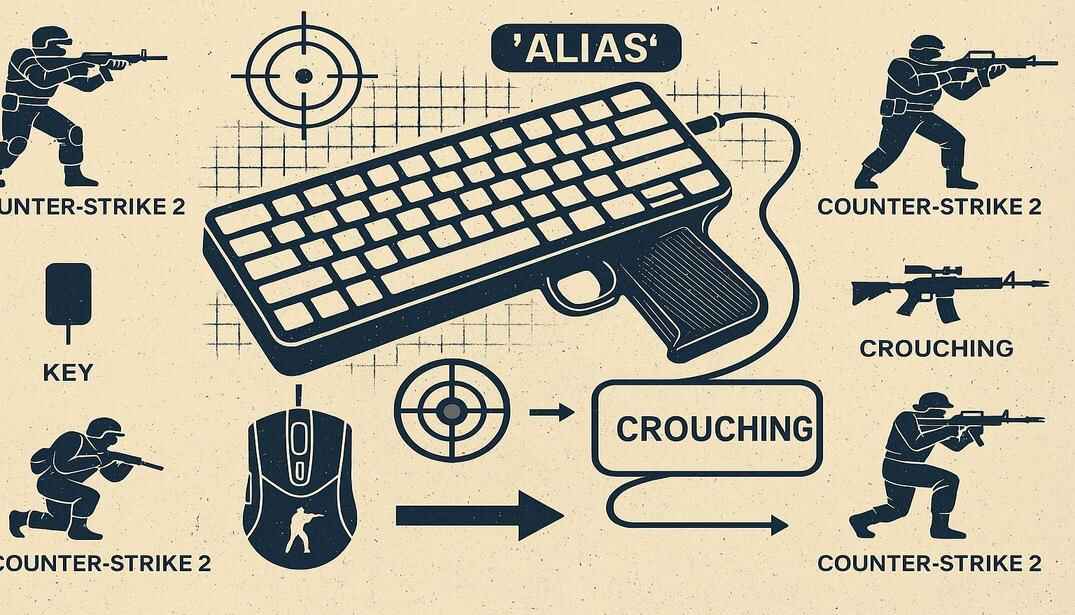
Illustration explaining alias in Counter-Strike 2

An alias is your own command. You define a chain once and then call it like any built-in command. That's what makes toggles, modes and bigger systems possible, and it keeps configs clean. Every script in my useful scripts collection is built on it.

alias "name" "command1; command2; command3"
bind "key" "name"

Simple:

alias "sniper" "buy awp; say_team I am a Sniper"

Type sniper in the console and you buy an AWP and tell your team. A chain of aliases:

alias "com_1" "say_team I'm a Sniper"
alias "com_2" "buy awp"
alias "com_3" "com_1; com_2"
bind "j" "com_3"
  1. com_1 sends the message.
  2. com_2 buys the AWP.
  3. com_3 runs both, and J runs com_3.

The Alias Toggle

The real power: an alias that rewrites itself. One key, two states.

alias "radar_big" "cl_radar_scale 1; alias radar_switch radar_small"
alias "radar_small" "cl_radar_scale 0.5; alias radar_switch radar_big"
alias "radar_switch" "radar_big"
bind "j" "radar_switch"

Every press of J switches the radar between full map and zoomed in.

Aliases are not saved by the game. Binds are, so after a restart J still points to radar_switch , but the alias is gone. Keep aliases in a config file and load it with exec (command 5).

toggle Command in CS2

toggle switches a setting between two or more values with every press. Radar scale, crosshair size, sound, HUD: instead of a key for every state, one key cycles through them.

bind "key" "toggle setting value1 value2 value3"
bind "l" "toggle cl_radar_scale 0.25 0.5 0.75 1"

Every press of L moves the radar to the next size. Without values toggle flips a setting between 0 and 1, for example bind "j" "toggle cl_showfps".

Almost any setting with a value can be toggled. The alias toggle above does the same thing, but toggle needs only one line. Use alias when every step has to run several commands.

What About bindtoggle?

CS:GO had bindtoggle for simple on/off binds. In CS2 it still exists, but only as a developer command, so it doesn't work for normal players. toggle does everything it did and more.

incrementvar Command in CS2

incrementvar changes a value step by step inside a range. Each press adds the step (or subtracts it, if the step is negative). When the value goes past the end of the range, it jumps to the other end. It works like a dial, smooth steps instead of fixed jumps.

bind "key" "incrementvar setting min max step"
bind "k" "incrementvar volume 0 1 0.1"     // volume up by 0.1
bind "l" "incrementvar volume 0 1 -0.1"    // volume down by 0.1

K turns the volume up, L down, in steps of 0.1. Careful at the edges: one press past 1 and the volume jumps to 0.

Another example, the radar:

bind "k" "incrementvar cl_radar_scale 0.25 1 0.25"

Each press makes the radar 0.25 bigger, and after 1 it starts again from the smallest size. Use the real range of the setting: cl_radar_scale goes from 0.25 to 1, a 0 there simply doesn't work.

toggle or incrementvar?

toggle incrementvar
Values The exact list you write Everything between min and max
Steps Can be uneven: 0.25, 0.6, 1 Always the same step
Direction Forward only, then back to the start Up or down, with a negative step
Best for 2 to 4 favorite states Fine tuning: volume, radar, viewmodel

More examples for both in useful binds.

exec Command in CS2

Scripts live in config files, and exec runs them. It reads a .cfg file from the cfg folder top to bottom and runs every line, binds and aliases included.

exec filename
exec practice          // runs practice.cfg
exec myscripts/radar   // runs radar.cfg from cfg\myscripts\

The files go into ...\steamapps\common\Counter-Strike Global Offensive\game\csgo\cfg\, the .cfg at the end can be skipped. One file is special: autoexec.cfg runs by itself on every start, so that's where your everyday scripts belong. You can also run a config with exec from inside another config, or bind it to a key:

bind "F9" "exec practice"

Details about config files and both cfg folders: CS2 config guide and CS2 config location.

Best Practices for CS2 Scripting

Use quotes

Quote both the key and the command. With several commands it's a must, otherwise only the first goes into the bind.

Add feedback

An echo line tells you the script ran: echo Crosshair set to small.

Separate configs

Keep practice.cfg for training and autoexec.cfg for matches, so practice commands never end up in a real game.

Comment

Lines starting with // are ignored by the game. Write what each block does, you'll thank yourself later.

Conclusion

bind, alias, toggle, incrementvar and exec are the foundation of scripting in Counter-Strike 2. bind puts things on keys, alias builds your own commands and toggles, toggle and incrementvar change settings with one key, exec loads it all from a file. They don't replace skill, they remove friction, so you can think about timing, positioning and aim instead of menus.
CS2 Scripting Commands FAQ

Do I need the developer console for these commands?

To type them, yes: Settings, Game, Enable Developer Console, then open it with ~. Commands in autoexec.cfg run without opening the console.

Can I use these commands in Competitive and Premier?

Yes, they are part of the game. The only limit since August 2024: one movement or attack command per bind or alias.

What's the difference between toggle and incrementvar?

toggle flips between the exact values you list, incrementvar moves in even steps between a min and a max.

Are binds and aliases saved?

Binds are saved by CS2 automatically. Aliases are not, they're gone after a restart. Keep your scripts in a .cfg file and load them with exec or autoexec.cfg.

Does bindtoggle work in CS2?

No, it's developer-only now. Use toggle.

How do I remove or change a bind?

unbind "key" removes it. To change it, just bind the key again, the new bind replaces the old one.

Will I get VAC banned for binds or aliases?

No. VAC looks for third-party cheats that interfere with the game, built-in console commands are safe.

Why did some scripts stop working after 2024?

Valve blocked binds with several movement or attack commands, like jump plus attack on one key. Quality of life scripts still work fine.

My autoexec.cfg won't run, why?

Check the extension (.cfg, not .cfg.txt) and the folder (game\csgo\cfg), then test with exec autoexec. An echo autoexec loaded line shows if it ran.

Can I use practice scripts in matchmaking?

No. noclip and other cheat commands need sv_cheats 1, which only works on your own or a local server. Keep them in a separate practice config.

Are scripts allowed on FACEIT?

Basic ones like buy binds and radar toggles are fine, but platforms can have stricter rules. Check their current rules.

Do pros use scripts?

Yes, almost every pro has an autoexec.cfg with binds, aliases, toggles and buy binds. Quality of life only, nothing that plays for them.

Continue Reading

One Response
Leave a Reply

Your email address will not be published. Required fields are marked *