How to Install ReHLDS on a CS 1.6 Linux Server
The engine under every serious CS 1.6 server: why it exists, why build 8684, and the install step by step
ReHLDS is the server engine most CS 1.6 servers run on today instead of Valve's HLDS. Same game, same protocol, but with years of fixes, raised limits and an API that the whole module stack - Metamod-R, AMX Mod X, ReGameDLL_CS, ReUnion - is built against.
This guide starts where How to Install a CS 1.6 Dedicated Server on Linux ends: a working HLDS build 8684 in /home/cs16/cs16srv/, running under the cs16 user. First what ReHLDS is and why it needs that exact build, then the files, the check and the config.
Why ReHLDS Requires HLDS Build 8684
As of late 2026 a plain app_update 90 validate in SteamCMD installs build 10211 from October 8, 2024. The app_update 90 -beta steam_legacy validate command installs build 8684 from August 3, 2020 - the last build ReHLDS is compatible with. That is the whole reason for the older branch, and why the base guide installs it that way.

ReHLDS Build 8684 vs Valve HLDS Build 10211
| Comparison | ReHLDS 3.15.0.896 (May 2026) | Valve HLDS 10211 (Oct 2024) |
|---|---|---|
| Developer | ReHLDS community, open source | Valve, closed source |
| Base | Engine restored from builds 6152/6153 | Official engine after the Anniversary Update |
| Installation | Installed on top of steam_legacy, replaces engine files |
Downloaded with a plain app_update 90 |
| Compatibility | Designed for HLDS 8684 and below | Not a compatible base for ReHLDS |
| ReGameDLL_CS / ReAPI | Full integration and extended APIs | No ReHLDS API |
| Settings | Extra sv_rehlds_* cvars, hooks, raised limits |
Standard Valve settings |
| Modules / plugins | Metamod-R, ReAPI, ReUnion, ReVoice, ReGameDLL_CS | Needs plugins built for the new HL25 engine |
| Steam | Uses the steam_legacy base |
Current official Steam Auth Server |
| Sources | Can be studied, edited and built yourself | Only Valve controls the changes |
Installing ReHLDS
Almost every module in the stack installs the same way: download an archive, unpack it on your computer and drop the right files onto the server into the correct folder. For files I use WinSCP, connected as the cs16 user - the setup is in the base guide. The server files sit in /home/cs16/cs16srv/, the game files in /home/cs16/cs16srv/cstrike/.

Where to Get It
- ReHLDS - project page, the whole Re* stack lives here
- ReHLDS - repository
- ReHLDS - latest release, this is what you download
Replacing the Engine Files
- Stop the server if it is running:
screen -r cs16, then Ctrl+C. - Download the latest release archive and unpack it on your computer.
- Open the bin/linux32/ folder inside the archive.
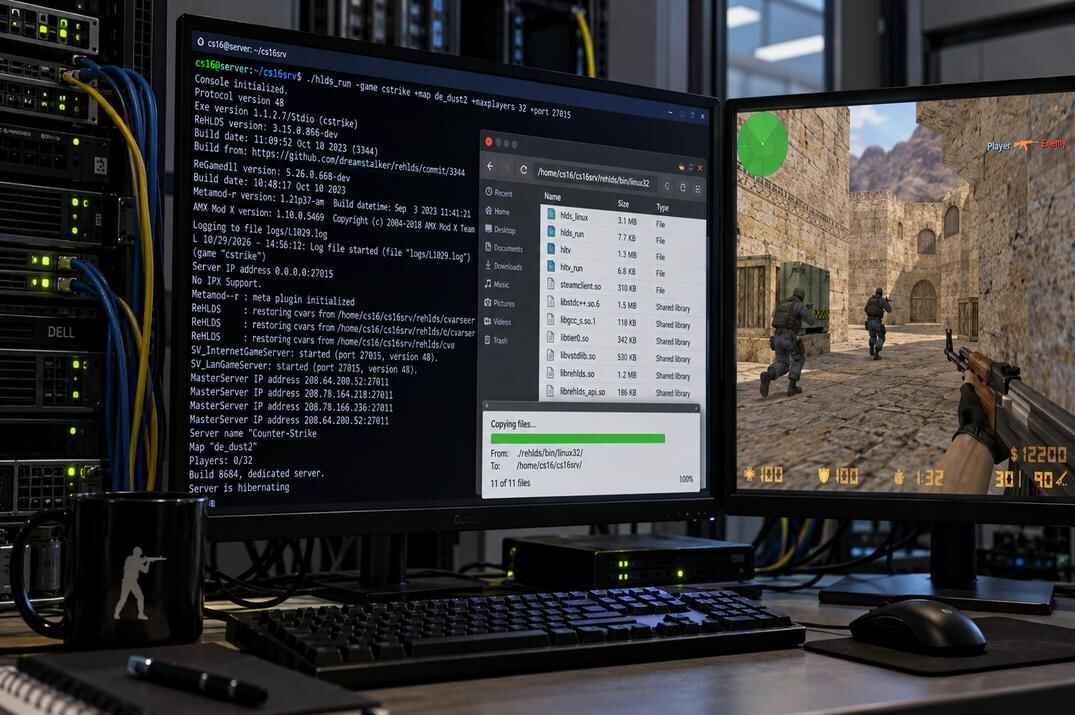
- Upload everything from it into the server's root folder, /home/cs16/cs16srv/, replacing the existing files.

Checking That ReHLDS Is Running
Start the server the usual way and type version in its console:
screen -S cs16 ./hlds_run -game cstrike +map de_dust2 +maxplayers 16 +port 27015
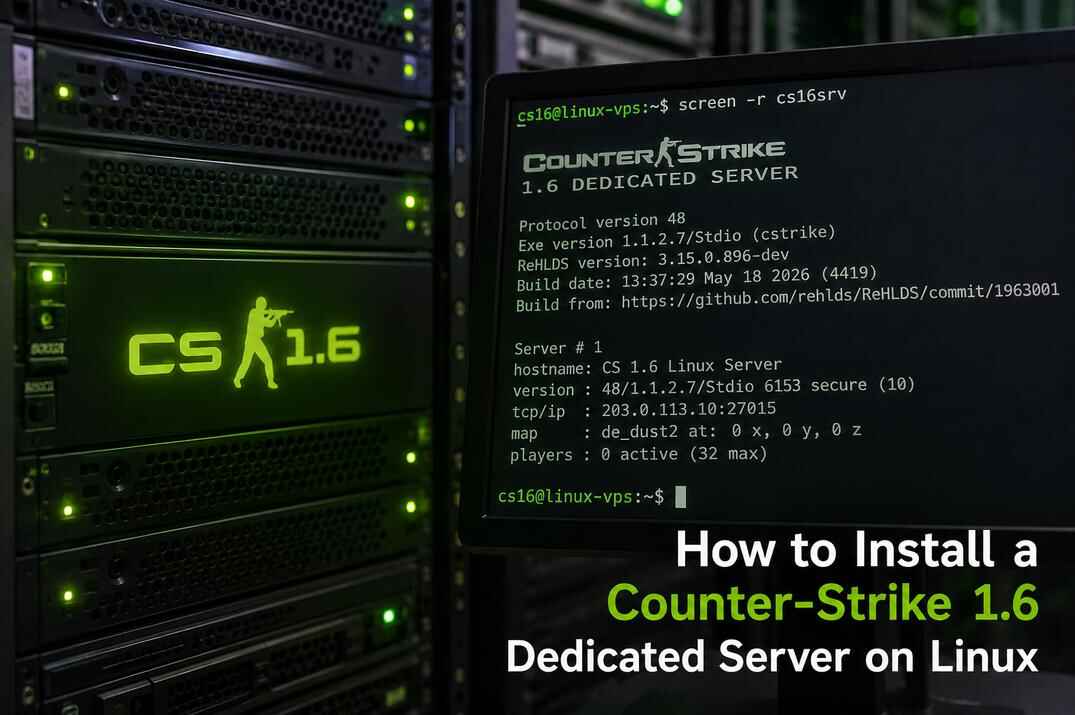
Protocol version 48
Exe version 1.1.2.7/Stdio (cstrike)
ReHLDS version: 3.15.0.896-dev
Build date: 13:37:29 May 18 2026 (4419)
Build from: https://github.com/rehlds/ReHLDS/commit/1963001

If the Valve line Aug 3 2020 (8684) has been replaced with ReHLDS version and a build date, the engine is in. The version number and date will differ depending on the release you installed. Updating ReHLDS later is the same four steps: stop, download, replace the linux32 files, start.
Creating the ReHLDS Configuration
ReHLDS does not create a separate config file on its own. Its cvars can be added straight into server.cfg, but it is cleaner to keep them in a separate file and load it from there.
- Go to /home/cs16/cs16srv/cstrike/.
- Create the file rehlds.cfg.
- Paste the cvars below and set the values to your liking. Every line starting with
//is a comment with the default, the cvar above it is what you change. - Save it, then open /home/cs16/cs16srv/cstrike/server.cfg and add one line at the end:
exec rehlds.cfg.
listipcfgfile listip.cfg
syserror_logfile sys_error.log

sv_auto_precache_sounds_in_models
//[0/1] Automatically precache sounds attached to models. Default: 0

sv_delayed_spray_upload
//[0/1] Upload custom sprays after entering the game instead of when connecting. It increases upload speed. Default: 0

sv_echo_unknown_cmd
//[0/1] Echo in the console when trying execute an unknown command. Default: 0

sv_rcon_condebug
//[0/1] Print rcon debug in the console. Default: 1

sv_force_ent_intersection
//[0/1] In a 3-rd party plugins used to force colliding of SOLID_SLIDEBOX entities. Default: 0

sv_rehlds_force_dlmax
//[0/1] Force a client's cl_dlmax cvar to 1024. It avoids an excessive packets fragmentation. Default: 0

sv_rehlds_hull_centering
//[0/1] Use center of hull instead of corner. Default: 0

sv_rehlds_movecmdrate_max_avg
// Max average level of 'move' cmds for ban. Default: 1800

sv_rehlds_movecmdrate_avg_punish
// Time in minutes for which the player will be banned (0 - Permanent, use a negative number for a kick). Default: 5

sv_rehlds_movecmdrate_max_burst
// Max burst level of 'move' cmds for ban. Default: 5500

sv_rehlds_movecmdrate_burst_punish
// Time in minutes for which the player will be banned (0 - Permanent, use a negative number for a kick). Default: 5

sv_rehlds_send_mapcycle
//[0/1] Send mapcycle.txt in serverinfo message (HLDS behavior, but it is unused on the client). Default: 0

sv_rehlds_stringcmdrate_max_avg
// Max average level of 'string' cmds for ban. Default: 250

sv_rehlds_stringcmdrate_avg_punish
// Time in minutes for which the player will be banned (0 - Permanent, use a negative number for a kick). Default: 5

sv_rehlds_stringcmdrate_max_burst
// Max burst level of 'string' cmds for ban. Default: 500

sv_rehlds_stringcmdrate_burst_punish
// Time in minutes for which the player will be banned (0 - Permanent, use a negative number for a kick). Default: 5

sv_rehlds_userinfo_transmitted_fields
// Userinfo fields only with these keys will be transmitted to clients via network. If not set then all fields will be transmitted (except prefixed with underscore). Each key must be prefixed by backslash, for example "\name\model\*sid\*hltv\bottomcolor\topcolor". See the wiki (Userinfo keys) to collect a sufficient set of keys for your server. Default: ""

sv_rehlds_attachedentities_playeranimationspeed_fix
// Fixes bug with gait animation speed increase when player has some attached entities (aiments). Can cause animation lags when cl_updaterate is low. Default: 0

sv_rehlds_maxclients_from_single_ip
// Limit number of connections at the same time from single IP address, not confuse to already connected players. Default: 5

sv_rehlds_local_gametime
//[0/1] A feature of local gametime which decrease "lags" if you run same map for a long time. Default: 0

sv_rehlds_allow_large_sprays
//[0/1] Allow larger custom logos than 64x64. Default: 1

sv_use_entity_file
// Use custom entity file for a map. Path to an entity file will be "maps/[map name].ent". 0 - use original entities. 1 - use .ent files from maps directory. 2 - use .ent files from maps directory and create new .ent file if not exist.

sv_usercmd_custom_random_seed
// When enabled server will populate an additional random seed independent of the client. Default: 0

sv_net_incoming_decompression
//[0/1] When enabled server will decompress of incoming compressed file transfer payloads. Default: 1

sv_net_incoming_decompression_max_ratio
//[0-100] Sets the max allowed ratio between compressed and uncompressed data for file transfer. (A ratio close to 90 indicates large uncompressed data with low entropy) Default: 80.0

sv_net_incoming_decompression_max_size
// [16-65536] Sets the max allowed size for decompressed file transfer data. Default: 65536 bytes

sv_net_incoming_decompression_min_failures
//[0-10] Sets the min number of decompression failures required before a player's connection is flagged for potential punishment. Default: 4

sv_net_incoming_decompression_max_failures
//[0-10] Sets the max number of decompression failures allowed within a specified time window before action is taken against the player. Default: 10

sv_net_incoming_decompression_min_failuretime
//[0.1-10.0] Sets the min time in secs within which decompression failures are tracked to determine if the player exceeds the failure thresholds. Default: 0.1

sv_net_incoming_decompression_punish
// Time in minutes for which the player will be banned for malformed/abnormal bzip2 fragments (0 - Permanent, use a negative number for a kick). Default: -1

sv_tags
// [comma-delimited string list of tags] Sets a string defining the "gametags" for this server, this is optional, but if it is set it allows users/scripts to filter in the matchmaking/server-browser interfaces based on the value. Default: ""

sv_filterban
// [-1/0/1] Set packet filtering by IP mode. -1 - All players will be rejected without any exceptions. 0 - No checks will happen. 1 - All incoming players will be checked if they're IP banned (if they have an IP filter entry), if they are, they will be kicked. Default: 1

sv_rehlds_movecmd_max_ticks
// Set maximum amount of movement commands the server is able to process from a single player in a single frame. This includes the commands itself, not packets. Default: 24

sv_rehlds_movecmd_max_null_streak
// Defines the maximum allowed consecutive movement commands with zero time duration (empty commands). 0 - disables the check. Default: 0

sv_rehlds_movecmd_clamp_interp
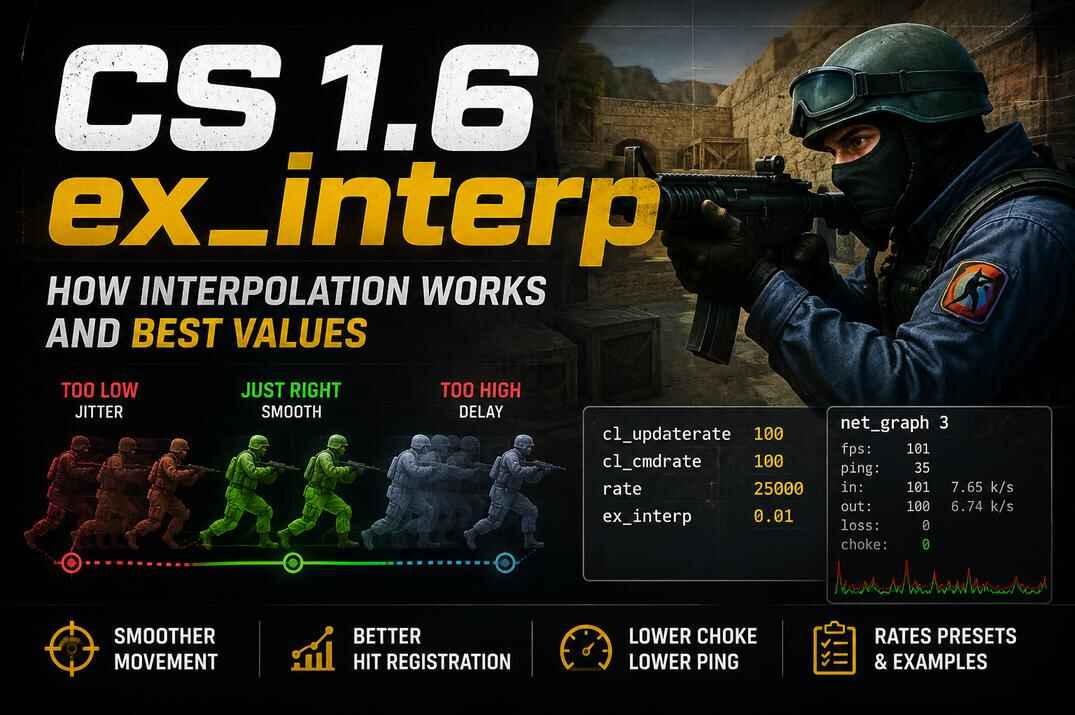
// [0/1] Defines whether should the server block movement commands with invalid (out of range) "ex_interp" value. Default: 1

sv_rehlds_movecmdtime_samples
// Defines the number of frames the server takes to average the client's movement speed. Higher - more accurate but slower detection, lower - vice versa. Default: 120

sv_rehlds_movecmdtime_max_error
// Defines how far a client's internal game clock can go ahead of or behind the server's clock in milliseconds. If this limit is exceeded, the server evaluates the client's game speed. Penalties are ONLY applied if the client also violates the "sv_rehlds_movecmdtime_max_scale" or "sv_rehlds_movecmdtime_min_scale" limits. Default: 300

sv_rehlds_movecmdtime_max_scale
// Defines the max client's base game speed ratio. Clients speeding the game up beyond this multiplier will receive warnings. Default: 3.0

sv_rehlds_movecmdtime_min_scale
// Defines the min client's base game speed ratio. Clients slowing the game down below this multiplier will receive warnings. Default: 0.5

sv_rehlds_movecmdtime_max_warnings
// Maximum allowed speedhack/slowmo warnings before the punishment is applied. -1 - disable detection. Default: -1

sv_rehlds_movecmdtime_punish
// Time in minutes for which the player will be banned for speedhacking/slowing (-1 - Kick, 0 - Permanent, use a negative number for a kick). Default: -1

echo The ReHLDS configuration has been loaded!

exec rehlds.cfg at the end of server.cfg to load the ReHLDS settings
server.cfg is optional, but it is loaded automatically every time a map starts, so the ReHLDS config now runs together with it. Restart the server and look for this line in the console:
The ReHLDS configuration has been loaded!
The full cvar list with current defaults is in the ReHLDS wiki; new releases add cvars now and then, so check it when you update.
What's Next
The engine is replaced. On its own ReHLDS changes nothing you can see in the game - it is the base the rest of the stack stands on. The next layer is Metamod-R, the loader without which not a single module starts, and AMX Mod X on top of it.
CS 1.6 Dedicated Server on Linux
VPS, SSH, SteamCMD with steam_legacy, first run and screen.
open →
Metamod-R, AMX Mod X and Plugins
The loader and the plugin platform. Installing a plugin, why you compile .sma yourself, and what the compiler errors mean.
open →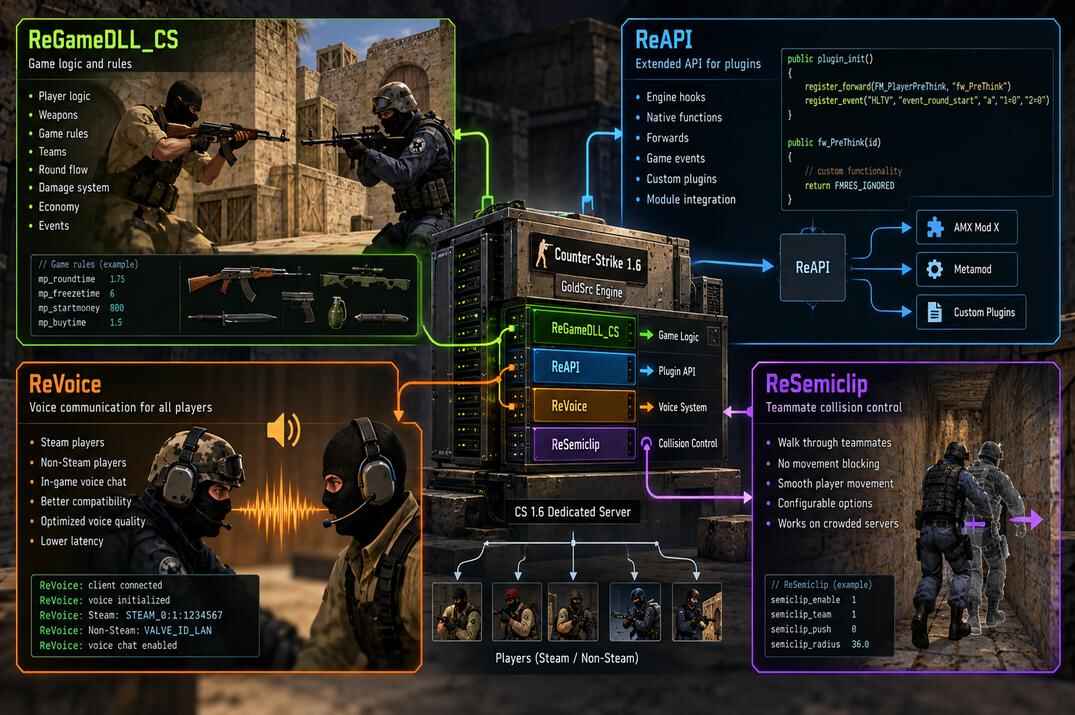
ReGameDLL_CS, ReAPI, ReVoice, ReSemiclip
The modules most servers end up running: the game library, the extended API, voice chat and passing through teammates.
open →