HyperX NGENUITY Overview and CS2 Macros Guide
Lights, Buttons and Sensor tabs on a Pulsefire Surge, presets and Gamelink, Play Once, Toggle Repeat and Hold Repeat macros, the limits of NGENUITY and four CS2 macros with exact timings
HyperX NGENUITY is the software for HyperX gaming devices. Lighting, DPI, button assignments, presets and mouse macros are all in one window. For CS2 it's enough for simple mouse macros: burst fire, bunny hop, quick scope or repeated clicks.
I go through the interface on my HyperX Pulsefire Surge, then show how the three macro modes behave, what NGENUITY can't do, and a few Counter-Strike 2 macros. The same topic for other brands: Logitech G HUB, Razer Synapse 4 and Bloody Esports.
HyperX NGENUITY Interface: Lights, Buttons and Sensor
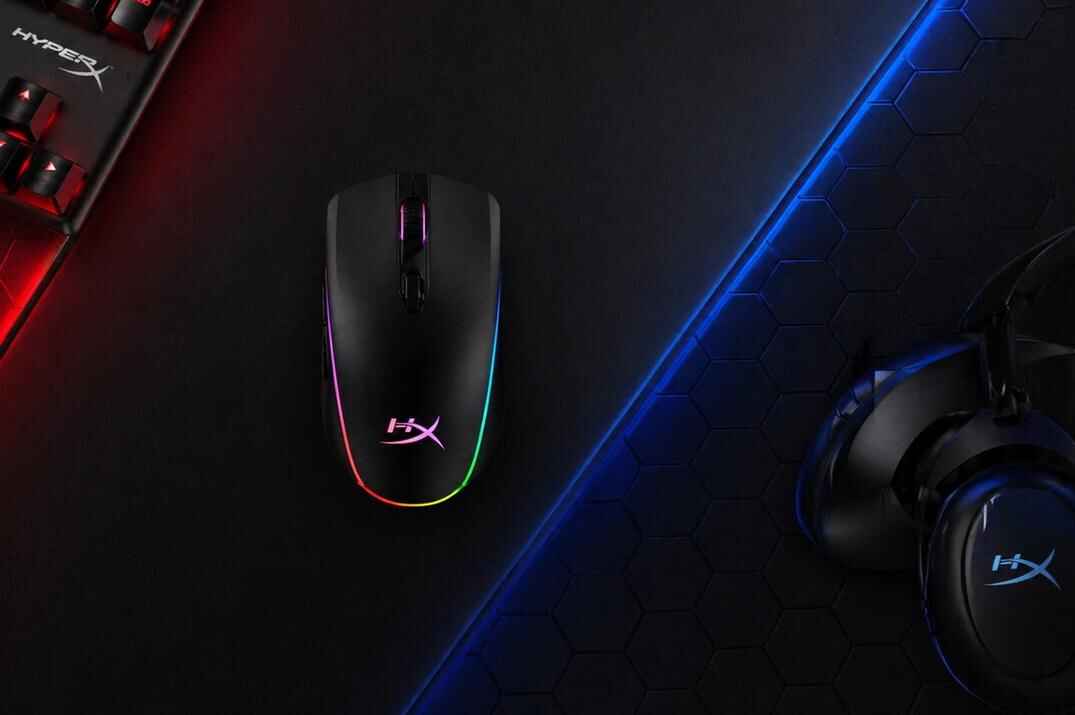
NGENUITY is easy once you split it into parts. For a mouse there are three tabs: Lights, Buttons and Sensor, plus quick settings at the top right and general settings behind the gear icon. My example is the Pulsefire Surge: wired, PixArt PMW3389 sensor up to 16000 DPI, 6 buttons and on-board memory for 3 profiles.
Lights Tab

The Surge has a full RGB ring around the body, and the Lights tab has four settings for it:
- Effects
- The lighting mode. Cycle by default, also Solid, Wave, Breathing and others.
- Target
- All Lights applies the effect to the whole mouse, Selection only to the zones you pick.
- Color
- One color or several color points for a custom transition, depending on the effect.
- Speed
- How fast the effect moves. Slower is smoother, faster is busier.
Buttons Tab

Pick a button and NGENUITY shows these options:
- Keyboard Function
- A keyboard key on a mouse button, for example Mouse 4 works as H.
- Mouse Function
- Another mouse action: right click, middle click, forward, back and so on.
- Multimedia
- Play/Pause, Stop, Next and Previous Track, Mute, Volume Up and Down.
- Macro
- Records a macro and puts it on the button.
- Windows Shortcut
- Cut, Copy, Paste, Undo and other Windows commands.
- Disabled
- Turns the button off.
Sensor Tab

DPI settings. The Pulsefire Surge comes with three presets: 800, 1600 and 3200. You can edit them, remove levels or add new ones. DPI works before any game settings: your real sensitivity in CS2 is DPI multiplied by the in-game sensitivity, so if you change DPI here, change the in-game value too.
Quick Settings and Presets
At the top right there are three quick settings:
- Brightness
- Overall RGB brightness.
- Polling Rate
- How often the mouse reports to the PC: 125, 250, 500 or 1000 Hz. For CS2 use 1000 Hz.
- Presets
- Saved profiles with lighting, buttons, DPI and the rest. You can link a preset to a game or app.
General Settings and Gamelink
The gear icon at the bottom left opens the general settings: language, Gamelink, startup, notifications, software and firmware version, support links and reset.
- Gamelink turns on a preset automatically when its game or app starts.
- Startup decides if NGENUITY launches with Windows.
- Notifications turns the software alerts on or off.
- Reset restores the software settings or the device settings to default.
CS2 Macros for HyperX NGENUITY
These macros are here to show how the editor works and to test them on your own server or offline. Valve's position since August 2024: automating movement or shooting with scripts or hardware is not allowed, and on official servers it can get you kicked from the match. FACEIT and other platforms have their own rules, check them first.
Even with its limits, NGENUITY handles simple macros fine. Four examples from my Pulsefire Surge. In the tables LMB is the left mouse button, RMB the right one, ↓ is press, ↑ is release, and the delay is what comes after the action.
CS2 Burst 3 Macro
Holds the left mouse button long enough for a short burst instead of a long spray.
| # | Action | Delay after |
|---|---|---|
| 1 | LMB ↓ | 181 ms |
| 2 | LMB ↑ |
Mode: Play Once. The bullet count depends on the gun. In the game files the AK-47 and M4A1-S fire every 100 ms, so the third bullet comes at 200 ms. The M4A4, FAMAS and Galil fire every 90 ms, the third bullet at 180 ms. With 181 ms you get three from the 90 ms guns and two from the AK. For three AK bullets, record a hold of about 210 ms.

CS2 Bunny Hop Macro
Repeats the Space key with a fixed delay. On your own server you could simply turn on sv_autobunnyhopping 1 (auto re-jump while you hold jump), it doesn't need sv_cheats. The macro does the jumping from the keyboard side, so it works on any server and you can tune the rhythm yourself. Speed is still capped at 1.1x unless the server has sv_enablebunnyhopping 1. The legal way on official servers is to bind jump to the mouse wheel.
| # | Action | Delay after |
|---|---|---|
| 1 | Space ↓ | 54 ms |
| 2 | Space ↑ |
Mode: Toggle Repeat. One press starts the jumping, the next stops it.

CS2 Scout Fast Scope Macro
A very fast right click and left click. It's not a real no-scope: the scope still opens, for about 29 ms, and the shot lands where the scope was aimed instead of getting the no-scope spread.
| # | Action | Delay after |
|---|---|---|
| 1 | RMB ↓ | 29 ms |
| 2 | RMB ↑ | 40 ms |
| 3 | LMB ↓ | 33 ms |
| 4 | LMB ↑ |
Mode: Play Once.

CS2 Tec-9 Auto Fire Macro
Repeated left clicks with set delays, so the Tec-9 almost becomes an automatic gun. In an eco round it's much easier to spam, but the result still depends on your movement and aim. It helps players who struggle to click fast and track an enemy at the same time.
| # | Action | Delay after |
|---|---|---|
| 1 | LMB ↓ | 55 ms |
| 2 | LMB ↑ | 69 ms |
| 3 | LMB ↓ | 55 ms |
| 4 | LMB ↑ |
Mode: Hold Repeat. The Tec-9 can fire once every 120 ms, so clicks that come faster than that are simply skipped by the game.

Other CS2 Macro Ideas
- Desert Eagle: slow repeated shots down a little, so the gun recovers accuracy between clicks instead of spam.
- AUG and SG 553 : a slightly slower rhythm keeps bursts tighter.
- Defuse + smoke: you start defusing with E and the macro throws a smoke under you. Two overlapping inputs, so on NGENUITY it may not work as cleanly as in G HUB or Synapse.
Conclusion
HyperX NGENUITY macros are for simple input automation. The software records keys and clicks, keeps the delays and plays them back from a mouse button. That's enough for shortcuts, repeated inputs, text snippets, media controls and simple game macros, but not for scripting or complex logic. Start small, test the timing and change delays step by step, a few ms can change how a macro behaves. NGENUITY gives you the tool, where you may use it is decided by the game, the server and the platform.