Counter-Strike 2 - The Ultimate Hub: Guides, Tools & Resources
According to official Counter-Strike data
Active Monthly Players on Steam (2026)
What is Counter-Strike 2?
Everything you need to know about Counter-Strike 2
Counter-Strike 2 is the latest (and fifth) evolution of Valve’s legendary tactical shooter and the official successor to Counter-Strike: Global Offensive. Built entirely on the Source 2 engine, CS2 replaces CS:GO (Source) as a free-to-play title on Steam, carrying over players’ inventories while introducing modern technology, improved visuals, and deeper gameplay systems. Despite the technical leap, the core formula remains unchanged: two teams, precise gunplay, tight maps, and a strong focus on skill, teamwork, and decision-making.
At its heart, CS2 is still about competitive integrity. Matches are centered around objective-based modes like bomb defusal, where economy management, positioning, utility usage, and communication matter just as much as raw aim. What makes CS2 stand out is how these familiar mechanics feel sharper and more responsive thanks to Source 2 upgrades, redesigned maps, and systems that better reflect player input in real time.
One of the biggest shifts in Counter-Strike 2 is how the game feels rather than how it looks on paper. Dynamic smoke grenades that react to bullets and explosions, reworked lighting for better visibility, and a new sub-tick system all combine to make moment-to-moment gameplay more readable and consistent. These changes don’t reinvent Counter-Strike - they refine it, addressing long-standing limitations while preserving the high skill ceiling the series is known for.
Today, Counter-Strike 2 is more than just a shooter. It’s a competitive platform with an active esports scene, a massive skin economy, community-driven content, and constant updates from Valve.
CS2 Knowledge Base
Guides, tools, and solutions for everyday CS2 gameplay
The CS2 Knowledge Base is the central hub for everything you need to play Counter-Strike 2 smarter, faster, and with fewer frustrations. This section brings together practical guides, tools, and solutions focused on real gameplay needs - from improving FPS and optimizing settings to understanding matchmaking, ranks, maps, scripts, and core game mechanics.
This knowledge base is built with one goal in mind: save your time. Here you can quickly find reliable answers, tested configurations, and up-to-date resources without digging through forums or guessing which information still applies after recent updates.
Essential CS2 Guides & Tutorials
The Best Guides section highlights the most useful and evergreen CS2 guides on the site. These resources consistently help players improve performance, game understanding, and overall consistency across all skill levels.
The guides here focus on high-impact areas like optimal settings, FPS optimization, scripting and binds, gameplay, and essential map fundamentals. They are built to stay relevant as Counter-Strike 2 evolves, making them reliable references whenever you want to refine your setup or sharpen your gameplay.
If you’re not sure where to start, this section is the best entry point - trusted, regularly updated, and designed to help you play smarter, faster, and with more confidence.
Steam ID: The Complete Guide
A practical guide to understanding all types of Steam IDs.
→ Read
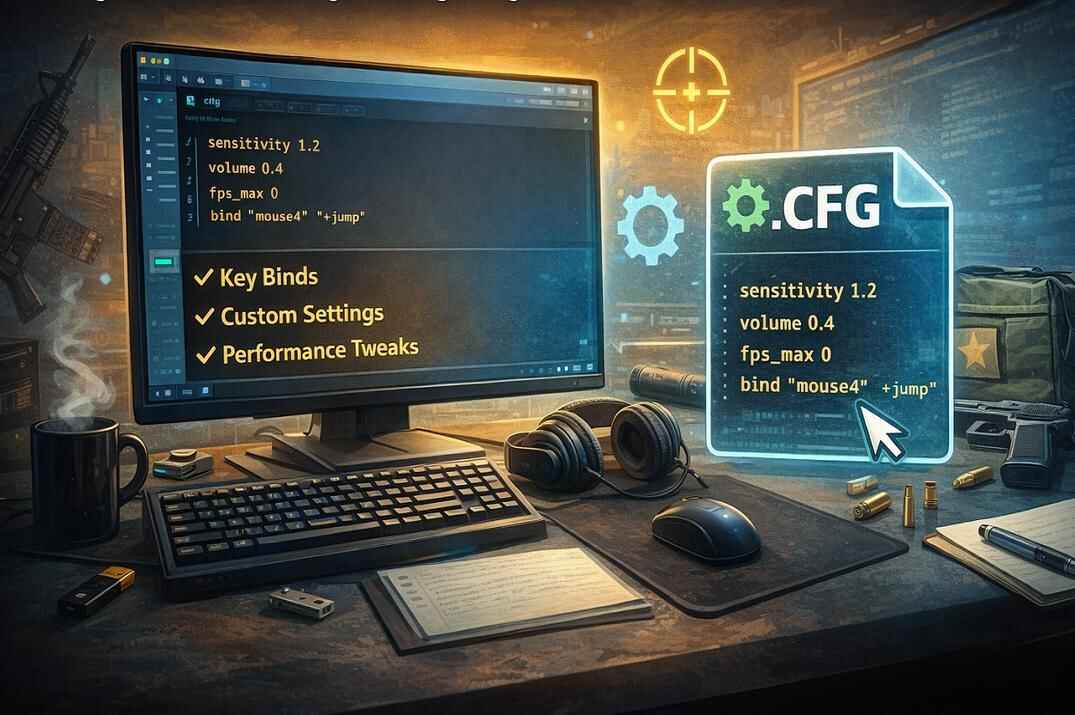
How to Set Up Your Config file in CS2
Step-by-step guide to creating and launching your config file (or autoexec.cfg).
→ Read
Boost CS2 FPS on Low-End PCs
Optimize Windows, NVIDIA settings, and in-game options to gain up to +50 FPS.
→ Read
CS2 Telemetry Explained
Learn how to read and use CS2's telemetry HUD – FPS, ping, packet loss, and more – to troubleshoot and improve your performance.
→ Read
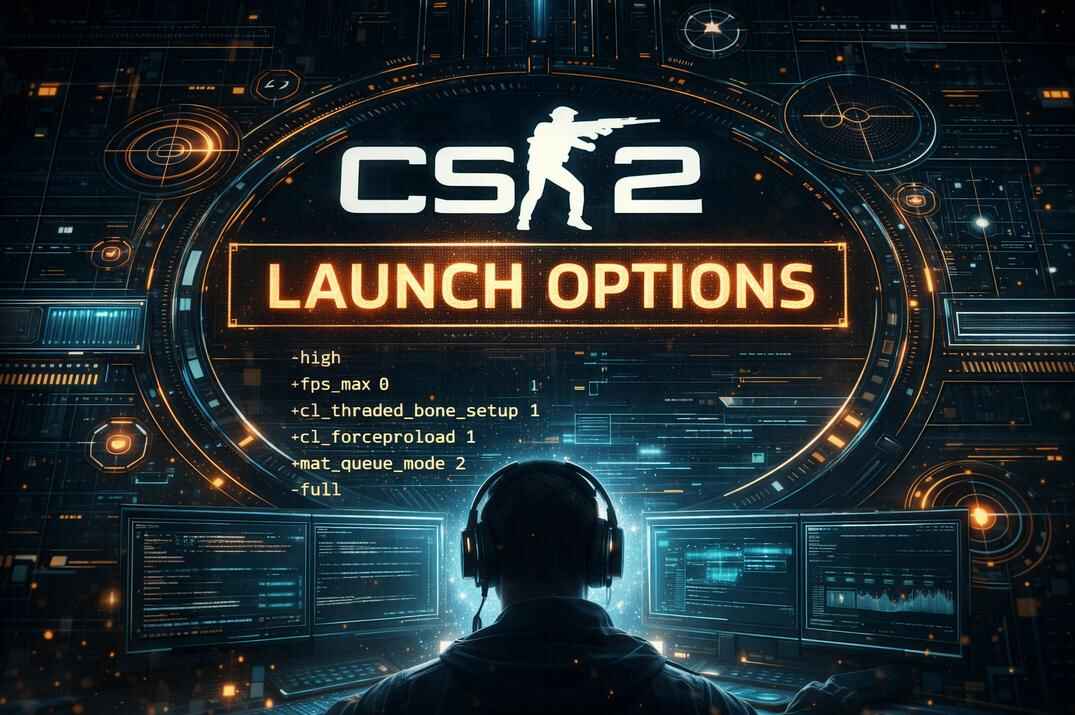
Launch Options Guide for CS2
Full guide to launch options in CS2 - what works, what doesn’t, and how to improve your game’s startup settings.
→ Read
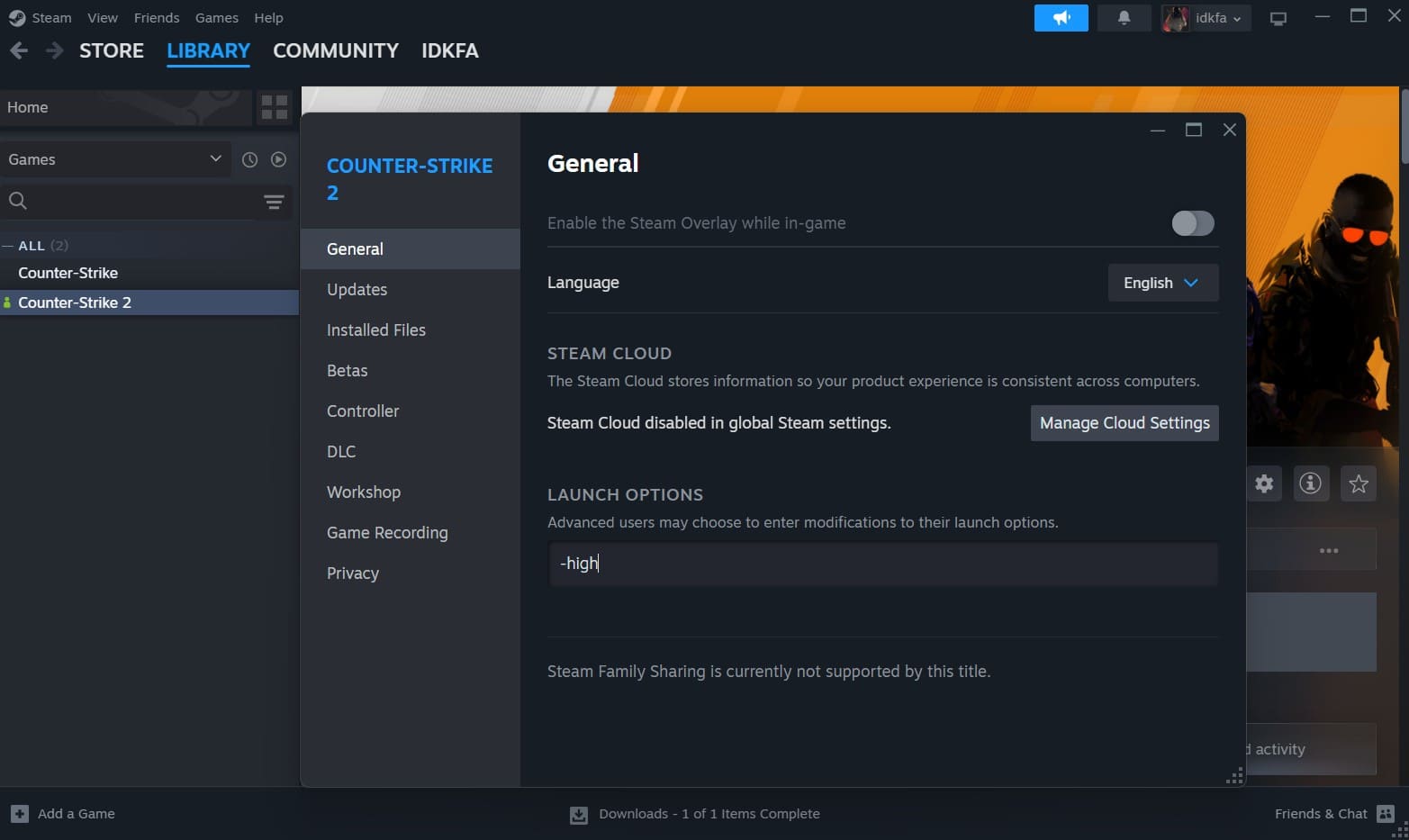
Is the -high Option Worth It?
An in-depth analysis of the -high launch option in CS2 - myth or performance booster?
→ ReadNewest CS2 Updates & Articles
The Latest Guides section brings together newly published CS2 materials added to the site. This includes fresh guides, expanded topics, and updated content based on how the game is currently played.
Here you’ll find new articles covering settings, gameplay mechanics, tools, maps, and practical solutions - including guides created or refreshed in response to recent changes in Counter-Strike 2. The focus is on clarity and usefulness, not on news or patch notes.
CS2 Tools
The CS2 Tools section provides practical utilities designed to solve specific problems players face outside the game client. These tools help you work with Steam data, demos, and player identifiers more efficiently, saving time and avoiding manual errors.
Each tool is built with a clear purpose and straightforward workflow, making it useful not only for advanced users but also for regular players who want quick results without technical complexity.
SteamIDs Lookup
The SteamIDs Lookup tool lets you quickly find and convert Steam IDs into the formats commonly used in Counter-Strike. You can get SteamID64, SteamID3, or the classic SteamID in just a few seconds.
This tool is useful when you need to identify a player, check an ID from a match, or convert Steam IDs for guides, stats, or community projects. It removes the need for manual conversions and makes working with Steam IDs simple and straightforward.
CS2 SteamID Extractor - Get Player IDs from Demo files
This tool extracts real SteamIDs directly from CS2 demo files, making player identification simple and reliable. Even if a player changes their nickname or hides their Steam profile, the demo still contains the correct ID.
Upload any CS2 .dem file and get a complete list of all players, with their SteamID64 matched to in-game nicknames. It’s a practical way to review matches, identify players, and work with demo data without manual searching.
System Requirements & Performance
Can your PC handle it? Let’s break down the official specs and real-world performance
Counter-Strike 2 is noticeably more demanding than CS:GO, mainly due to the transition to the Source 2 engine, improved lighting, higher-quality models, and more complex visual effects. While the core gameplay remains familiar, system requirements and performance behavior have changed, especially on older or low-end PCs.
Official Minimum & Recommended Specs
According to the official CS2 Steam page, the minimum requirements include Windows 10, a CPU with at least 4 hardware threads (such as the Intel Core i5-750), 8 GB of RAM, and a DirectX 11-compatible GPU. These specs give a baseline for running the game, but real-world performance can vary significantly depending on settings, drivers, and system configuration.
- OS: Windows® 10
- Processor: 4 hardware CPU threads - Intel® Core™ i5-750 or better
- Memory: 8 GB RAM
- Graphics: Video card must be 1 GB or more and should be a DirectX 11-compatible with support for Shader Model 5.0
- DirectX: Version 11
- Storage: 85 GB available space
How to Boost FPS in CS2?
Getting smooth performance in CS2 is not just about raw hardware - correct settings and system optimization play a huge role. If your FPS feels unstable, too low, or inconsistent, the guides below cover the most common scenarios players run into.
For a complete, step-by-step approach to improving performance, start with How to Boost FPS in Counter-Strike 2: Full Performance & Optimization Guide. It covers in-game settings, Windows tweaks, GPU control panel adjustments, and proven ways to gain extra FPS without breaking gameplay.
If your main issue is not low FPS but sudden drops, stutters, or synchronization problems, How to Fix FPS Drops, Stutters, and Sync Issues in Counter-Strike 2 focuses on identifying and fixing exactly those problems, including frame pacing and stability.
To monitor performance correctly, How to Show FPS in Counter-Strike 2 | Full Guide explains all available ways to display FPS in-game and through external tools, helping you understand whether your changes actually work.
Finally, FPS and Refresh Rate in Counter-Strike breaks down how FPS interacts with monitor refresh rate, V-Sync, and input latency - a useful topic for competitive players who want the smoothest possible experience.
Counter-Strike 2 vs CS:GO - Major Differences
A new engine, new physics, and a new experience – built on familiar roots
At first glance, Counter-Strike 2 may look familiar to CS:GO players, but the differences go far beyond visuals. CS2 is built on a new technical foundation that affects how the game feels, how information is delivered to the player, and how consistent gameplay is across different situations.
Rather than changing the core rules of Counter-Strike, Valve focused on modernizing the engine, improving clarity, and fixing long-standing limitations. The result is a game that plays like Counter-Strike should - but with better feedback, more reliable mechanics, and systems designed for long-term competitive support.
Below are the key areas where CS2 meaningfully differs from CS:GO.
Source 2 Engine & Visuals
The move from the original Source engine to Source 2 is the foundation of Counter-Strike 2. This change enables more advanced lighting, better material quality, and improved performance scalability across modern hardware. Maps are brighter, shadows behave more naturally, and important visual details are easier to read during fast-paced rounds.
Skins and models also benefit from the new engine. While all CS:GO skins carry over to CS2, they now use improved lighting, reflections, and textures. This doesn’t just make skins look better - it improves consistency in how weapons appear across different maps and lighting conditions, reducing visual noise during gameplay.
Gameplay Changes
One of the most noticeable gameplay changes in CS2 is the new smoke grenade system. Smokes are now volumetric and interact with bullets, grenades, and player movement. This adds a new tactical layer to utility usage without breaking established strategies - timing, positioning, and decision-making matter more than ever.
Another major shift is the introduction of the sub-tick system. Unlike CS:GO’s fixed tick-based updates, CS2 records player actions between ticks, allowing shots, movement, and inputs to register more precisely. While it doesn’t change the fundamentals of aiming, it improves responsiveness and consistency, especially in close engagements.
Maps have also been updated with improved cleaner layouts and better visibility. These changes focus on readability and fairness rather than redesigning maps from scratch, keeping classic layouts intact while reducing visual clutter.
Matchmaking & Premier Mode (MR12, CS Rating).
Counter-Strike 2 introduces Premier Mode as the main competitive environment. It features map pick-and-ban, the MR12 format, and a visible CS Rating system. This creates a more structured and transparent competitive experience compared to traditional matchmaking in CS:GO.
The MR12 format shortens matches while preserving strategic depth, making games more efficient without sacrificing tactical decision-making. The CS Rating system gives players a clearer sense of progression and skill level, which is especially useful for competitive-focused players.
| Feature | CS:GO | CS2 |
|---|---|---|
| Engine | Source | Source 2 with better visuals and performance |
| Graphics & Visuals | Outdated textures and lighting | Improved textures, HDR, dynamic lighting and physics |
| Smoke Mechanics | Static smoke, no interaction | Smoke reacts to bullets, grenades, and player movement |
| Tickrate System | 64/128 tickrate | Sub-tick system for more responsive actions |
| Maps | Classic maps with minor updates | Reworked maps with better lighting and detail |
| Inventory & Skins | Legacy skins without visual upgrades | Skins carry over with enhanced lighting and textures |
| Shooting Mechanics | Classic shooting with some input lag | More accurate and responsive shooting |
| UI & HUD | Classic HUD and radar | Modern interface with animations and interactivity |
| Matchmaking | Standard matchmaking system | Premier Mode with Pick-Ban and rating system |
| Workshop & Modding | Steam Workshop support | Workshop 2.0 with better tools and map editor |
| Esports Support | Active competitive scene | Enhanced matchmaking and tools for tournaments |
| Sound System | Legacy sound engine | 3D spatial audio with improved detail |
| Netcode Improvements | Stable hit registration | More precise hits thanks to sub-tick |
CS2 Weapons
Understanding weapons in Counter-Strike 2
Weapons are at the core of Counter-Strike 2, and understanding how they work is just as important as aim or positioning. Each round is shaped by economy, role, and timing - choosing the right weapon often matters more than choosing the strongest one on paper.
CS2 keeps the familiar weapon roster from CS:GO, but the way weapons feel has changed. Shooting, recoil control, hit registration, and damage consistency are now influenced by the sub-tick system and updated engine behavior. Rifles like AK-47 and M4A1-S, entry weapons such as Galil AR and Famas, and snipers like the AWP still define the meta, but mastering them now requires a better understanding of mechanics rather than muscle memory alone.
Different weapon classes serve different purposes across the economy. Pistols such as Glock-18, USP-S, P250, and Desert Eagle dominate pistol rounds and force buys, while SMGs like MP9 and MAC-10 are designed for close-range pressure and fast money generation. Rifles remain the backbone of full-buy rounds, and sniper rifles like AWP and SSG 08 reward precision, positioning, and patience.
Beyond raw damage, CS2 weapons are defined by armor penetration, one-shot potential, recoil patterns, fire rate, and kill rewards. Understanding why the AK-47 can one-tap through a helmet, when the M4A4 is a better choice than the M4A1-S, or why certain SMGs are strong on anti-eco rounds helps you make smarter decisions in real matches.
CS2 Maps & Callouts
Maps and callouts knowledge
CS2 uses the Active Duty competitive map pool for ranked matches in Premier and Competitive modes. These maps are designed with balance, timing, utility usage, and clear visual readability in mind, making map knowledge a critical part of consistent performance in CS2.
At the same time, CS2 allows players to use custom and non-pool maps outside the official competitive rotation. To run these maps, players usually need to download them manually and launch the game with the -insecure launch option, which disables matchmaking and VAC-protected features. This makes custom maps suitable for offline training or dedicated servers, but not for ranked play.
Understanding map layouts, common angles, rotations, and callouts plays a major role in communication and decision-making.
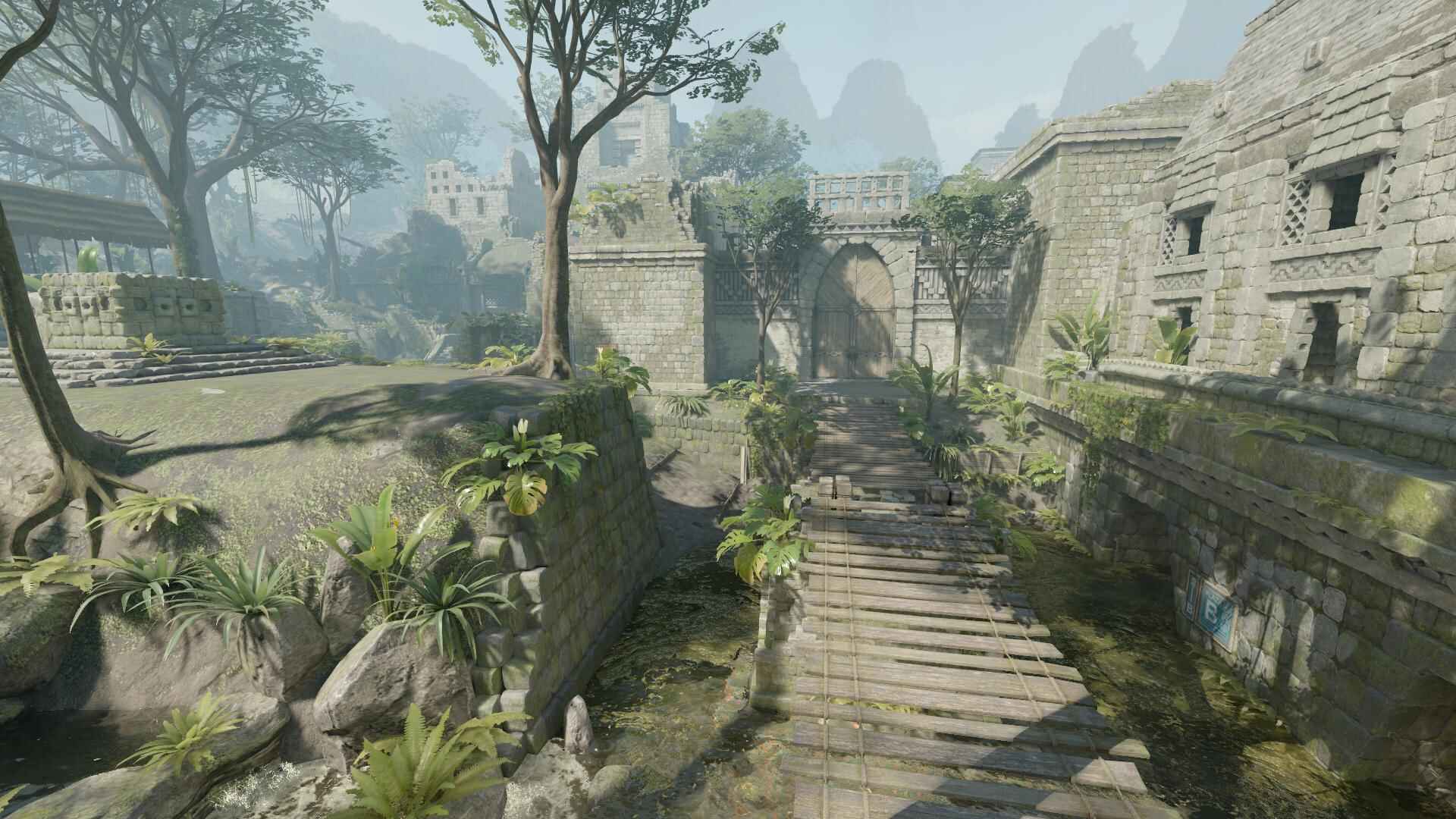
Ancient Map in CS2
Learn callouts, timings, and tactical routes for Ancient - one of the most strategic maps in CS2. Master both T and CT sides with full breakdowns, tips, and visuals.
> Read
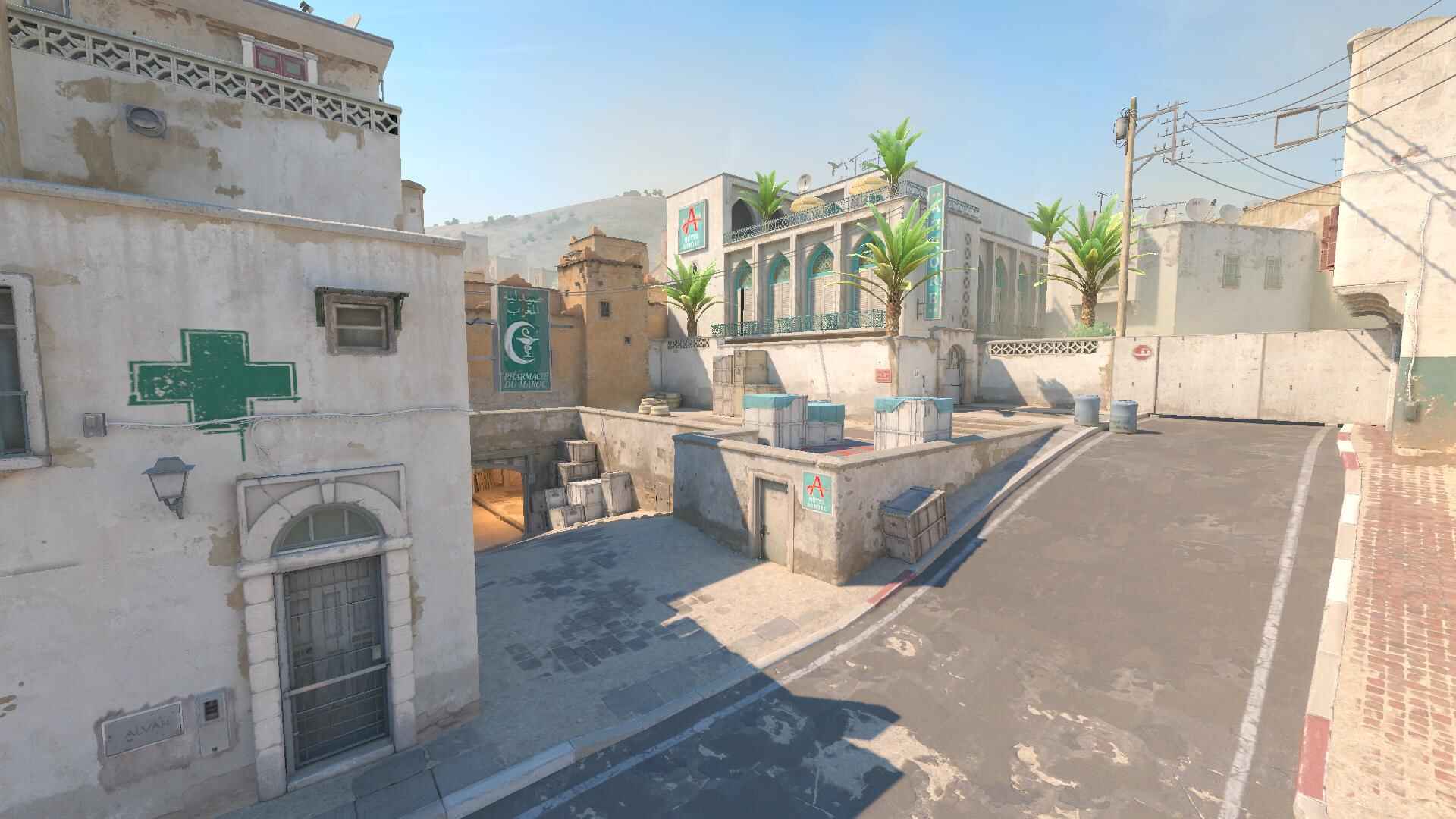
Dust2 Map in CS2
Master classic callouts and fast-paced routes on Dust2 - the iconic CS2 map reimagined with improved visibility and deeper tactical potential.
> Read
Inferno Map in CS2
Learn how to dominate Banana, control Mid, and execute on both bombsites with detailed breakdowns of Inferno - one of the most tactical maps in CS2.
> Read
Mirage Map in CS2
Get the edge on Mirage by mastering connector control, A-site takes, and mid dominance. Full callouts and coordinated plays for T and CT sides.
> Read
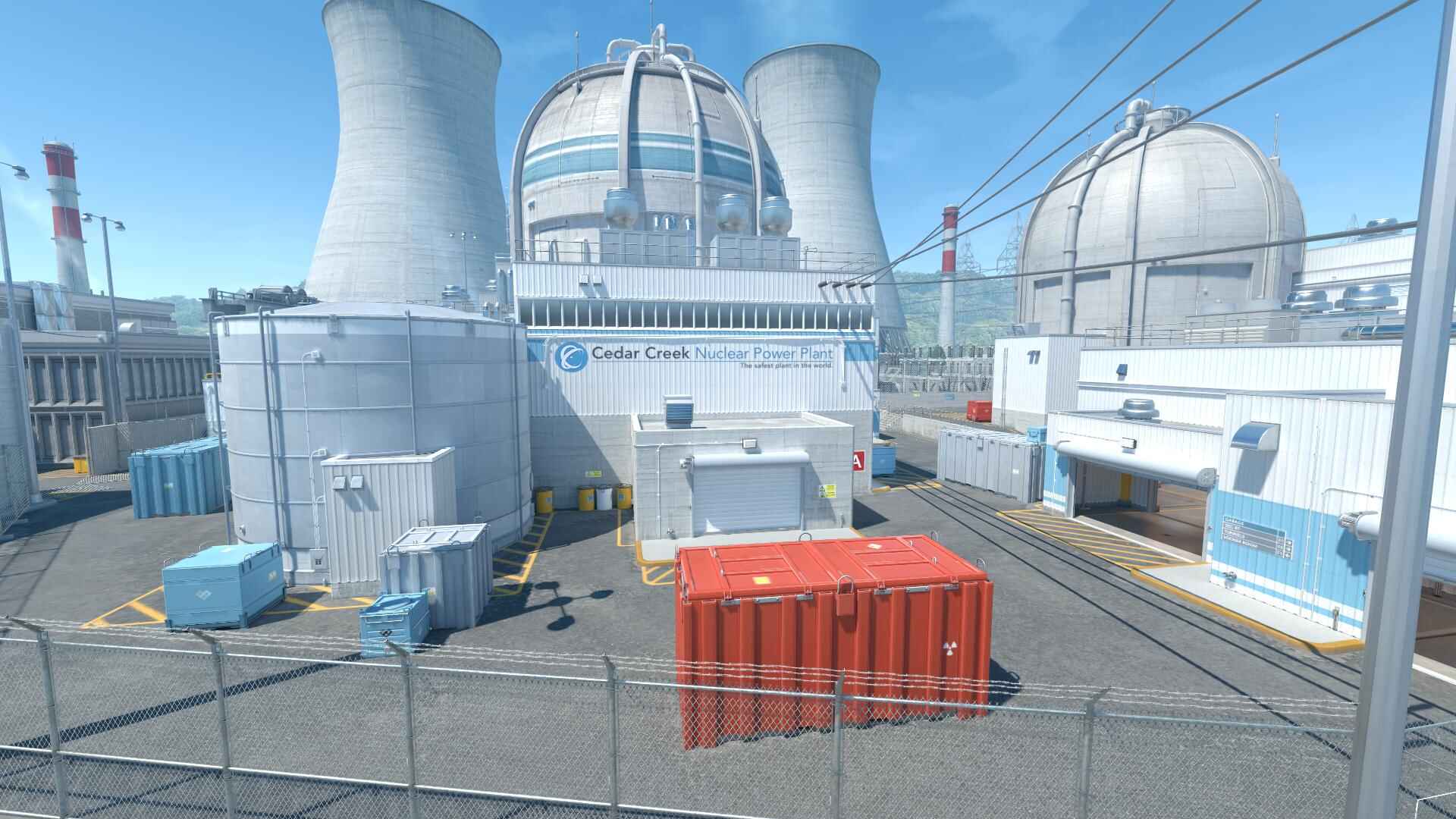
Nuke Map in CS2
Tackle verticality and complex rotations on Nuke. Learn secrets of ramp control, outside smokes, and both bombsite defenses in this high-skill map.
> Read
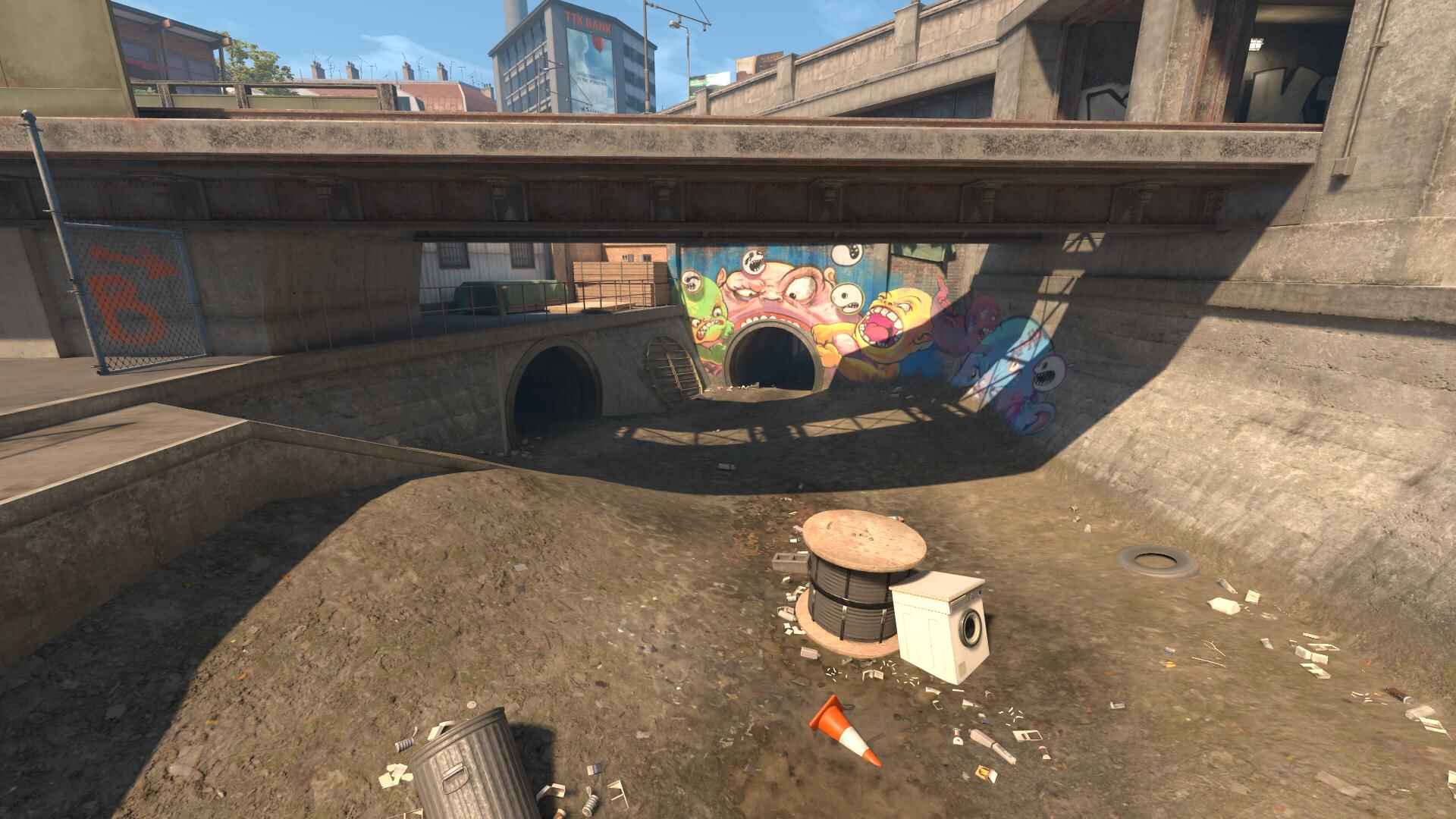
Overpass Map in CS2
Use creative utility and off-angle holds to dominate Overpass. Full map guide with callouts for connector, canal, playground, and both sites.
> Read
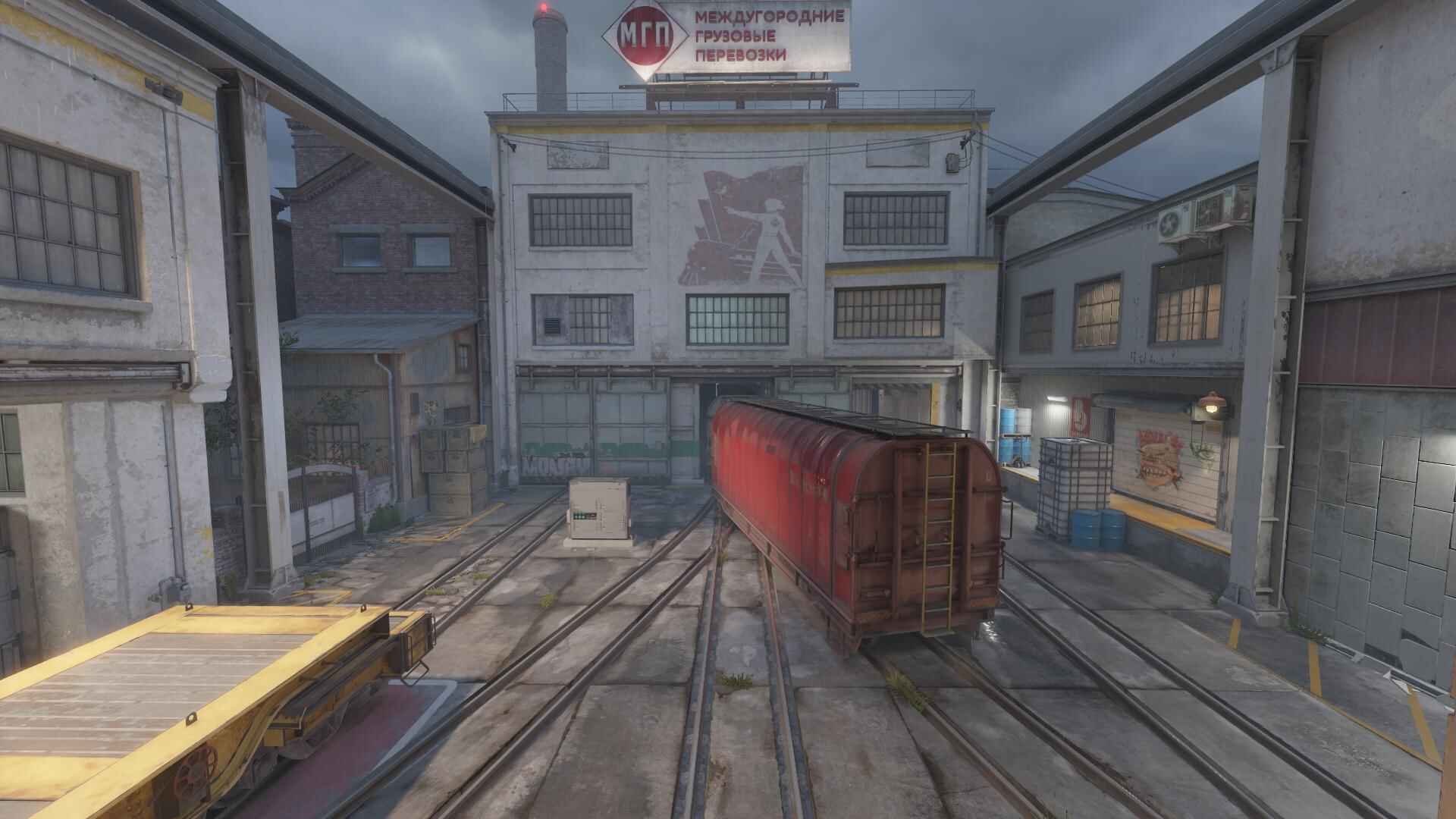
Train Map in CS2
Play smart around trains, ladders, and long sightlines. Learn how to control outer and inner bombsites with strategies built for CS2’s version of Train.
> ReadSkins, Economy & Market
Skins and the CS2 market
Skins play a major role in Counter-Strike 2, forming a large player-driven economy that exists alongside competitive gameplay. For many players, skins are both a form of personalization and an investment.
The CS2 skin market is shaped by supply, demand, and player interest rather than direct gameplay advantages. Skins don’t affect weapon performance, but they have real value within the Steam ecosystem and are closely tied to trading, collecting, and case openings. Prices can shift based on updates, visual changes, rarity, and trends in the competitive scene.
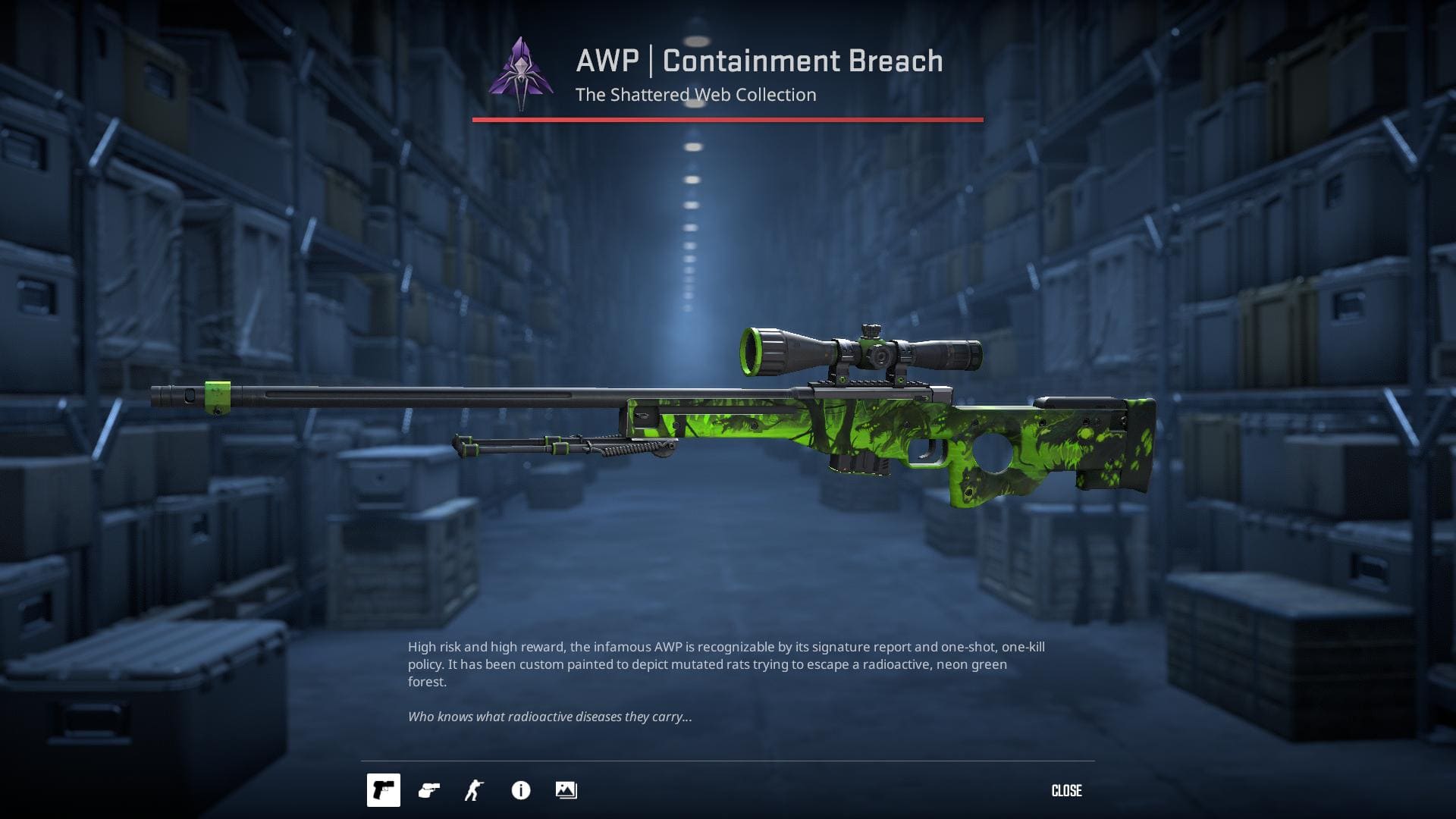
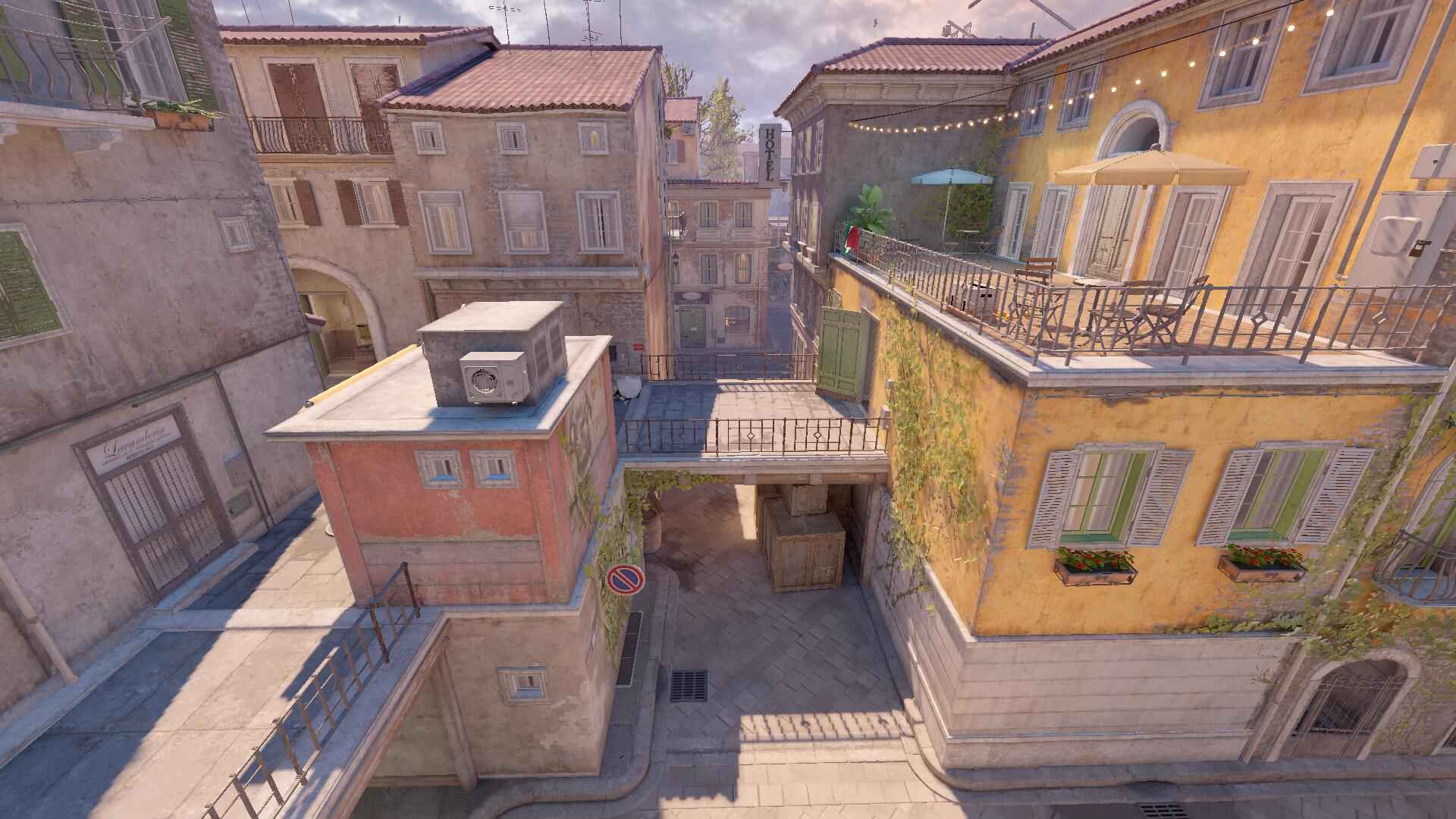
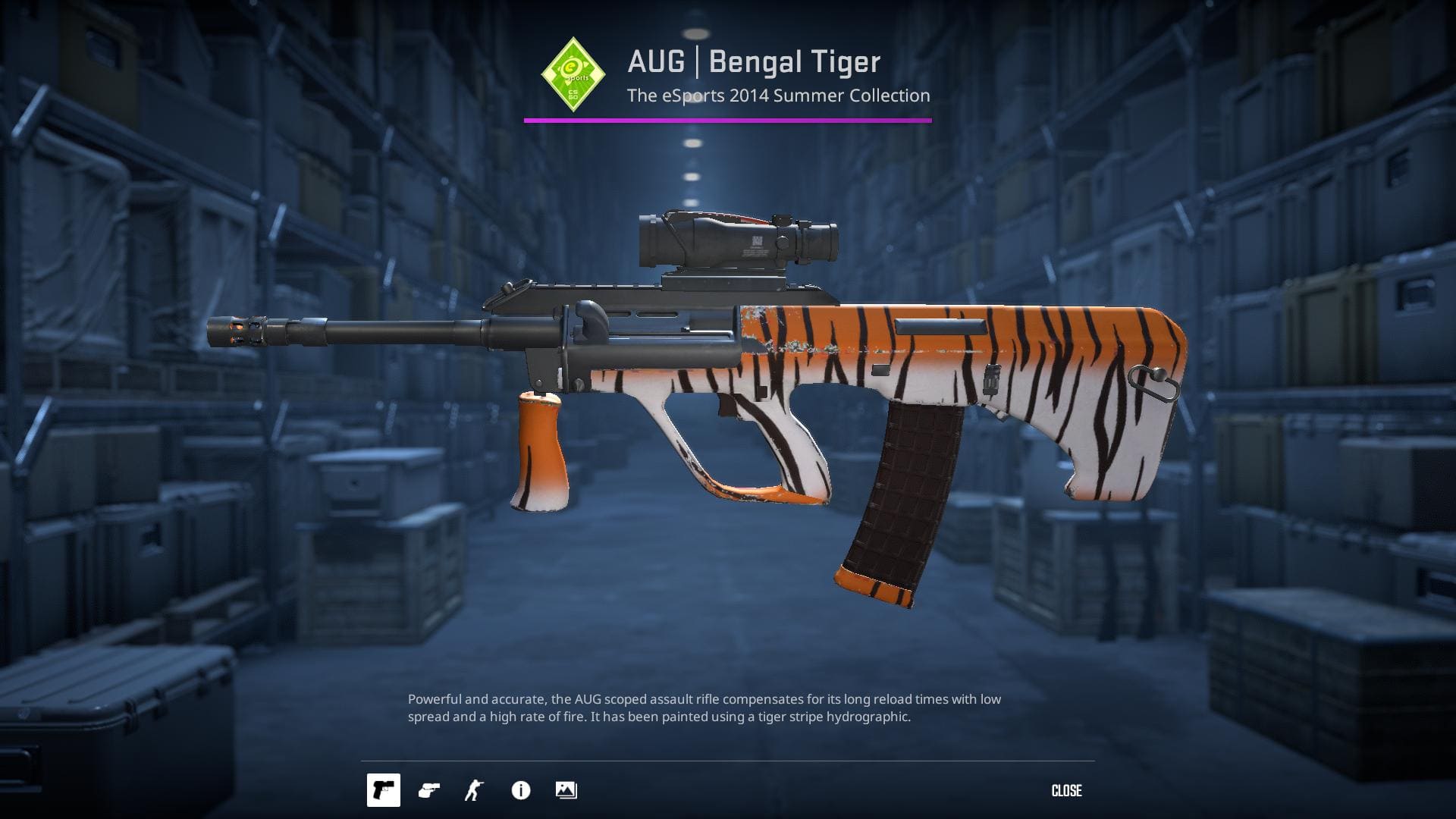
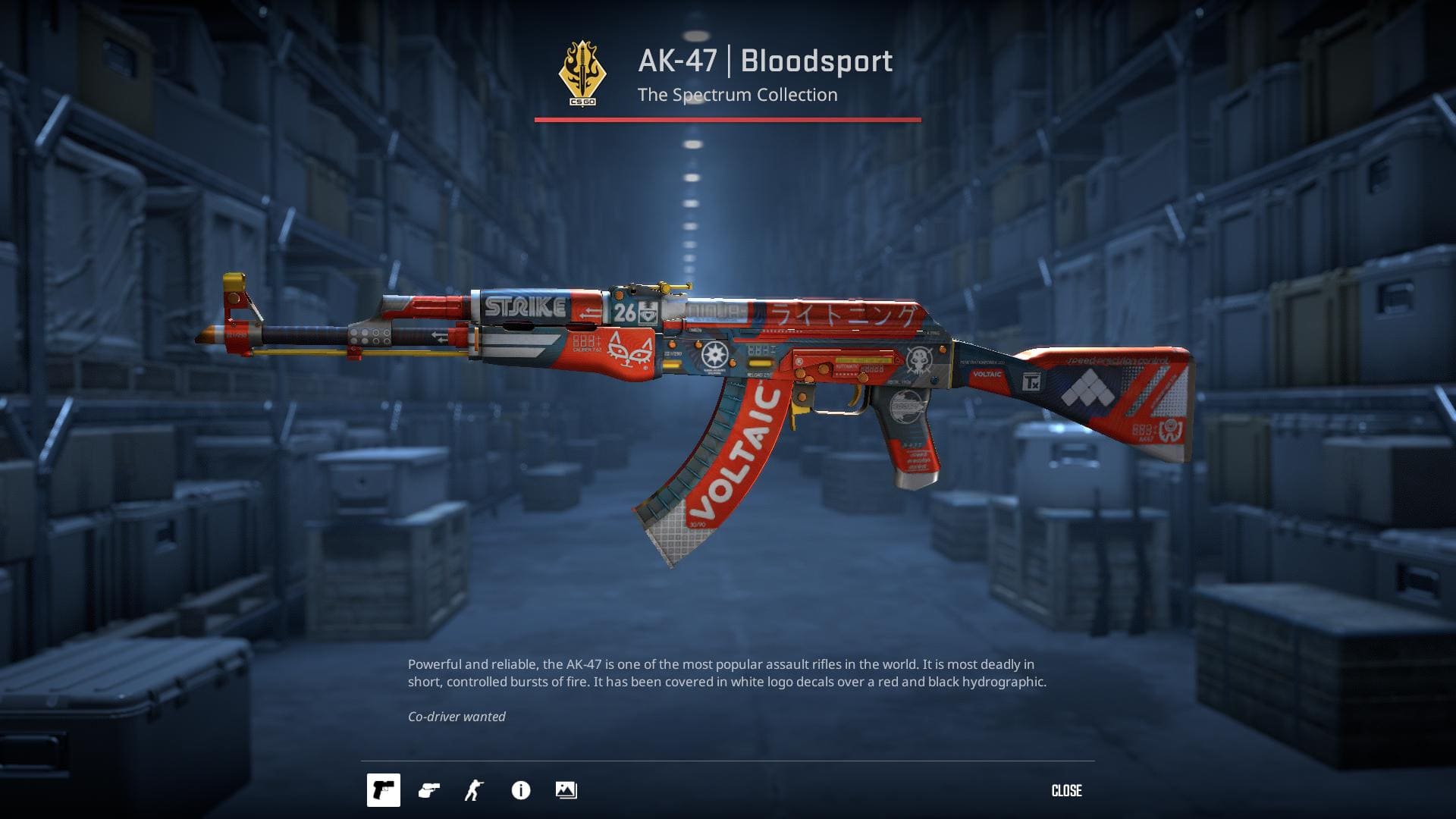
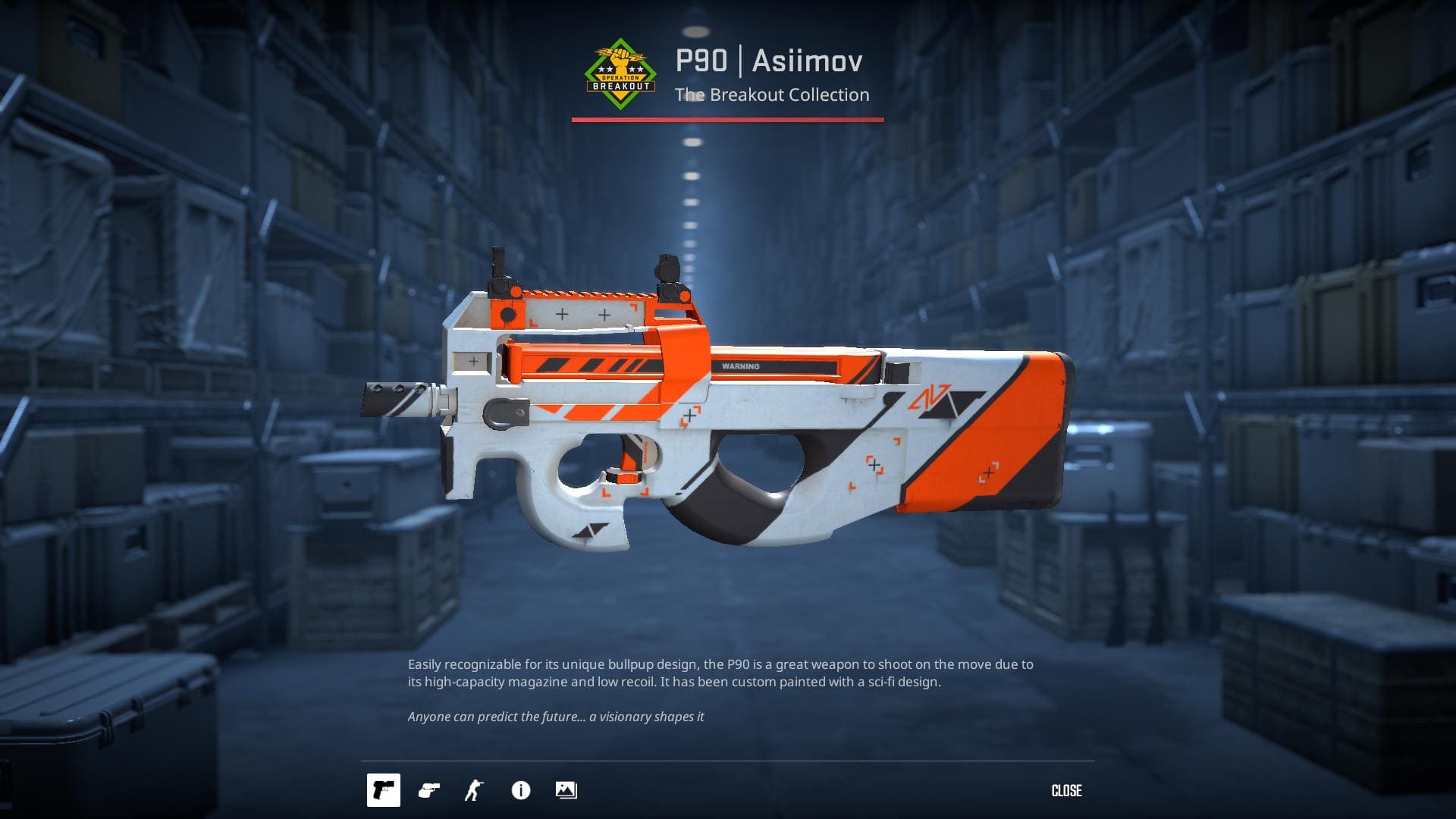
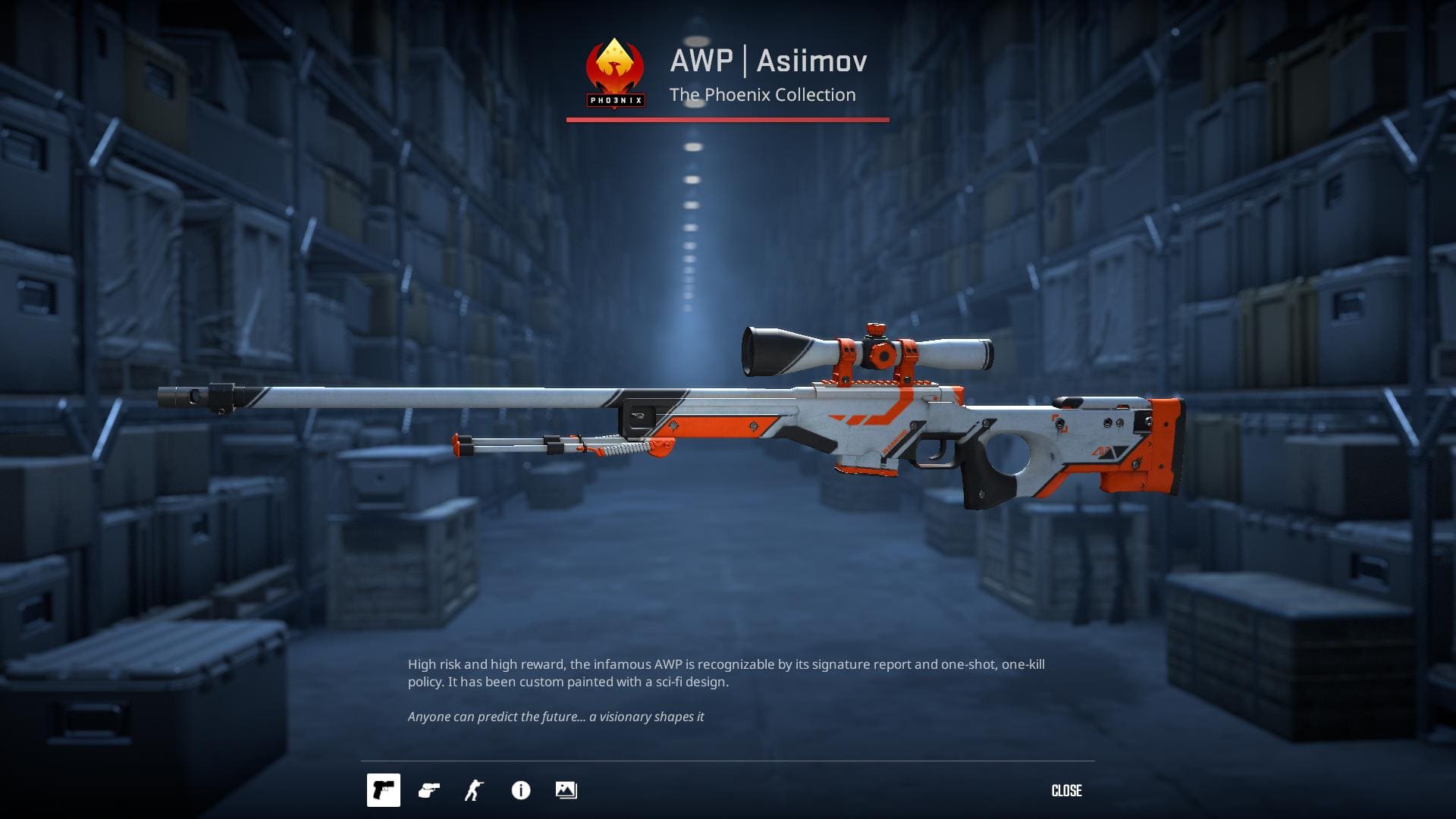
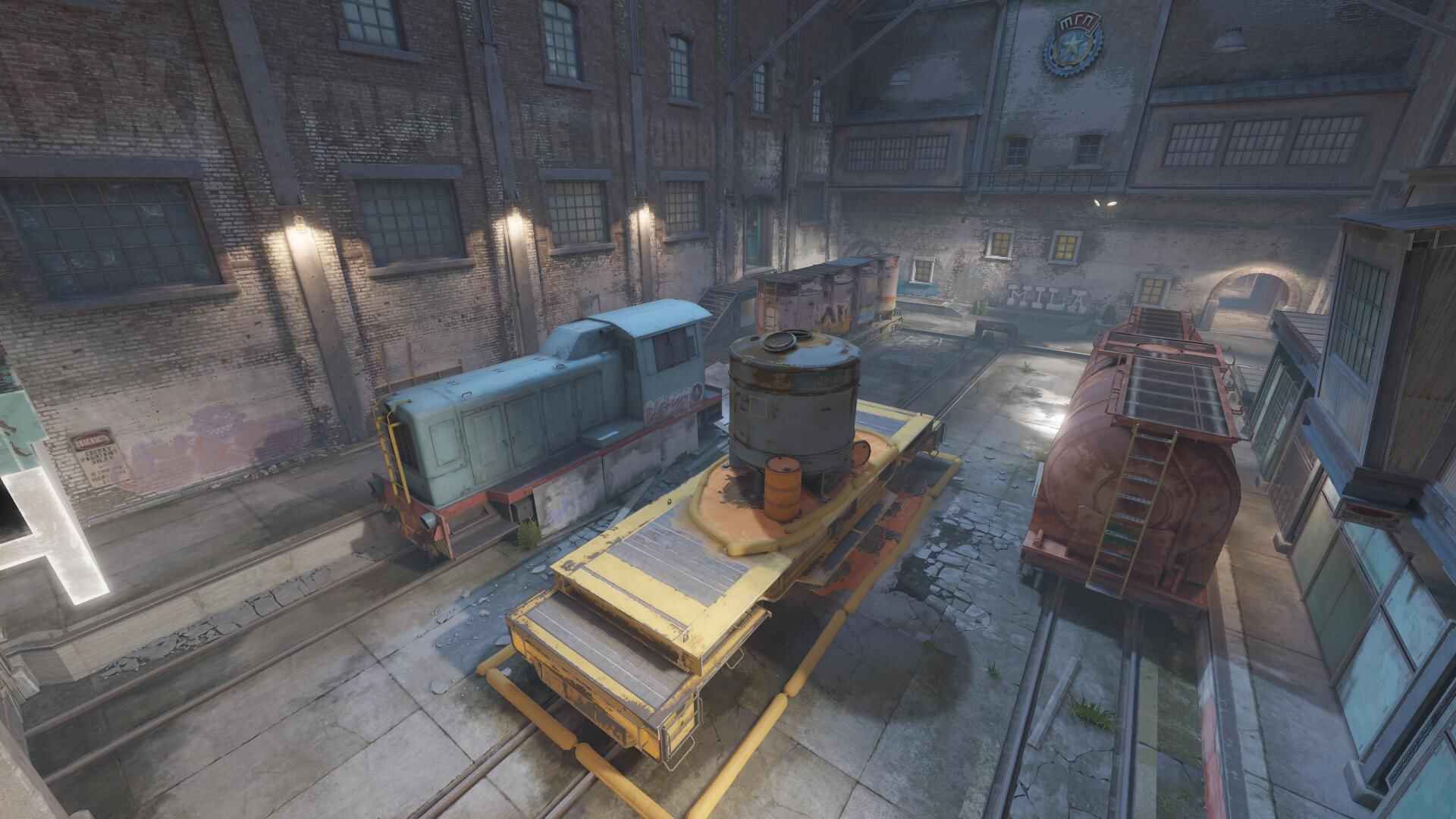
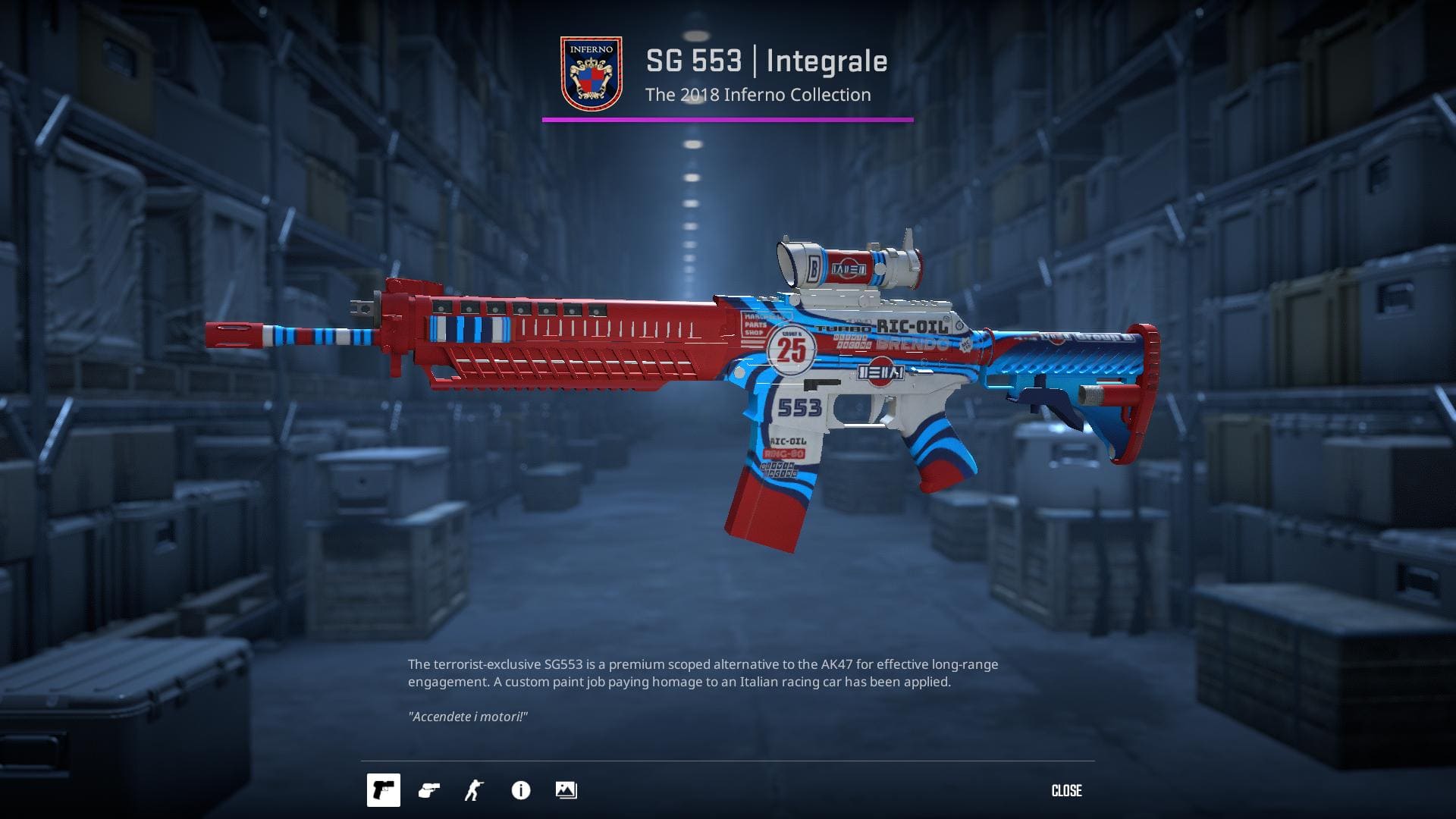
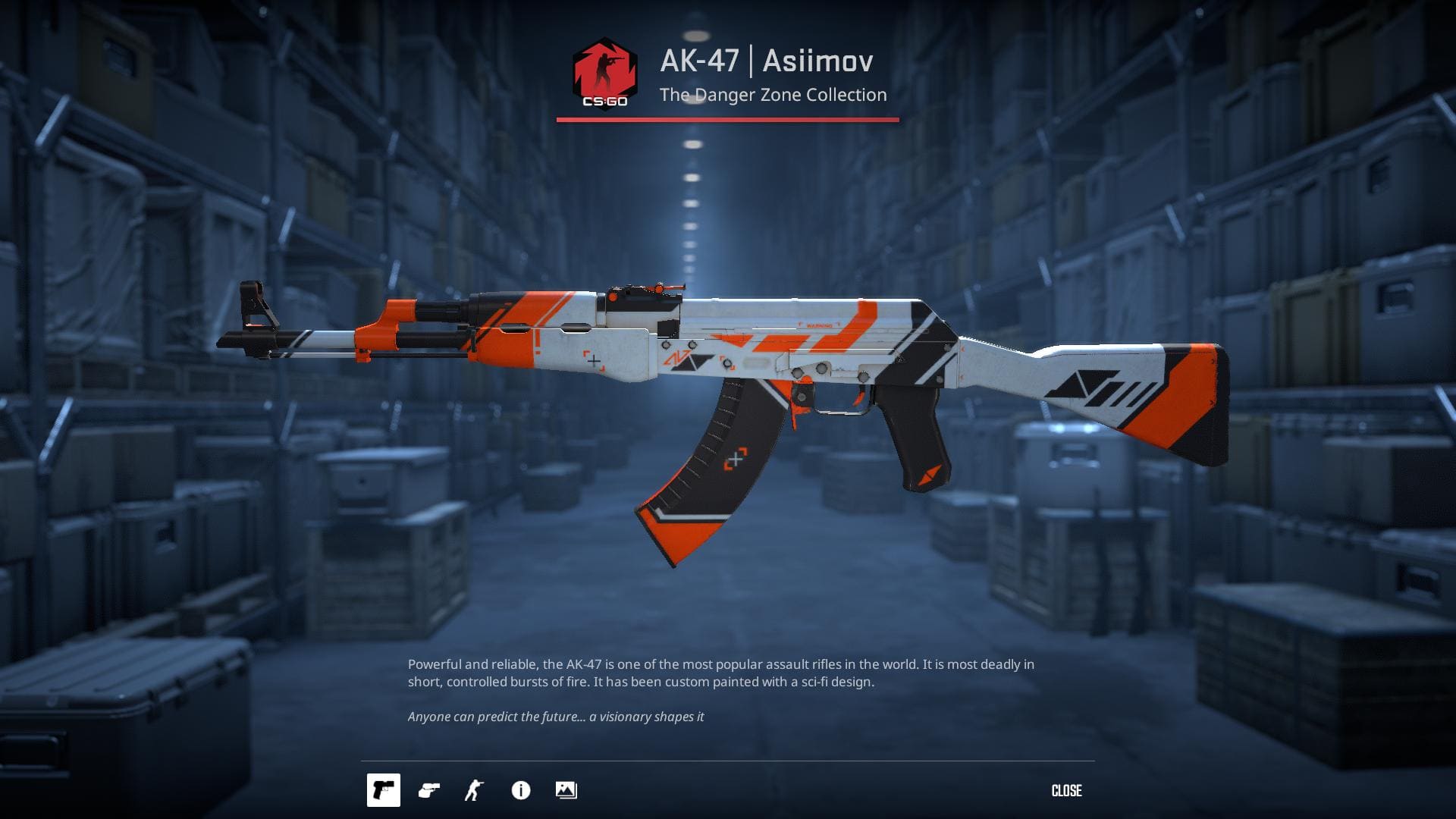
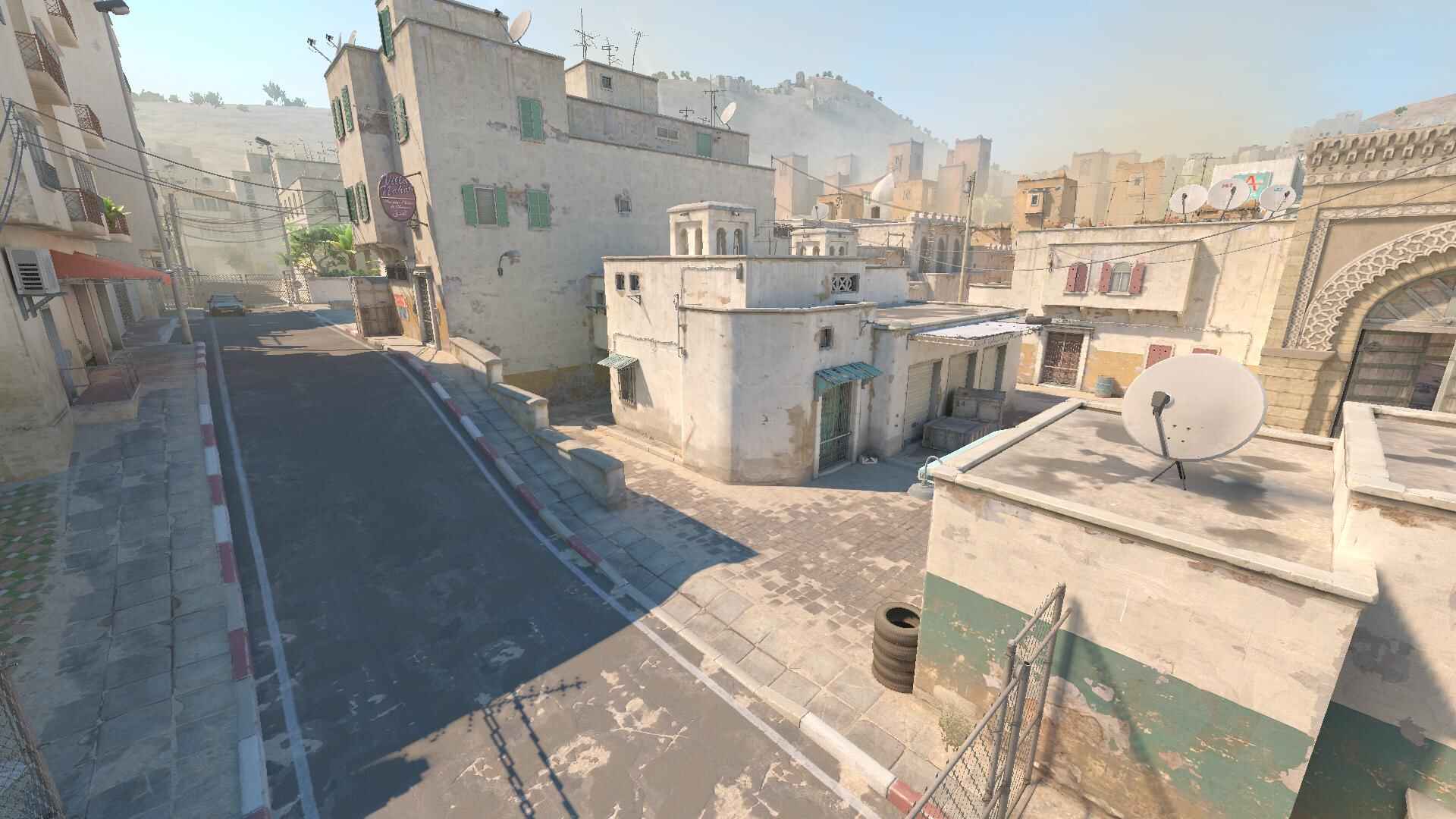
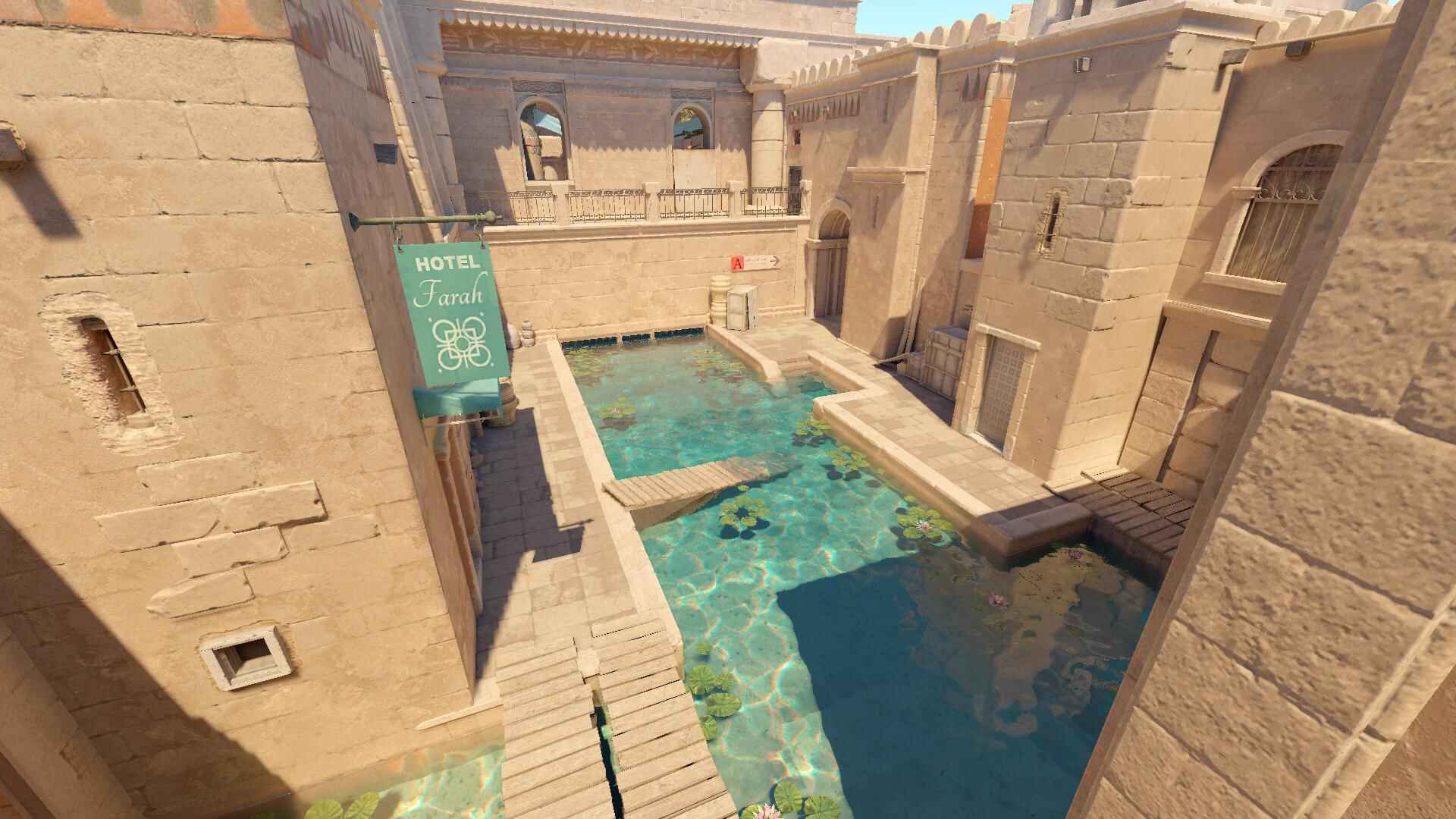
Below, you’ll find a small gallery showcasing popular CS2 weapon skins and in-game map screenshots to give a visual overview of how Counter-Strike 2 looks in action.
FAQ about Counter-Strike 2
Common questions and answers about Counter-Strike 2
This section covers the most common questions players ask about Counter-Strike 2. The answers below are short and practical - designed to help you quickly understand key mechanics, features, and limitations without digging through long guides.
If you’re looking for deeper explanations, advanced setups, or niche topics, CSbePRO also maintains a dedicated Counter-Strike 2 F.A.Q. page with over 150 questions and answers across 8 major categories, including gameplay, performance, settings, weapons, maps, skins, ranks, and Premier mode.
Is Counter-Strike 2 free to play?
Yes. Counter-Strike 2 is free to play on Steam. You can download and play the game without purchasing it, with optional cosmetic purchases available through the skin economy.
Players can also buy the Prime Status Upgrade. Prime users are matched with other Prime players, can receive weekly drops (cases and skins), and get access to Ranked play and Premier Mode.
Did my CS:GO skins transfer to CS2?
Yes. All CS:GO skins and inventories were transferred to Counter-Strike 2. Skins now use Source 2 lighting and materials, which may slightly change how they appear in-game.
How do I open the console in CS2?
First, you need to enable the developer console in the settings. Go to Settings -> Game and set Enable Developer Console to Yes. After that, you can open the console using the ~ key by default.
Can I play CS2 on low-end PCs?
Counter-Strike 2 is more demanding than CS:GO, but it can still run on lower-end systems with proper settings and optimization. As in previous versions, performance depends heavily on the CPU, but RAM, GPU, and system configuration also play an important role.
What is Premier mode in CS2?
Premier is CS2’s main competitive mode. It features a map pick-and-ban system, the MR12 match format, and a visible CS Rating that reflects your competitive performance.
Does CS2 use tickrate servers?
Unlike CS:GO, which relied on 64 or 128 tickrate servers, CS2 introduces a Sub-Tick architecture. This system records player actions between server ticks, aiming to make shooting, movement, and hit registration more responsive and consistent.