

Counter-Strike 1.6 Skins
Weapon skins and player models for Counter-Strike 1.6, with installation instructions for each download.
Models in CS 1.6 are client-side. Replacing a weapon or player model changes only what you see on your own game client and does not modify the server files.
Everything below is tested in game, with the correct file paths provided. Download the archive, copy the files into the appropriate \cstrike\ folders, and restart the game. A full installation guide is included further down the page.
CS 1.6 Skin Collections
Weapon skins and player models for CS 1.6, with screenshots and direct downloads.
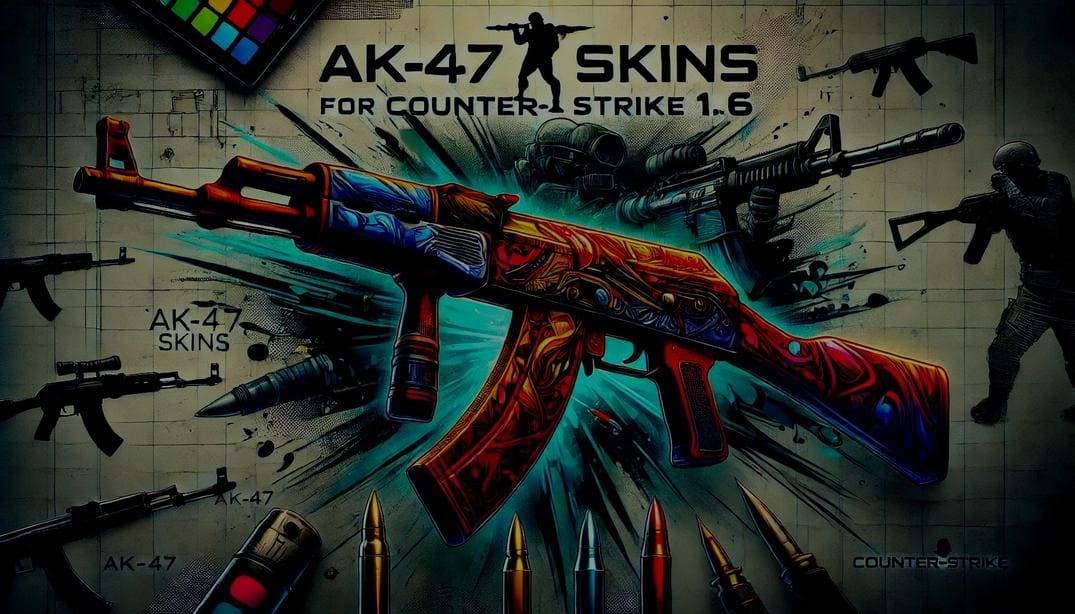
AK-47
AK-47 skins ranging from simple military-style reskins to bright custom designs.
open →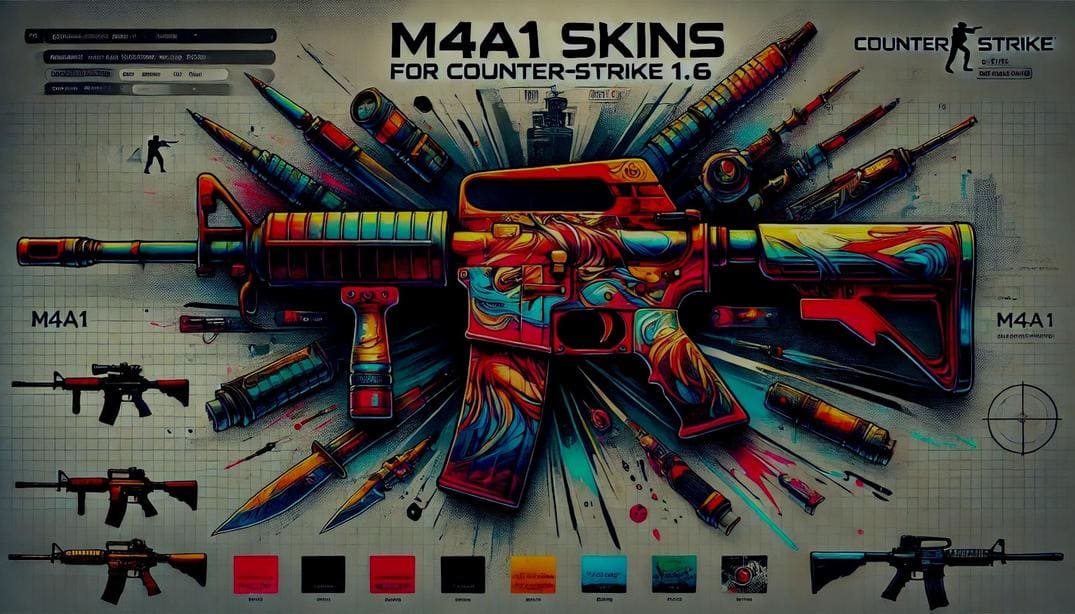
M4A1
M4A1 skins with classic and custom models, including silenced and unsilenced variants.
open →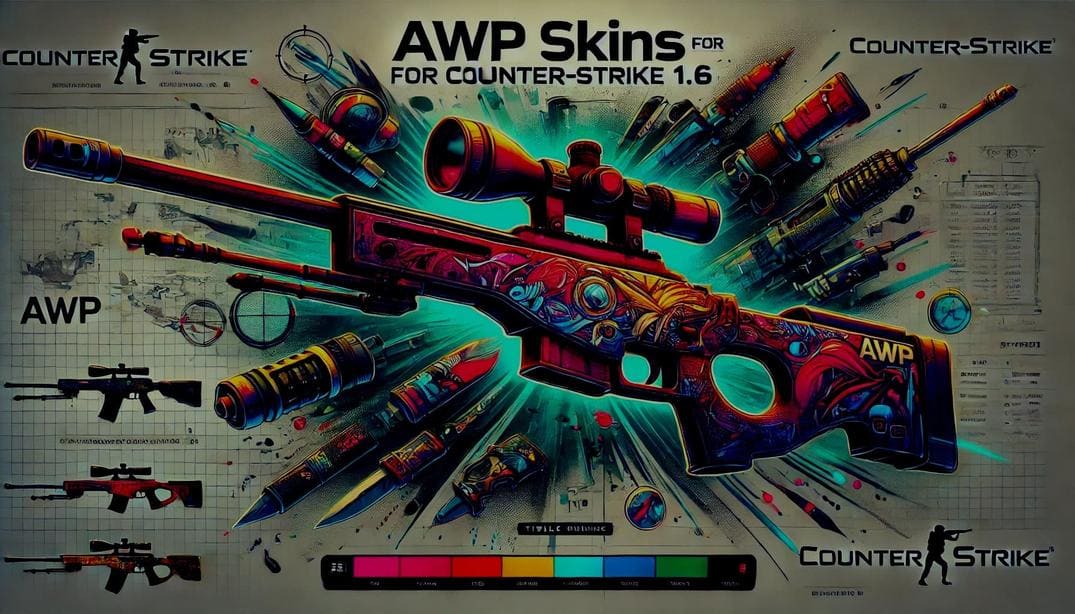
AWP
AWP skins from simple reskins to custom models. Some packs include a separate scope overlay.
open →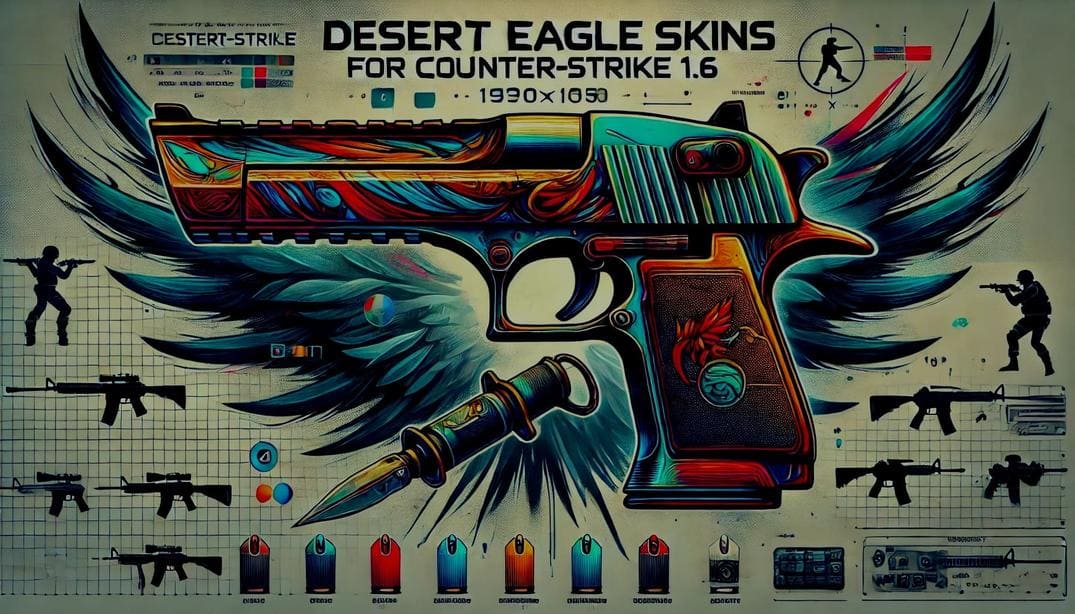
Desert Eagle
esert Eagle skins ranging from classic finishes to custom community-made models.
open →
Player Models
CT and T player model replacements, from classic reskins to completely custom models.
open →More CS 1.6 Resources
CS 1.6 skins, mods, tools, server configurations, and other useful resources.
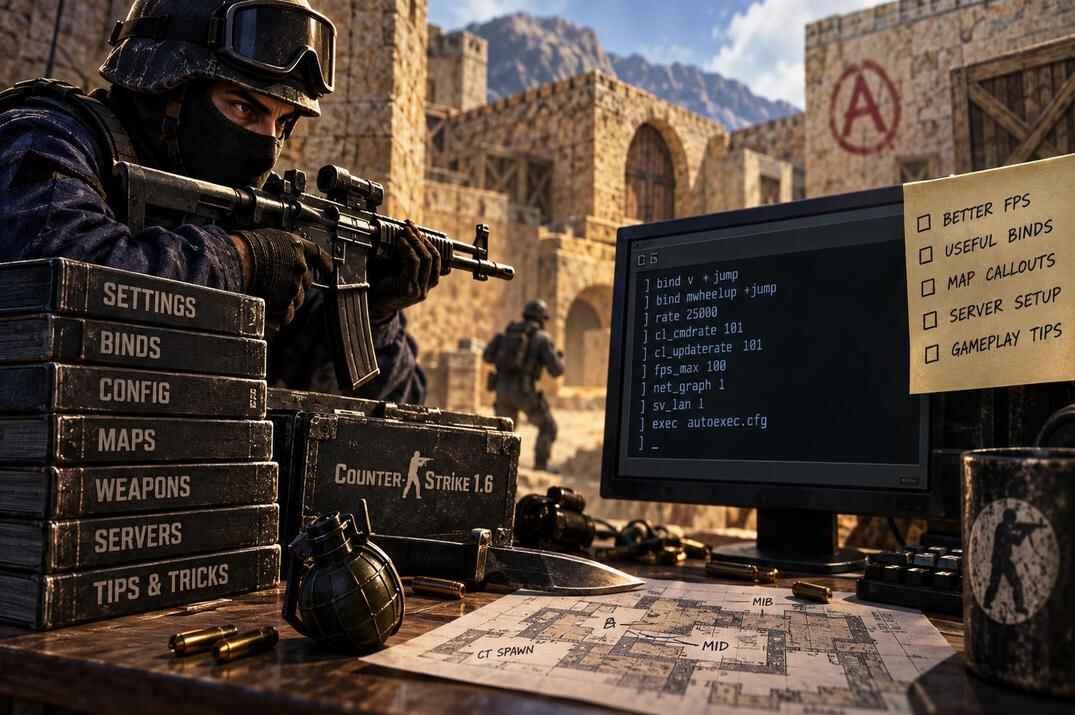
CS 1.6 Guides
Configs, rates, movement and the engine quirks behind them. The main guide section.
open →
Mods
Zombie, surf, jailbreak and other popular CS 1.6 mods and custom game modes.
open →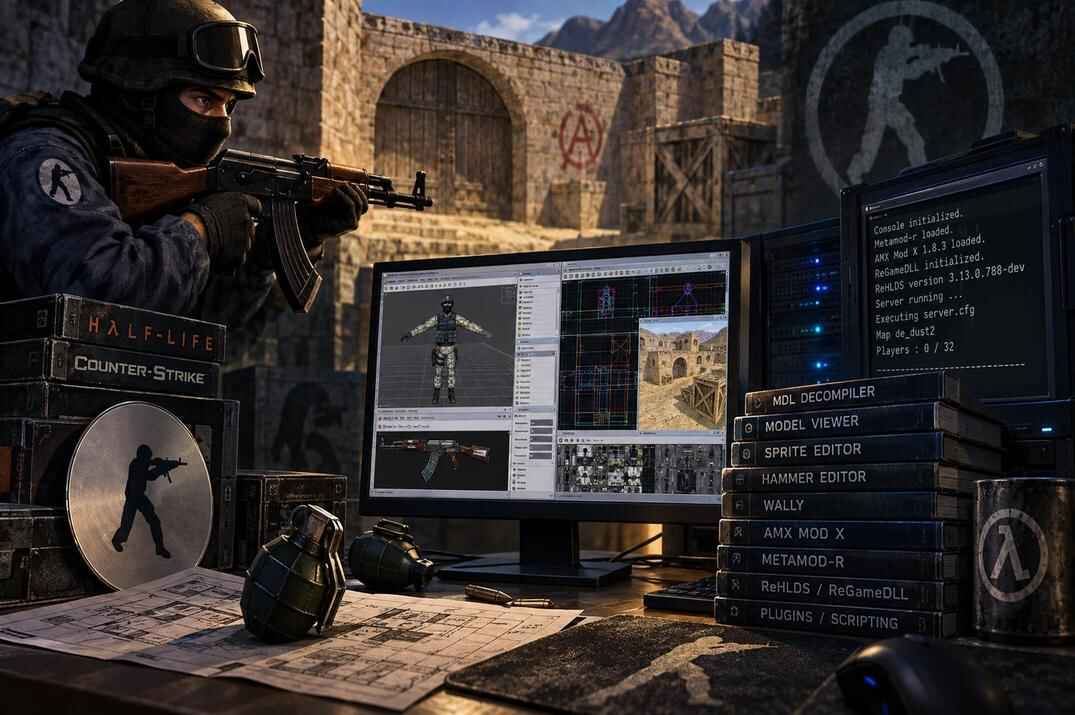
Tools
Utilities for configs, models, servers and other CS 1.6 tasks that still work on current Windows versions.
open →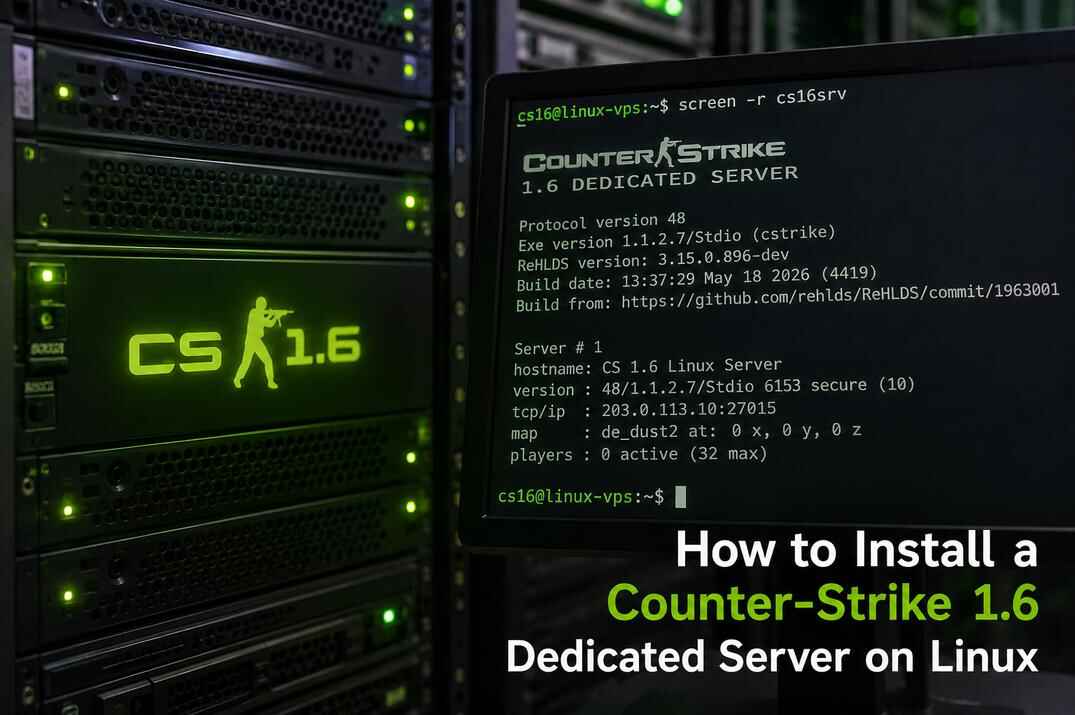
Dedicated Server on Linux
Set up a CS 1.6 dedicated server with SteamCMD, server configs and the required network ports.
open →
CS 1.6 F.A.Q.
Short answers to common questions about CS 1.6 settings, files, servers and gameplay.
open →
Back to CS 1.6 Hub
Return to the main CS 1.6 section for guides, skins, mods, tools and downloads.
open →