CS 1.6 ex_interp Settings: How Interpolation Works and Best Values
Why 0.01 is right on one server and wrong on the next, and how to find your value in five minutes
The console command ex_interp is one of those Counter-Strike 1.6 settings everyone copies from someone else's config without really knowing what it does. It controls interpolation - how your client smooths out the movement of other players between the updates it gets from the server. Set it wrong and enemy models start to jitter, teleport, or just don't line up with where the server thinks they are, which quietly ruins your hit registration.
Below: what ex_interp actually is, how it's tied to cl_updaterate, why 0, 0.01 and 0.1 behave so differently, and how to pick a value that matches the server you're actually on. There's a formula, a couple of tables, ready-to-paste rate presets, and a quick check with net_graph.
What Is Interpolation in CS 1.6?
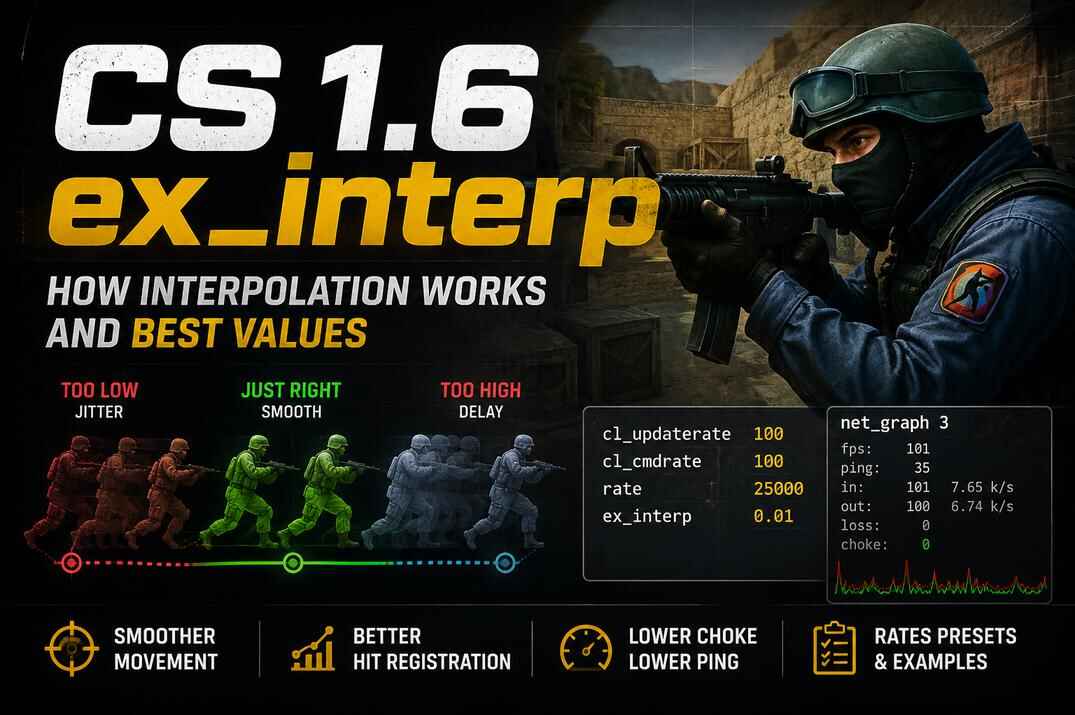
Interpolation is your client's way of smoothing out other players' movement between the updates it receives from the server. The server doesn't stream a continuous picture - it sends snapshots, a certain number per second. Between those snapshots your client has to guess where everyone is, and instead of guessing forward (which would be wrong a lot), it holds back slightly and draws the movement between two snapshots it already has. ex_interp sets how far back it holds - the size of that little buffer.
The key thing most people miss: ex_interp is a value in seconds, not some abstract number. ex_interp 0.1 means your client is showing enemies 100 milliseconds in the past. ex_interp 0.01 means 10 milliseconds. That's the whole reason the values feel so different - you're literally choosing how far behind the real action you want to see other players, in exchange for smoother movement.

When that buffer is set correctly, models glide smoothly and sit close to where the server has them. When it's too small for what the server can actually deliver, the client runs out of snapshots to interpolate between and starts to fill the gaps by jumping - that's the jitter and teleporting you see on enemy models. When it's too large, movement is buttery smooth but you're shooting at a position the enemy already left, and hits don't register the way you expect.
Interpolation doesn't work in isolation. It leans directly on your rates and the server's stability. A low ex_interp on a stable server that genuinely sends 100 updates per second is great. The same value on a packed or underpowered server that can't keep up will look worse than a higher one, because the snapshots simply aren't arriving fast enough to fill the buffer. That's why there's no single correct number - and why the rest of this guide is about matching interp to the server rather than chasing one magic value.
What Value Should ex_interp Be?
The formula: ex_interp = 1 / cl_updaterate - but treat it as a starting value, not the final answer for a given server. cl_updaterate is how many updates per second your client asks the server for, and its practical ceiling is 100. So at cl_updaterate 100 the matching interp is 1/100 = 0.01, which is the lowest value that makes sense.
There's a catch. Your cl_updaterate is capped by a server-side setting called sv_maxupdaterate. Plenty of admins running full 32/32 servers lower it to 60 (sometimes less) to ease the load on the CPU and network and keep things stable. You can ask for 100 all you want - if the server caps it at 60, you're getting 60, and your interp should follow that, not your config.
| cl_updaterate | ex_interp |
|---|---|
100 |
0.01 |
60 |
0.016 |
50 |
0.02 |
30 |
0.033 |
Best ex_interp Value in CS 1.6
Technically, 0.01 is the lowest possible value and the most accurate one - at cl_updaterate 100 on a stable server, it puts models as close to their real position as the game allows. But "most accurate" and "best" aren't the same thing.
The best value is the lowest one that stays smooth on the specific server you're playing on. On a clean, well-hosted server that's 0.01. On a busier or weaker one it might be 0.02, or 0.03, or higher - because below a certain point the models start to jitter and there's nothing your config can do about it. The server just isn't feeding enough snapshots. Chasing 0.01 everywhere gets you dragged-looking models more often than it gets you an aim advantage.
So my answer is - there's no single number. There's a method. Start at 0.01 and watch how enemy models move. If they jitter or teleport, bump interp up by 0.005-0.01 at a time until movement smooths out, then stop. That's your value for that server. It takes a couple of minutes and it's worth doing on any server you play regularly.

A quick real example. On a server I play a lot my ping sits around 35-40. If I set ex_interp 0 (auto), the game locks me to 0.09 - much higher than the formula suggests, because that server isn't sending as many updates as I'm asking for. Manually I run 0.03, because at 0.02 I already get jittery models. Same connection, same client config - the difference is entirely what that particular server can deliver. Your settings are half of it, the server is the other half.
A note on 100 vs 101/102. You'll see a lot of configs using cl_updaterate 101. The short history: Valve once dropped the max to 100, but almost everyone had 101 in their configs, so it silently reset them to 30 and flooded Steam support with complaints. Valve bumped the cap to 102 just to stop the flood. The value you actually want is 100 - it lines up cleanly with ex_interp 0.01, and unlike 101/102 it doesn't throw the interp math off by a hair. Use 100 and don't overthink it.
How to Check ex_interp with net_graph
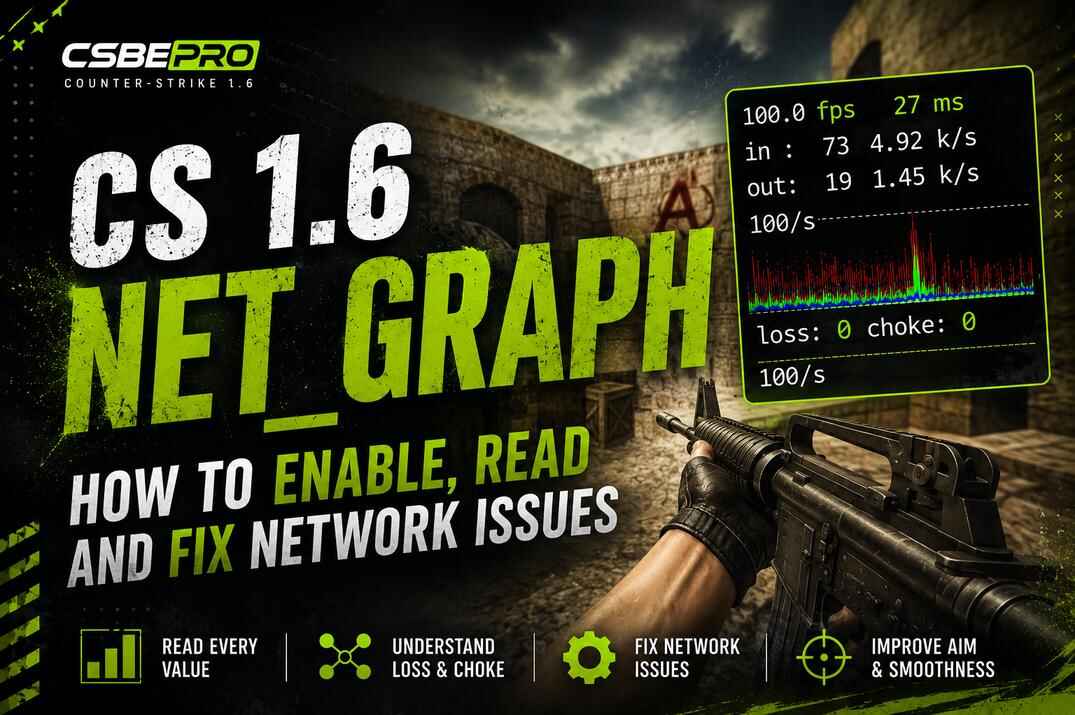
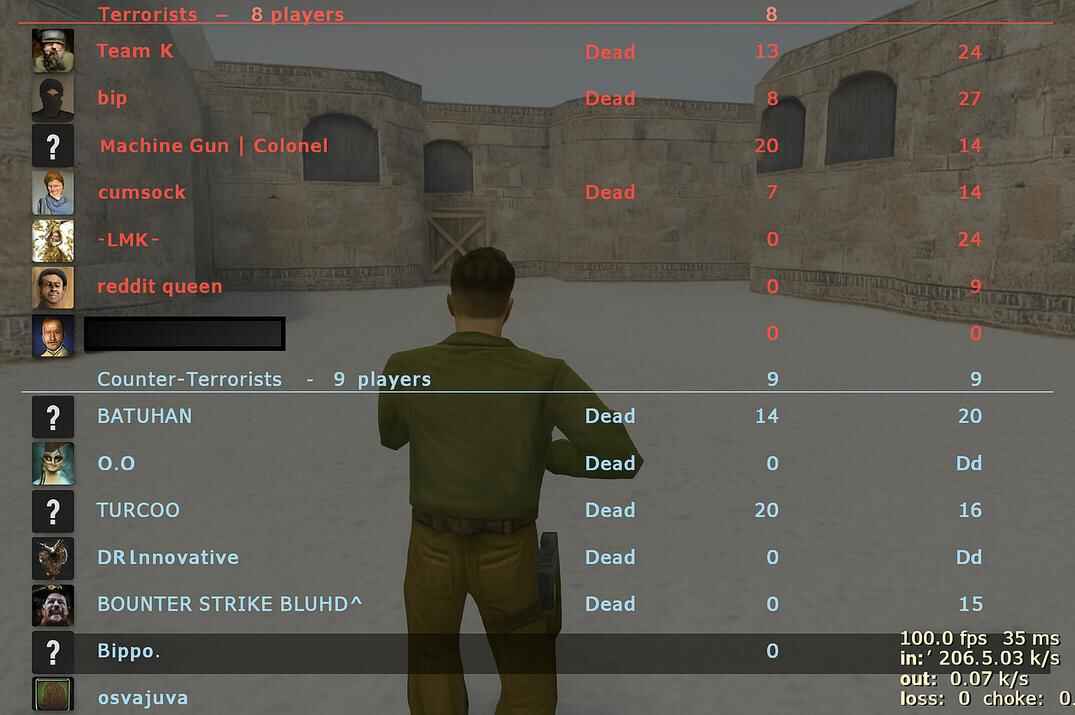
net_graph is the fastest way to see how your interp actually matches the server. Turn it on and read the line at the bottom of your screen (the full breakdown of every value is in the CS 1.6 net_graph guide).
- Type
net_graph 1in the console. - Set
cl_updaterate 100andex_interp 0.01. - Watch the graph and the models. A steady line means the server is keeping up. Lots of yellow/orange dots or a jumpy, uneven line means you're not getting enough updates for that interp - the setting is wrong for this server.
- If you see that, lower
cl_updateratein steps of 10 (or raiseex_interp) until the dots clear up and the line settles.

The yellow and orange dots are the tell. They mean the server isn't delivering the updates your interp is counting on - so instead of forcing 0.01, you back off until the graph goes calm. That calm line is what you're aiming for, not a specific number in your config.
ex_interp 0 vs 0.01 vs 0.1 - What's the Difference
The game picks the value for you based on your updaterate. The safe choice for most players, and you can check what it landed on in the console. The downside: it errs on the high side, so models can show up with a bit more visual delay than they strictly need.
On a stable server running cl_updaterate 100, the most accurate. The picture sits closest to where players really are. But if the server is shaky or quietly sending fewer updates than you asked for, this is exactly where models start to jitter and teleport.
The most smoothing. More forgiving on a weak connection or an unstable server - the trade is the most visual delay of the three, you're seeing enemies further in the past. Comfortable, but you pay for it in reaction time.
Understanding Choke in CS 1.6
Choke is the piece most interp guides skip, and it's the one that explains why a "perfect" 0.01 config still feels bad on some servers. Choke happens when the server can't send you as many updates as it's supposed to. You're asking for 100 a second, the server is willing to give 100 - but at that moment it physically can't, so it holds updates back. That held-back amount is choke, and you can see it in net_graph.

Here's where it bites. Picture a full server and the whole team rushing one spot - fifteen players shooting, throwing nades and moving all at once. The server suddenly has to process far more than usual, and for those few seconds it drops from 100 updates per second to maybe 50. Everyone in that fight gets worse registration at exactly the moment it matters most. Then people start dying, things calm down, the server catches back up to 100, and reg feels fine again. Nothing changed in your config - the server just couldn't keep up under load.
This is the reason low interp isn't a free win. ex_interp 0.01 assumes a steady stream of updates. When choke kicks in, that stream has gaps, and a tiny interp buffer has nothing to smooth over - so models jitter and teleport right when the action peaks. A slightly higher interp rides over those gaps and stays smooth. That's the actual trade-off on a busy server: not "accurate vs sloppy", but "sharp when the server is calm vs stable when it isn't".
How to Fix Choke in CS 1.6
The order of operations matters: check choke first, interp second. If net_graph shows steady choke on a server, no interp value will fully fix it - the fix is lowering your cl_updaterate to match what the server can really deliver (which also lowers your interp to suit), or accepting that packed public servers won't give you LAN-clean registration. Once choke is under control, then you fine-tune interp on top of it.
To read it, turn on net_graph 3 for the detailed readout. You'll see separate values for loss and choke, and it's good knowing which is which. Loss is packets lost in transit, usually somewhere on your own connection. Choke is the server holding updates back - the server's side, not yours, though a too-low rate in your config causes it too. Both should end up at 0. If choke climbs whenever the server fills up or a fight spikes, that's your signal the server can't sustain your updaterate - back it down until choke drops toward zero.
Conclusion
There's no single ex_interp value that's correct everywhere, and any guide that hands you one number is skipping the part that matters. ex_interp 0.01 is the lowest and most accurate value, and on a stable server that genuinely sends 100 updates a second, it's exactly what you want. On a weak or packed server it'll do the opposite - jittery, teleporting models and registration that feels off right when a fight kicks off.
The method beats the number every time. Start at ex_interp 0.01, watch how enemy models move, and check net_graph. If you see jitter, yellow/orange dots, or choke climbing under load, raise interp in small steps or lower your cl_updaterate until things settle. When movement is smooth and shooting feels consistent, you've found the right value for that server - and it might be different on the next one.
For most players a solid starting config is cl_updaterate 100, cl_cmdrate 100, rate 100000 and ex_interp 0.01. If the server can't keep up, don't force it - a slightly higher interp and smooth models will always beat a lower one that stutters. And remember choke comes first: no interp value fixes a server that can't feed you updates, so sort that out before you fine-tune anything else.