What CS2 Reports and Commendations Mean
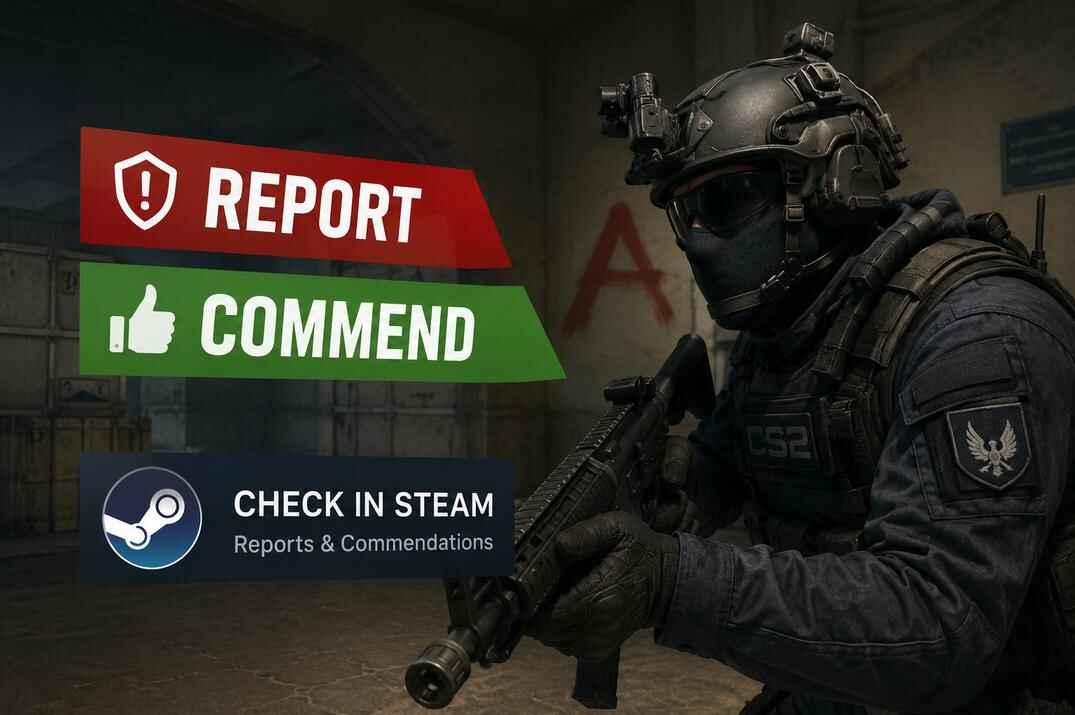
A report in CS2 is a formal complaint against a player who is breaking the rules. The system collects this data, reviews it, and uses it to act against cheaters and toxic players. Unlike a commend, a report is a negative mark - it may affect your Trust Factor and lead to different penalties. But a single report on its own is not a punishment, it's a signal for Valve's system. Depending on the type of violation, how many complaints came in, and other data, an account can get pulled into extra review or hit with a restriction.
Commendations (commends) in Counter-Strike 2 are the in-game positive feedback system. During a match you can commend teammates, or even a worthy opponent, in one or more categories:
- Friendly - for pleasant, positive communication.
- Teacher - for useful tips and actually helping you out.
- Leader - for solid calls and managing the team.

You can hand out all three at once. It's a simple way to say "thanks" for a good game. To stop people from farming it, commends are capped at three players per day.
CS2 Report Types and Possible Penalties
CS2 has four report categories. The category you pick helps the system understand the kind of violation, but the actual punishment doesn't come from which button you click - it comes from what gets confirmed.

Abusive Communications or Profile - insults in voice or text chat, an inappropriate name, an inappropriate avatar, voice spam, and other stuff tied to communication or the profile itself.
If these reports get confirmed or keep piling up, a player can first get a communication warning, then a communication penalty. That means limits on their comms: their messages and voice can be hidden or muted by default for other players.
Valve docs: CS2 Communication Penalties
- Wall Hacking - suspected use of wallhacks or other tools that reveal information through walls.
- Aim Hacking - suspected aimbot or other automated aiming assistance.
- Other Hacking - other cheats, third-party software, automation, tampering with the game, or methods that give a player an unfair advantage.
If it gets confirmed, the account can catch a CS2 Game Ban or a VAC ban. A CS2 Game Ban is permanent, can't be appealed, and won't be lifted through Steam Support. Valve also won't tell you the exact reason behind it. A VAC ban is permanent too and Steam Support won't remove it either - but if a VAC ban was issued by mistake, it gets lifted automatically.
Valve docs: CS2 - I've been game banned and Valve Anti-Cheat (VAC) System
I want to emphasize again: a single report doesn't punish anyone by itself. It's just a signal for the review system. Reports don't have a daily limit the way commends do, but that's not a reason to spam them. Send a complaint when there's a real reason to suspect a violation - not on every player who happens to be better than you.
How to Report or Commend a Player in CS2
You can report or commend a player right during the match. Both go through the scoreboard and the player's mini-profile.
How to Report a Player in CS2
- Press TAB (
+showscores) to open the scoreboard. - Find the player and right-click on their avatar or name.
- In the mini-profile that pops up, pick Report.
- In the dialog, check the reasons that fit and hit Submit.
Don't lean on the report system too hard. Valve doesn't share the exact formula behind report handling or Trust Factor, so it's better to report only when something real happened.

How to Commend a Player in CS2
Commending works almost the same way:
- Press TAB (
+showscores) to open the scoreboard. - Find the player and right-click on their avatar or name.
- In the mini-profile that pops up, pick Commend.
- Check the categories you want and hit Submit.
After that, the player can see a commend notification in the in-game chat.
How to Check CS2 Reports and Commendations in Steam
Steam keeps part of your personal CS2 game data, Reports and Commendations included. You can dig it up through your own Steam profile once you know where to look.
How to Report a Player in CS2
- Log in on steamcommunity.com and go to your profile.
- Open the Games tab in the profile menu.

Open steamcommunity.com, click your profile name, and select Games - Find Counter-Strike 2, open the My Game Stats menu, and pick the personal stats entry - something like Your_nick's Personal Game Data.
Select Counter-Strike 2, open My Game Stats, then choose your Personal Game Data - In the personal game data list, find the Commendations and Reports sections.
Open the Reports tab in CS2 Personal Game Data to view the information Steam provides for your account
The Commendations tab shows who commended you, when it happened, and the selected categories


There, you can see the available info on the commends and reports tied to your CS2 account.
The Commendations section shows you who commended you, when, and in which category. The Reports section shows whatever data Steam surfaces for your account as part of personal game data.
Names in these lists are usually clickable links to Steam profiles. Handy if you want to open a player's profile, add a teammate as a friend, or just check a bit more info.
Having entries under Reports doesn't mean you're being punished. A report isn't a ban or an automatic block - it's only a signal for the review system. If you play clean and don't break the rules, a report or two is nothing to panic about.
FAQ About CS2 Reports and Commendations

Can One Report Ban a CS2 Player?
No. One report does not automatically ban anyone. A report only sends information to the system. Action may happen only if Valve’s systems confirm a real violation.
Can I See Who Reported Me in CS2?
Steam only shows the report-related data available in Personal Game Data. It does not give you full moderation details, and it should not be treated as a complete report history.
Can I See Who Commended Me in CS2?
Yes, Steam Personal Game Data can show CS2 commendation information connected to your account. Open your Steam profile, go to Games, choose Counter-Strike 2, open My Game Stats, and then open Personal Game Data.
Do Commendations Improve Trust Factor?
Valve does not publish the exact Trust Factor formula. Commendations are positive feedback, but you should not treat them as a guaranteed Trust Factor boost
Should I Ask People to Commend Me?
You can ask politely, but do not spam chat and do not buy fake commends. Real commendations make more sense than artificial numbers.