How Quake Shaped the Movement in Counter-Strike 1.6

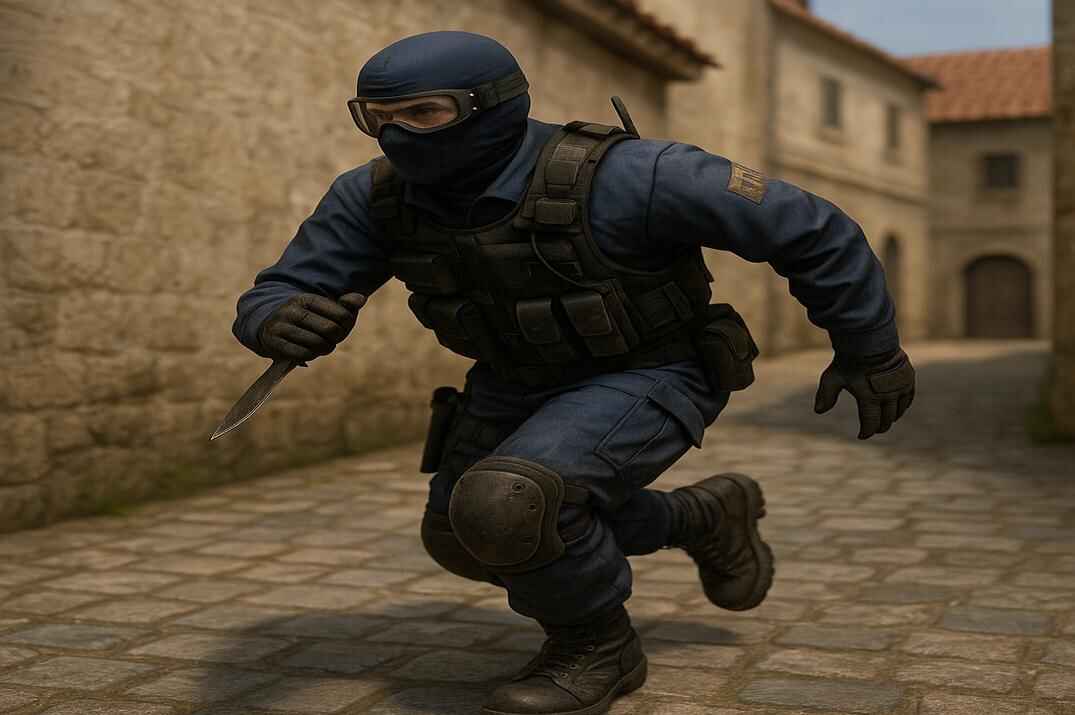
To understand why CS 1.6 has so many unusual movement tricks, you need to look at where the game originally came from. Counter-Strike wasn’t built on a brand-new engine - it inherited a lot from early Quake technology. Along with that foundation came physics quirks that Valve never designed as gameplay mechanics, but that still ended up shaping how the game feels.
In Quake, players accidentally discovered they could move faster than intended: combining jumps, strafes, and smooth mouse movement produced extra acceleration. What started as a mistake eventually grew into its own subculture built around speed, momentum, and movement mastery.
When Half-Life - and later Counter-Strike - evolved from this legacy, the GoldScr engine still carried traces of those old behaviors. Valve toned the physics down, made the pacing more grounded, but they couldn’t fully remove what was already baked into the system. That’s why CS 1.6 ended up with techniques that look like glitches but became standard parts of high-level play:
- small speed boosts from diagonal movement
- the ability to keep momentum after a jump
- quieter movement through rapid mini-crouches
- acceleration quirks on stairs and sloped surfaces
- slight speed gains from precise viewing angles and strafing
Players discovered these things on their own, experimented, and slowly turned them into practical techniques. That’s how things like Fast Run, Long Jump, Double Duck, and similar movement tricks took shape.
This blend of grounded physics and leftover Quake behavior is what gave CS 1.6 its unique movement identity - something hidden beneath the surface, rewarding those who learn how to make it work in their favor.
Fast Running Methods in Counter-Strike 1.6
In Counter-Strike 1.6, movement speed is measured in units/per second. A unit is a virtual measurement created by id Software back in the ’90s - think of it as a "game - world centimeter". It doesn’t map perfectly to real-world centimeters; it’s simply the scale the GoldSrc engine uses. Here are a few quick reference points that help make sense of it:
- A player model is 72 units tall when standing and 36 units tall when crouching. The hitbox height doesn’t match the visual model exactly - it’s just the engine’s collision size.
- Most doorways are around 48–64 units wide. That’s also the rough size of most standard chokepoints.
-
Running at
250 unitsper second means you cover250 unitsin one second - roughly the real-life equivalent of3to3.5meters per second. - There’s no exact conversion from units to centimeters, but in GoldSrc scale, 1 unit usually feels like somewhere between 1.3 and 1.9 cm depending on the map.
The techniques below aren’t hard, but they do require practice. Don’t tilt if you don’t get them right away - train on offline maps or on movement servers, and before long you’ll be flying across CS 1.6 maps like Speedy Gonzales🏎😁️.
Weapon in Hand Speed
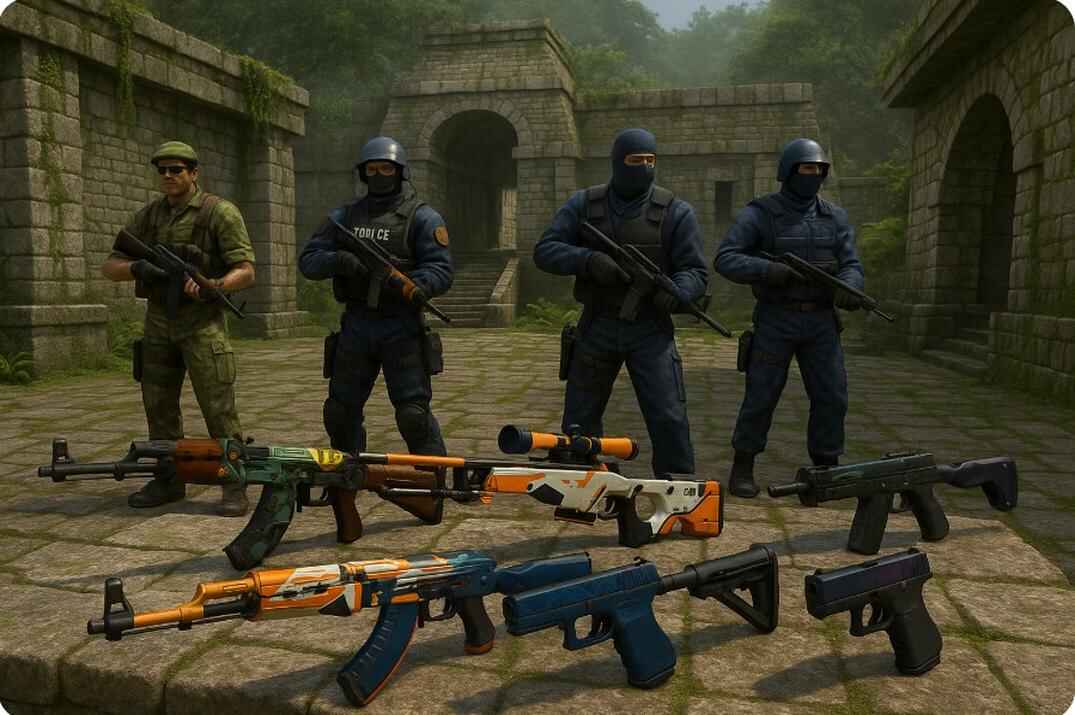
To understand fast movement, you first need to understand the pace the game expects from you. Every weapon in CS 1.6 has a built-in base movement speed. The standard maximum is 250 units per second. The table below shows how fast you move with each weapon while running normally (W held).
| Weapon | Speed (units/sec) (percent) |
|---|---|
| Scout (SSG 08) | 260 u/s (104%) |
| Knife | 250 u/s (100%) |
| Pistols | 250 u/s (100%) |
| Grenades (HE/Flash/Smoke) | 250 u/s (100%) |
| TMP | 250 u/s (100%) |
| MAC-10 | 250 u/s (100%) |
| MP5 | 250 u/s (100%) |
| UMP45 | 250 u/s (100%) |
| P90 | 245 u/s (98%) |
| Famas | 240 u/s (96%) |
| Galil | 240 u/s (96%) |
| XM1014 (Benelli) | 240 u/s (96%) |
| SIG-552 | 235 u/s (94%) |
| Benelli M3 | 230 u/s (92%) |
| M4A1 | 230 u/s (92%) |
| AK-47 | 221 u/s (88%) |
| M249 | 220 u/s (87%) |
| Krieg 552 / Bullpup | 235 (200) u/s (94%) |
| D3/AU-1 / Krieg 550 | 210 (150) u/s (84%) |
| AWP | 210 (150) u/s (84%) |
Many players - especially beginners, but even experienced ones - die for two classic reasons: reloading at the wrong time, or running around with a knife. In both cases, your odds of surviving an unexpected duel drop dramatically.
Despite what old-school public servers from the early 2000s claimed (and the myth still survives today), the knife is not faster than pistols. Knife, pistols, grenades, and some SMGs all share the same top running speed: 250 units/s. That means running with a knife isn’t a "speed strategy" - it’s an unnecessary gamble. If you run into an enemy, you’ll often be dead before you can even switch weapons.
The knife only makes sense when you’re 100% sure there’s no danger ahead, when you’re trolling for fun, or when you’re in a knife duel.
The Scout is the only true "speed weapon". in CS 1.6. It lets you move at 260 units/s, which is noticeably faster than pistols or the knife. It’s a strong mobility rifle, but it’s not a guaranteed kill weapon - it demands accuracy:
- Head: 299 / 254
- Chest & Arms: 74 / 63
- Stomach: 93 / 79
- Legs: 56 / 56
So, if you want maximum speed without unnecessary risk, stick with your pistol by default - or pull out the Scout on maps and in situations where its role makes sense.
Mouse Strafe Running

This technique is all about using smooth mouse movement to gain a small but reliable speed boost. Start running with W, build up to full speed, and instead of looking straight ahead, tilt your view slightly - about 20–25 degrees to one side, then sweep about 40–50 degrees the other way, and return again. Keep this movement gentle and rhythmic, and add small corrective strafes so you stay on a straight path.


The mechanic feels almost like skating or skiing: controlled left–right motion that keeps momentum flowing. It’s a simple technique, but when done correctly it consistently adds +5 to +10 units of extra speed. It won’t turn you into a rocket, but over a full sprint it’s enough to reach an angle half a step earlier - and that’s often all you need to win a duel.
Unfortunately, CS 1.6 doesn’t include any built-in speedometer, so you’ll need a server with a movement plugin if you want to track your speed. You can use my server:
64.176.220.151:27015The speed readout is color-coded for convenience:
- Red -
260 u/sor more - Blue -
251 u/sor more - Green -
250 u/sor below
Angled Strafe Running

Running forward and sideways at the same time takes advantage of how the GoldSrc engine combines movement vectors. Because the engine doesn’t perfectly normalize those vectors, diagonal movement gives you a small but noticeable speed boost compared to running straight.
Before you start moving, angle your view roughly 25–30 degrees left or right from where you want to go. Begin running with W, and quickly tap the appropriate strafe key - D if you turned left, A if you turned right. These taps should be brief and rhythmic; they’re just enough to keep your path straight while the engine thinks you’re technically moving diagonally.


When the timing is right, you can gain up to +15 units of extra speed without visibly drifting off course. If your rhythm breaks, you’ll start zig-zagging and lose the speed advantage.
Used properly, this trick lets you catch up to opponents, beat them to key map positions, rotate faster, or escape immediately after a frag before the trade comes in.
Wheel Duck and Double Duck
Many guides recommend binding your mouse wheel to duck and scrolling while you move. It does produce quieter movement, but it’s not true Double Duck. The mouse wheel simply spams +duck commands, creating a choppy step sound. Without syncing it with your main crouch key, you’re just doing duck-spam - footsteps become softer, but you don’t get the precise double-crouch timing.

Real Double Duck is a tightly timed double crouch, executed in fractions of a second. When your hitbox rapidly drops twice, the footstep sound breaks and your movement becomes almost silent without losing any speed. The brief height change also creates a tiny "hitbox jol", which can help you micro-peek and make tracking your model slightly harder for an opponent. The goal of DD isn’t speed - it’s silence and subtle movement.
Here’s a simple Double Duck script tuned for fps_max 100:
alias "w" "wait"
alias "w3" "w; w; w"
alias "+dd" "+duck; wait; -duck; w3; +duck"
alias "-dd" "w; -duck"
bind "f" "+dd"
The script above performs a proper Double Duck as long as you hold the F key.
But here’s the important part: this is only an example. Every player’s timing feels slightly different depending on their FPS stability, hardware, and even personal rhythm. If the crouch sequence doesn’t "clic". for you right away, don’t panic - Double Duck is extremely sensitive to timing, and the wait command behaves differently at different frame rates.
That’s why many players briefly adjust fps_max to make the timing easier to feel. For example, dropping to fps_max 80 can make the sequence smoother and more predictable. Once it feels right, you can switch back to fps_max 100 and keep the same script - the timing will stay consistent as long as your FPS is stable. Experiment with it, trust your own feel, and tweak until the movement becomes natural.
The alternate version that temporarily adjusts your FPS for smoother timing:
alias "w" "wait"
alias "w3" "w; w; w"
alias "+dd" "fps_max 80; +duck; wait; -duck; w3; +duck"
alias "-dd" "w; -duck; fps_max 100"
bind "f" "+dd"
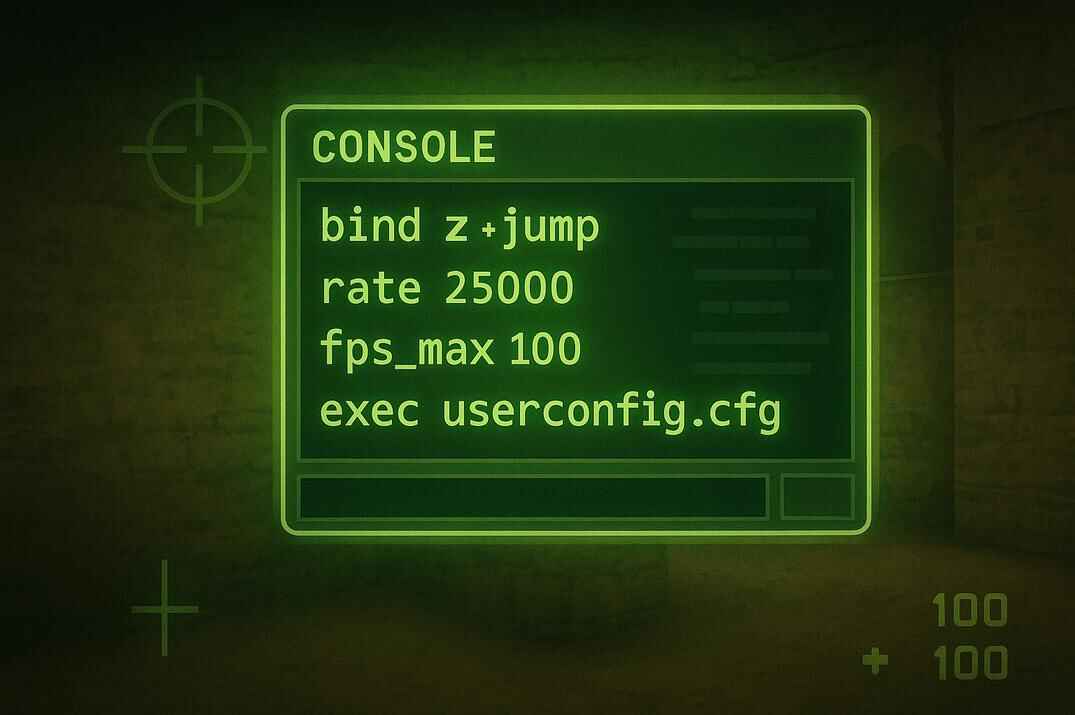
Add the script to userconfig.cfg or a separate config file so it loads automatically.
If you want to understand scripting on a deeper level - how wait actually works, why different FPS values change timing, how aliases chain together, and how CS 1.6 processes commands - I’ve covered all of this in greater detail in my other guides. These will help you not only fine-tune Double Duck, but also build your own movement scripts, optimize your config, and squeeze more performance out of the engine:
- Scripting in Counter-Strike 1.6: Alias, Bind, Wait
- Counter-Strike 1.6 Config Guide - Commands and Optimization
- How to Increase FPS in Counter-Strike 1.6
- Counter-Strike 1.6 Useful Scripts: Complete Guide
These guides break everything down step by step, so even if you're new to scripting, you’ll understand exactly what’s happening under the hood.
Faster Movement on Ladders
Strafing techniques also work beautifully on ladders, giving you a significant boost while climbing up or sliding down.


To climb faster, turn your character sideways so your left shoulder faces the ladder, look upward, and hold W + A (or W + D if the ladder is on your right). The same logic applies to descending: use S + A or S + D depending on which side you’re facing.
Common Mistakes and Myths About Speed in CS 1.6

- Knife makes you run faster. It doesn’t. Switching from a pistol to a knife gives you zero speed advantage in CS 1.6. What it does give you is a much higher chance of dying the moment you run into an armed opponent. Unless you’re trolling or absolutely sure the path ahead is safe, running with a knife is just unnecessary risk.
- Double Duck increases movement speed. No - Double Duck doesn’t make you run faster, even if the timing is perfect. It can break your footstep sounds, shift your hitbox slightly, and make your movement harder to track, but it doesn’t give you any speed bonus. Silence and micro-movement - yes. Acceleration - no.
- Jumping while running makes you move faster. Only if you’re bunnyhopping correctly. Random jumping actually slows you down and makes you easier to predict. Without proper bhop timing, every jump kills your momentum.
-
Straight-line running is optimal. Not always. Moving diagonally (
W+AorW+D) is often slightly faster because the GoldSrc engine combines movement vectors imperfectly. This is especially useful when navigating around corners or obstacles. - Bunnyhop is useless on public servers. Wrong. Even with low air acceleration, a few clean hops help you preserve momentum and make your movement harder for enemies to track. You won’t hit KZ-level speeds, but the advantage is still there - and noticeable.
F.A.Q.

What makes the Scout faster than every other weapon?
The Scout simply has the highest assigned movement speed (260 units/sec) in the game.
Does running with a knife make you faster in CS 1.6?
No. Knife, pistols, grenades, and several SMGs all share the same top running speed (250 u/s). Running with a knife is only "faste". in old myths, not in the game code.
Can Double Duck increase my movement speed?
No. Double Duck doesn’t make you run faster - it only reduces footstep noise and creates a brief hitbox shift that can help with micro-peeks.
Why do diagonal movements (W+A or W+D) feel faster?
Because the GoldSrc engine combines movement vectors imperfectly. Diagonal running gives you a small natural speed boost compared to running straight.
Is bunnyhopping useful on standard public servers?
Yes. Even with low air acceleration, a few clean hops help you preserve momentum and make your movement harder to track. You won’t hit KZ speeds, but the advantage is real.
Why do some players tilt their view slightly while running?
This is part of Mouse Strafe Running - small, controlled view angles combined with gentle strafing help maintain extra speed during long sprints.
Can I see my movement speed in the default CS 1.6 client?
No. The game has no built-in speedometer. You need a server with a movement plugin or a mod that displays your current speed.