CS2 Reaction Test: How Fast Do You React?
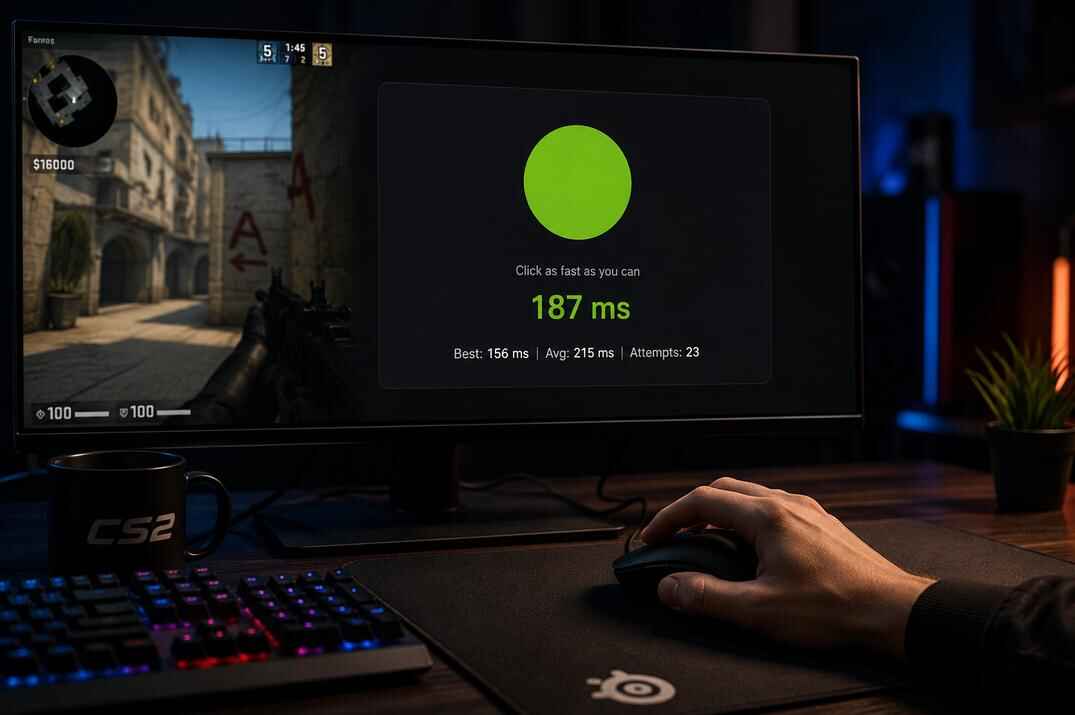
This CS2 reaction test measures the time between the visual signal and your click, in milliseconds. It is not an aim trainer and it does not prove how good you are at Counter-Strike 2. It simply gives you a quick reaction time score, plus your best result, average result, and total attempts.
The test is also about attention, not only speed. In False Start mode, some signals are the wrong color, so clicking too early can hurt your final result.
Run it a few times, and you will get a more honest baseline than from one lucky click. And yes, it can be fun too.
CS2 Reaction Time Tester
Wait for the signal, click as fast as you can, and see your reaction time in milliseconds. The tool saves your last result, best result, average time, and total attempts.
Each attempt updates your last reaction time, best time, average time, and attempt count. You can play one round at a time, run a five-click streak, or try False Start mode where clicking the wrong signal adds a penalty.
It is a small browser tool for checking your reflexes and comparing scores on the leaderboard. Nothing more complicated than that.
Start the CS2 Reaction Test
How to Use the CS2 Reaction Test
Choose a mode, pick a signal color, then click the test area to start.
Classic is one round at a time. Wait for the signal, click, and see your reaction time.
Streak x5 runs five rounds in a row. Your average across all five attempts is the score that matters here.
False Start is harder. Some signals are the wrong color. If you click the wrong one, a penalty is added to your average. This mode is less about one fast click and more about reading the signal correctly.
You can use Green, Red, Blue, or Random signal color. Random is better if you do not want to know exactly what is coming next.
What Is a Good Reaction Time in CS2?
Reaction time tests are not perfect. Your monitor, mouse, browser, FPS, and current focus can all affect the result. Still, the numbers are useful as a rough baseline.
- Under 200 ms - Very fast. This is a rare result for most players.
- 200-250 ms - Great. Fast enough to feel sharp in simple visual reaction tests.
- 250-300 ms - Good. A normal and solid range for many players.
- 300-400 ms - Average. Not terrible, but there is room to improve consistency.
- Above 400 ms - Usually a sign that you are distracted, tired, not warmed up, or clicked late.